
Login with Google on an iPhone (Local Metro server + Dev Build) - Part 3/7: Add the Clerk API Key
Published: (January 10, 2026 at 03:01 PM EST)
1 min read
Source: Dev.to
Source: Dev.to
Clerk API Key
Now we will find the Clerk API Key and add it to our env.ts file:
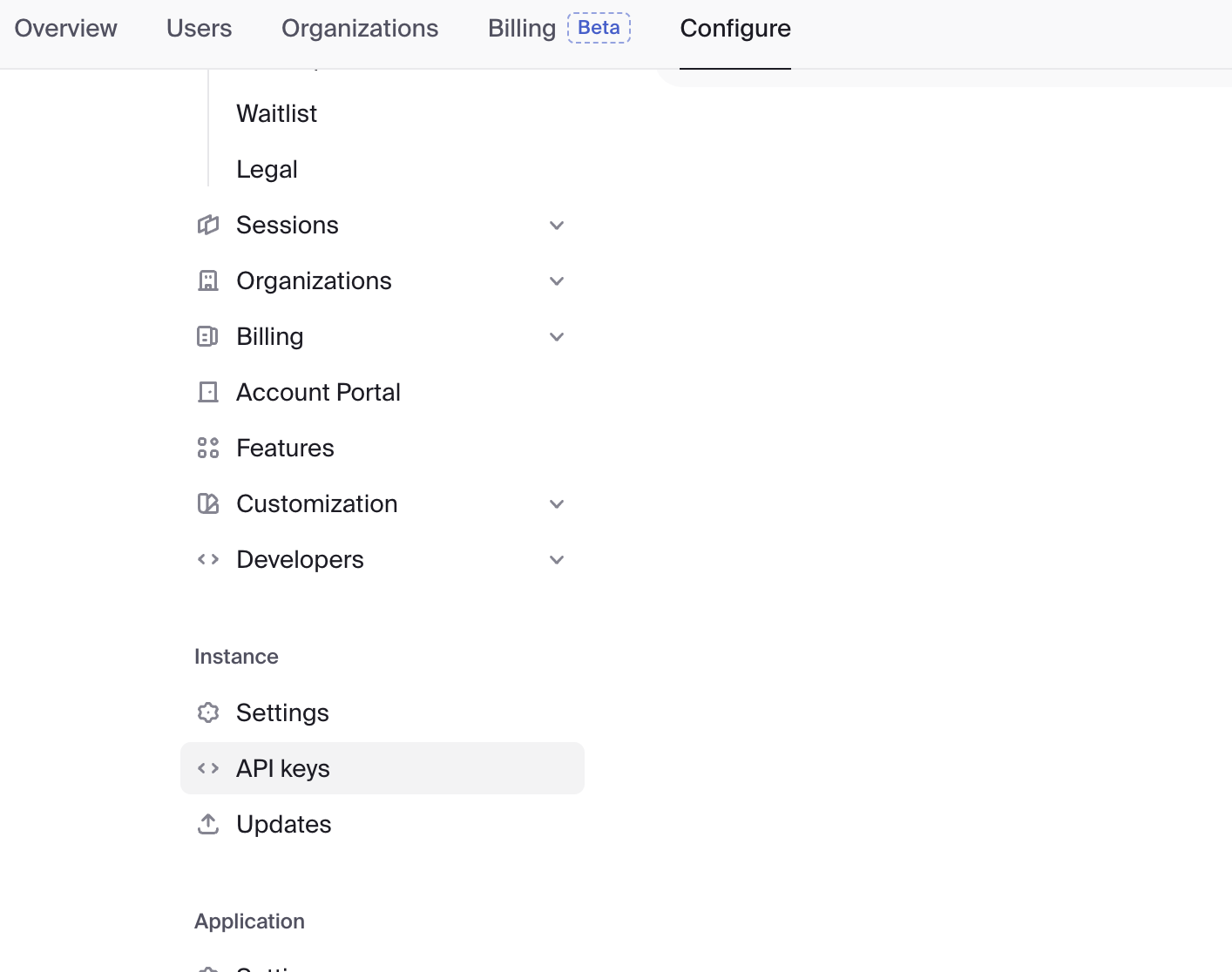
Configure → API Keys
Find “Expo” and copy it.
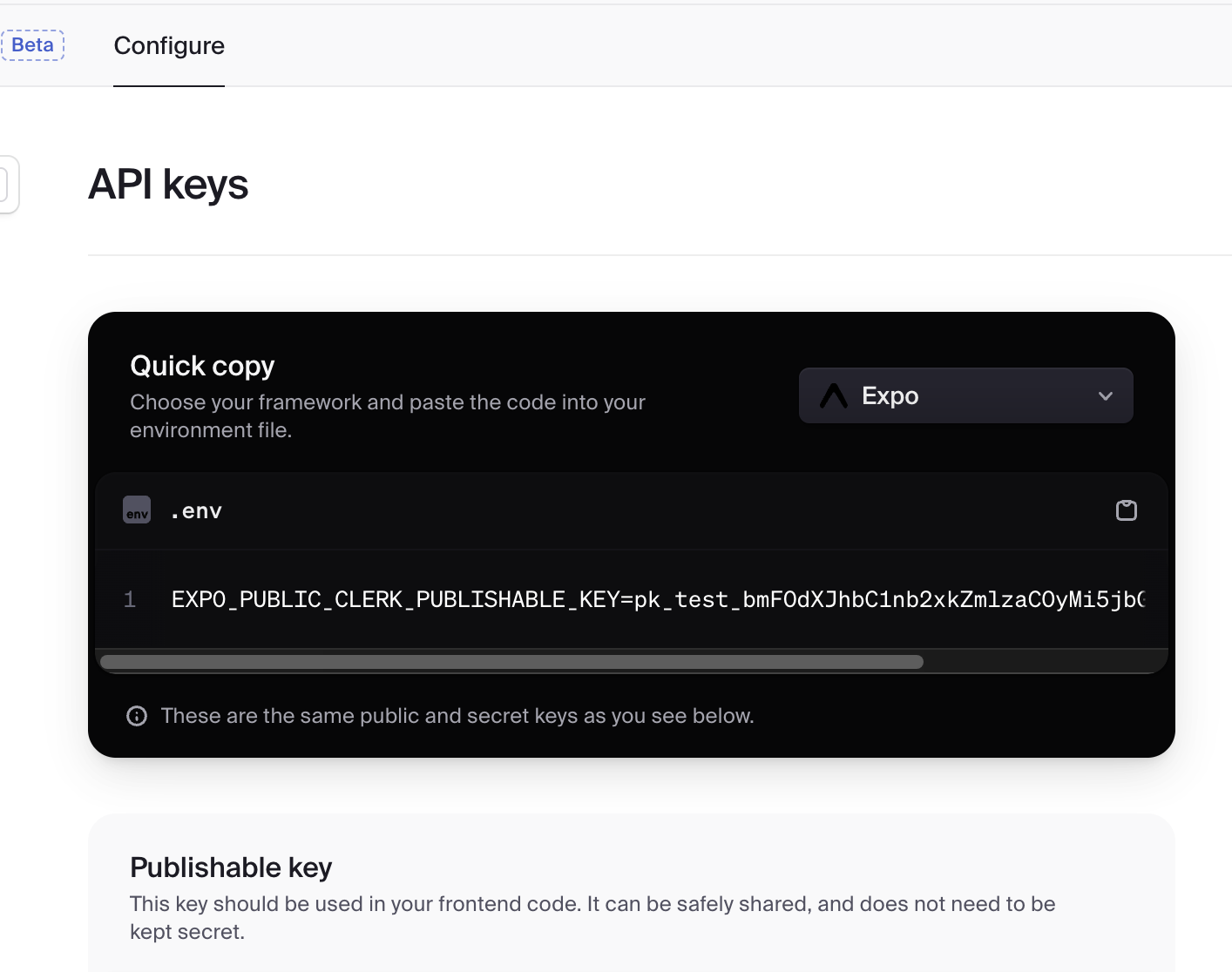
Paste it into env.ts:
export const EXPO_PUBLIC_CLERK_PUBLISHABLE_KEY = [your key here] as const;Summary of Parts 1‑3
- Connected our app with Clerk (via API Key)
- Configured the Redirect URL to forward login results (see Part 2)
- Ensured the Redirect URL scheme matches the
schemeinapp.json(see Part 2)
Next: we will configure the Google Cloud Console.