
iPadOS 26.5 has convenient upgrade when using Magic Keyboard, more
Source: 9to5Mac
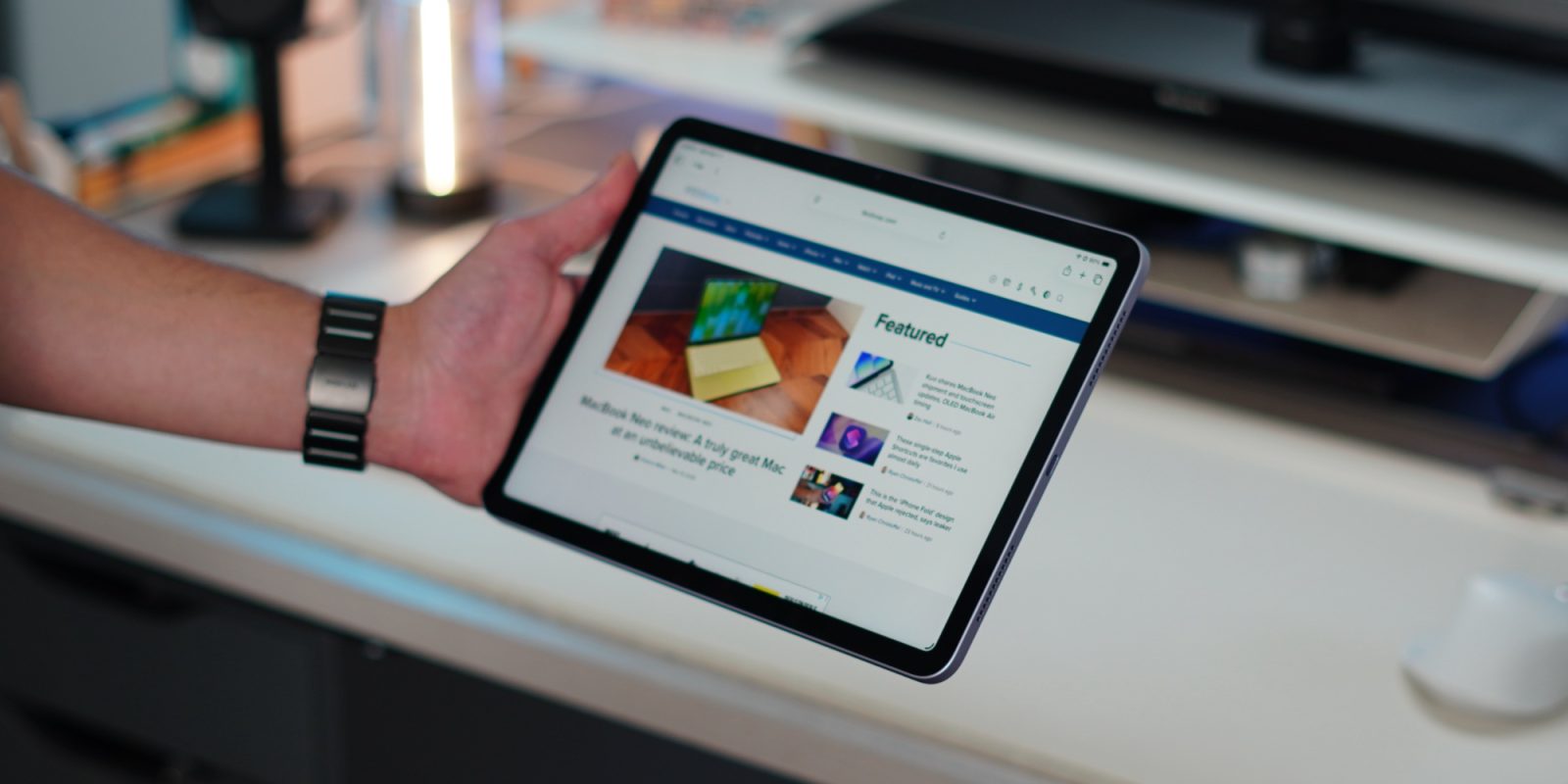
iOS and iPadOS 26.5 launched earlier this month, and one of their under‑the‑radar improvements involves using a Mac accessory—Magic Keyboard, Magic Trackpad, or Magic Mouse—with your iPhone or iPad. Here are the details.
Connecting iPad or iPhone to ‘Magic’ accessory with USB‑C now initiates Bluetooth pairing, too
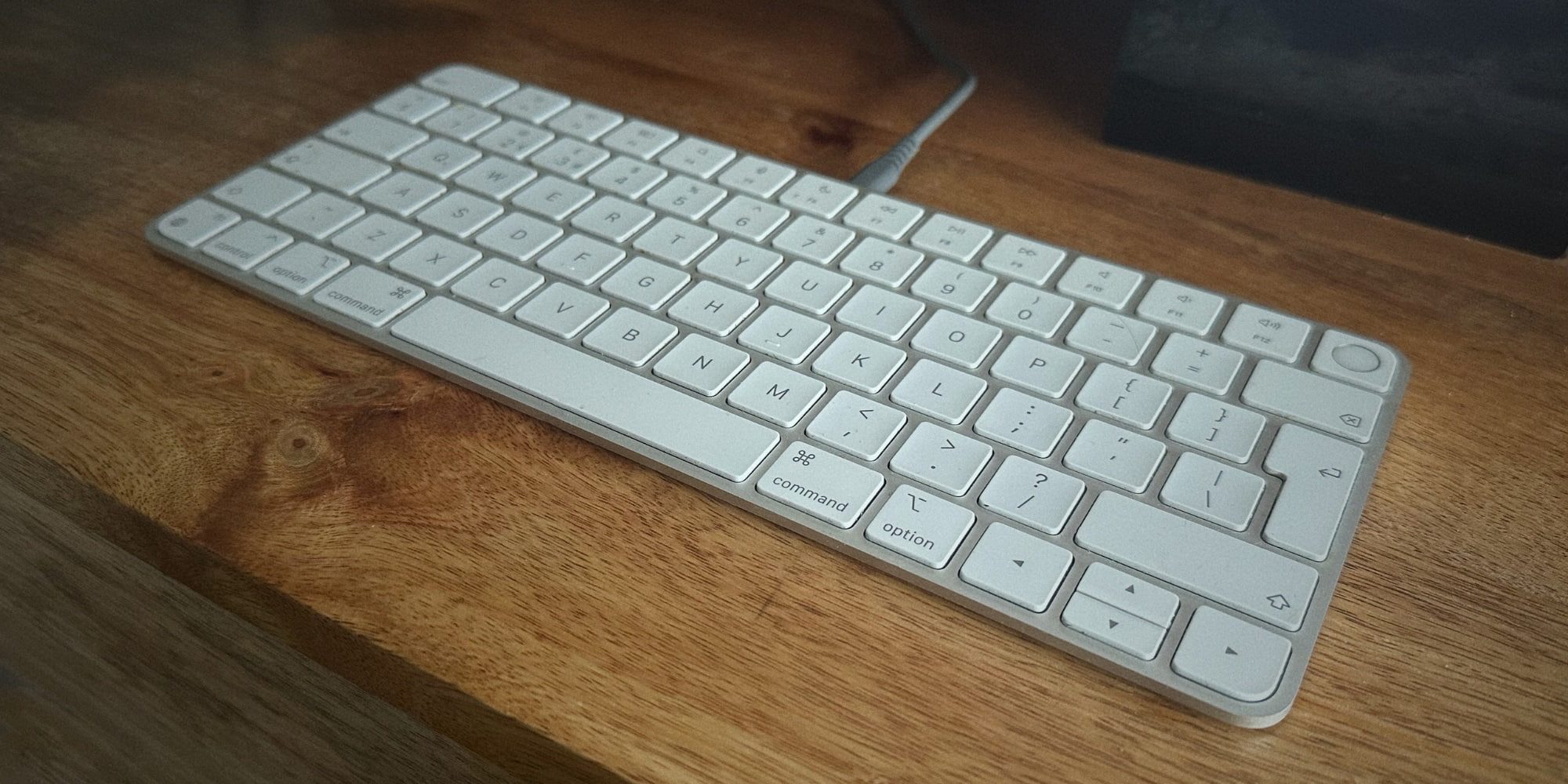
If you ever need to connect your iPhone or iPad to one of Apple’s first‑party Mac accessories with the ‘Magic’ branding, there’s a convenient improvement that arrived with iOS and iPadOS 26.5.
Both devices already supported connecting a Magic Keyboard, Magic Trackpad, or Magic Mouse via USB‑C to establish an immediate connection. Historically, after you unplugged your accessory, the iPhone or iPad would no longer retain any ongoing connection at all.
With iOS and iPadOS 26.5, Bluetooth pairing is automatically established after you make the USB‑C connection, so the device and accessory stay paired even after unplugging the cable.
New in iOS 26.5 b1: Magic accessory Bluetooth pairing via USB.
When you plug in a Magic accessory to your iPhone or iPad, it will automatically connect to your device via Bluetooth when unplugged.
— Aaron Perris, March 30 2026
Tweet
As his post says, this behavior mirrors what happens on a Mac: a wired USB‑C connection automatically creates a Bluetooth connection that persists after unplugging.
I suspect not many iPhone users regularly connect a Magic Keyboard or Magic Trackpad via USB‑C, but on the iPad side this change could be a much bigger deal. It might also create confusion if a user prefers that their Magic Keyboard stays paired with their Mac but iPadOS 26.5 hijacks that connection.
Best iPad accessories
- AirPods Pro 3
- 100 W USB‑C fast‑charging power adapter
- tomtoc Tablet sleeve bag for protection and style
- Baseus 10‑ft USB‑C cable for extended reach
- Apple Pencil Pro
FTC: We use income‑earning auto affiliate links. More.