
iOS 26’s Wallet app has long-awaited order tracking fix, here’s how to use it
Source: 9to5Mac
How to enable Apple Wallet order tracking, powered by AI in iOS 26
Order tracking is an Apple Wallet feature that never really delivered on its promise—that is, not until iOS 26.
The feature launched years ago with the goal of making Wallet a one‑stop hub for tracking all online orders. But third‑party vendors didn’t get on board, and as a result, to many users the feature essentially didn’t exist.
iOS 26 fixed that.
Thanks to Apple Intelligence, Apple found a way to bypass the need to partner with online retailers. Instead, it can now gather the latest info on your orders directly from your email via on‑device AI.
To get started:
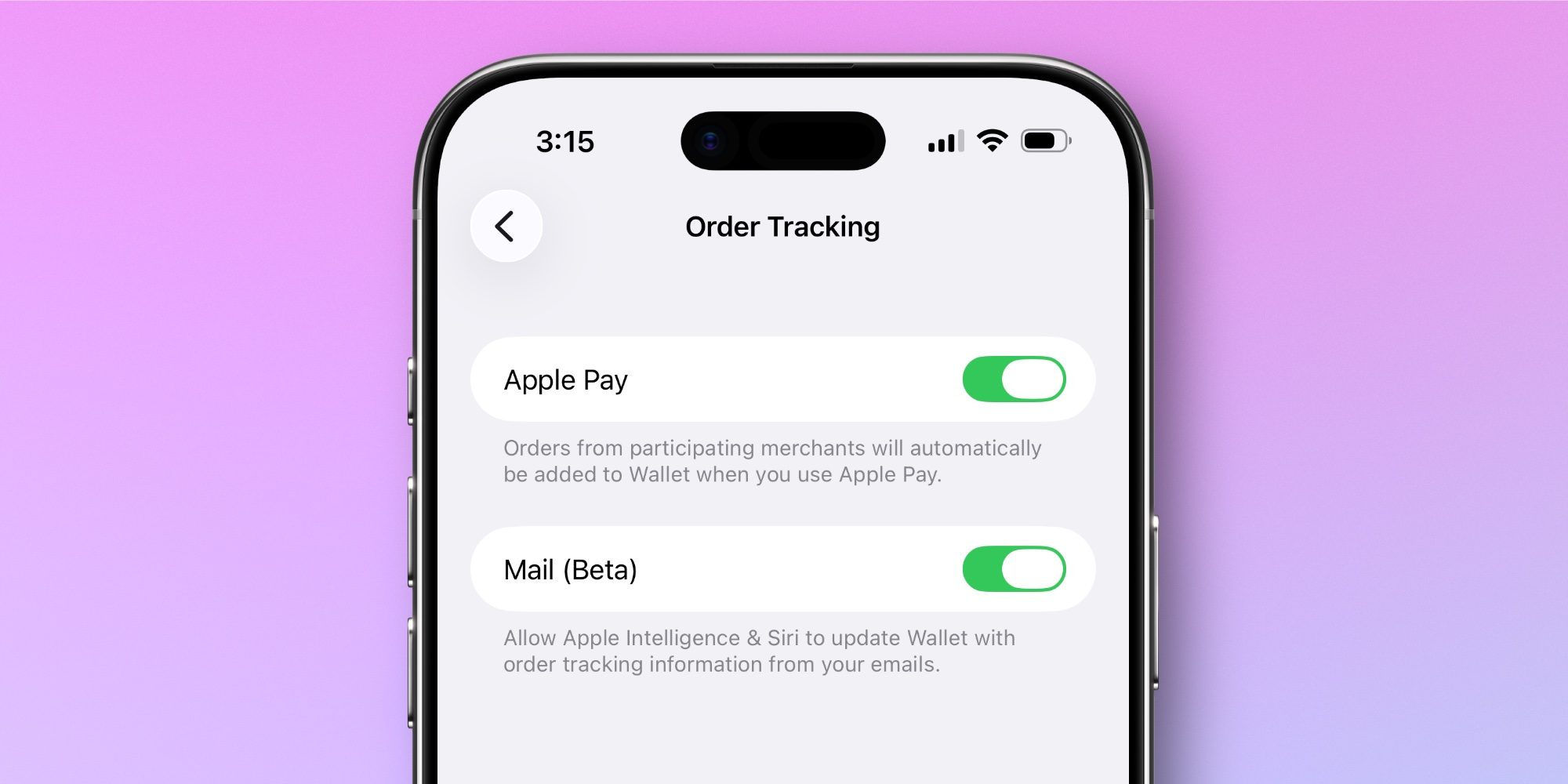
- Open Settings → Wallet & Apple Pay → Order Tracking.
- Turn on the Mail (Beta) toggle.
- Ensure Apple Intelligence is activated on your device.
- Make sure your email account is set up in Apple Mail.
When you receive an email containing an order, tap the Track button at the top of Apple’s Mail app. You may see a security prompt—tap Allow.
Once set up, Apple Wallet order tracking will automatically import emails containing orders into the Wallet app for you.
Finding your orders inside the Wallet app
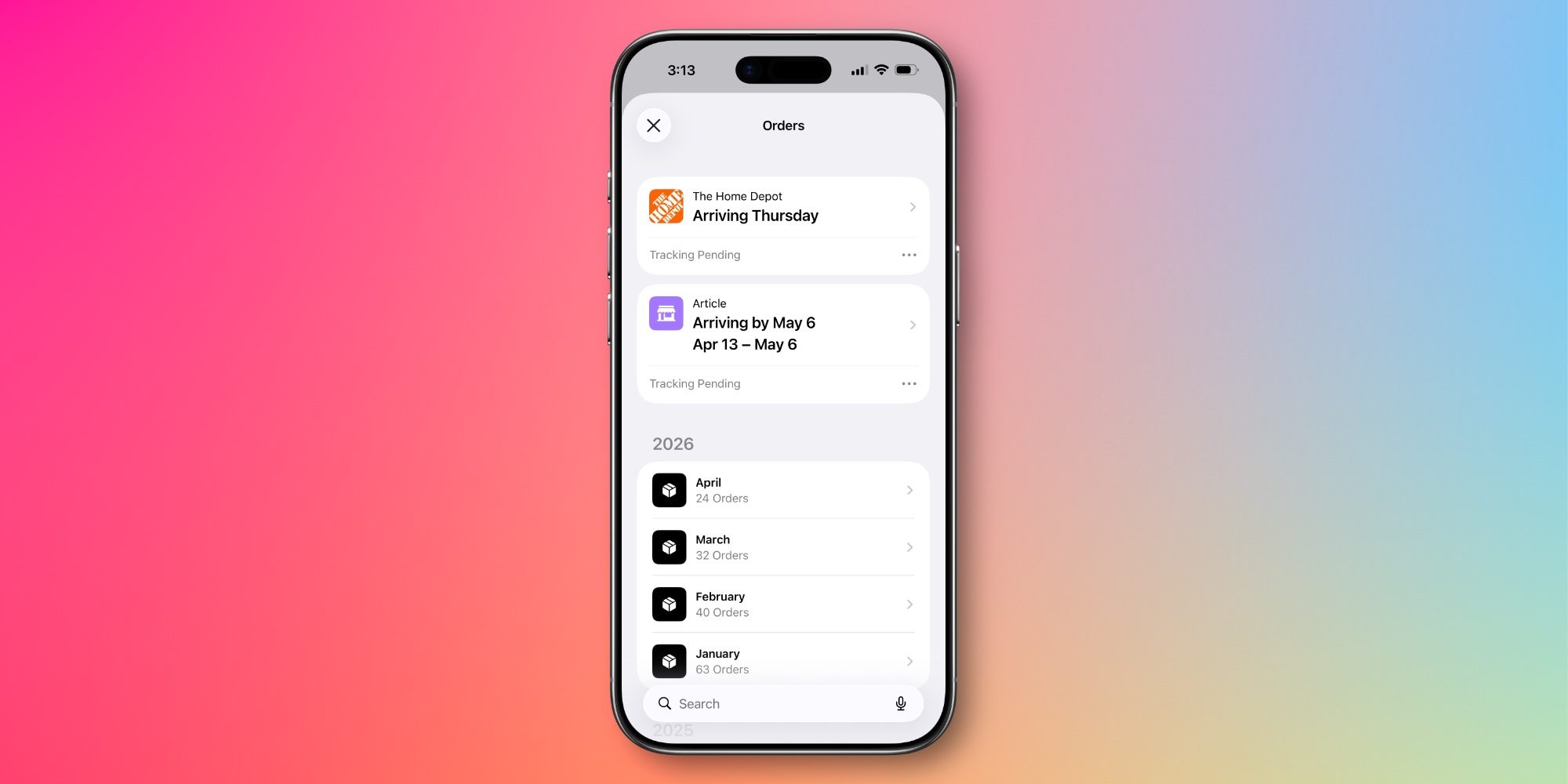
You can find all orders inside Wallet by tapping the three‑dot icon in the app’s top‑right corner then selecting Orders.
This view shows:
- Upcoming orders
- A history of previous orders you can browse
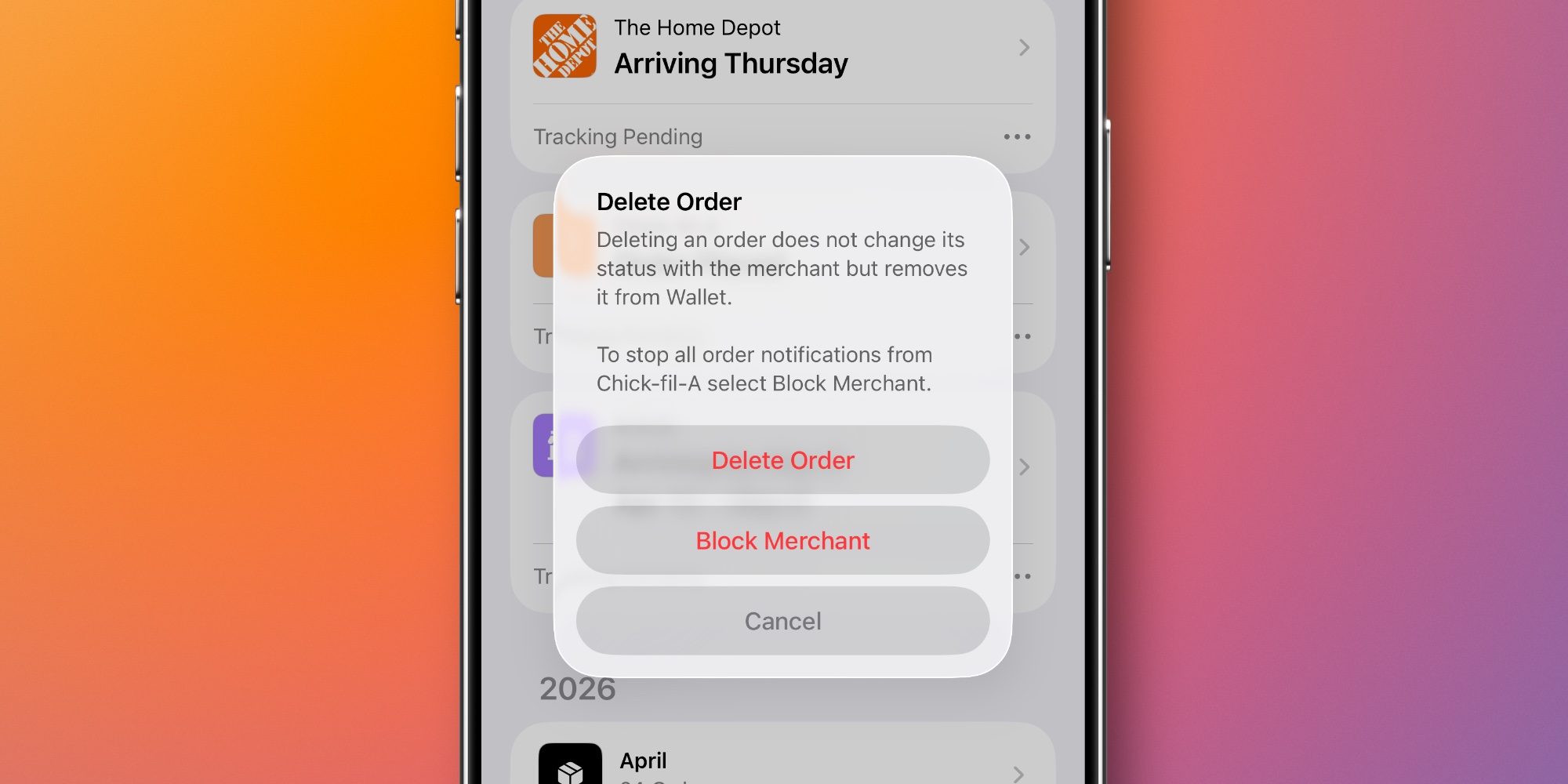
If you encounter a vendor that doesn’t belong (for example, restaurant mobile orders), you can delete the order and optionally block that merchant.
Why I love using Wallet for order tracking
- All my orders appear in one place.
- I can turn off notifications from other apps that might spam me while still receiving Wallet alerts.
- The UI makes it easy to navigate to other recent orders from the same vendor.
For more on what’s new and coming soon to Apple Wallet, check out this recent post.
How has order tracking in Apple Wallet been working for you in iOS 26? Let us know in the comments.