
iOS 26.4 moves App Store updates, here’s how to open them fast
Source: 9to5Mac
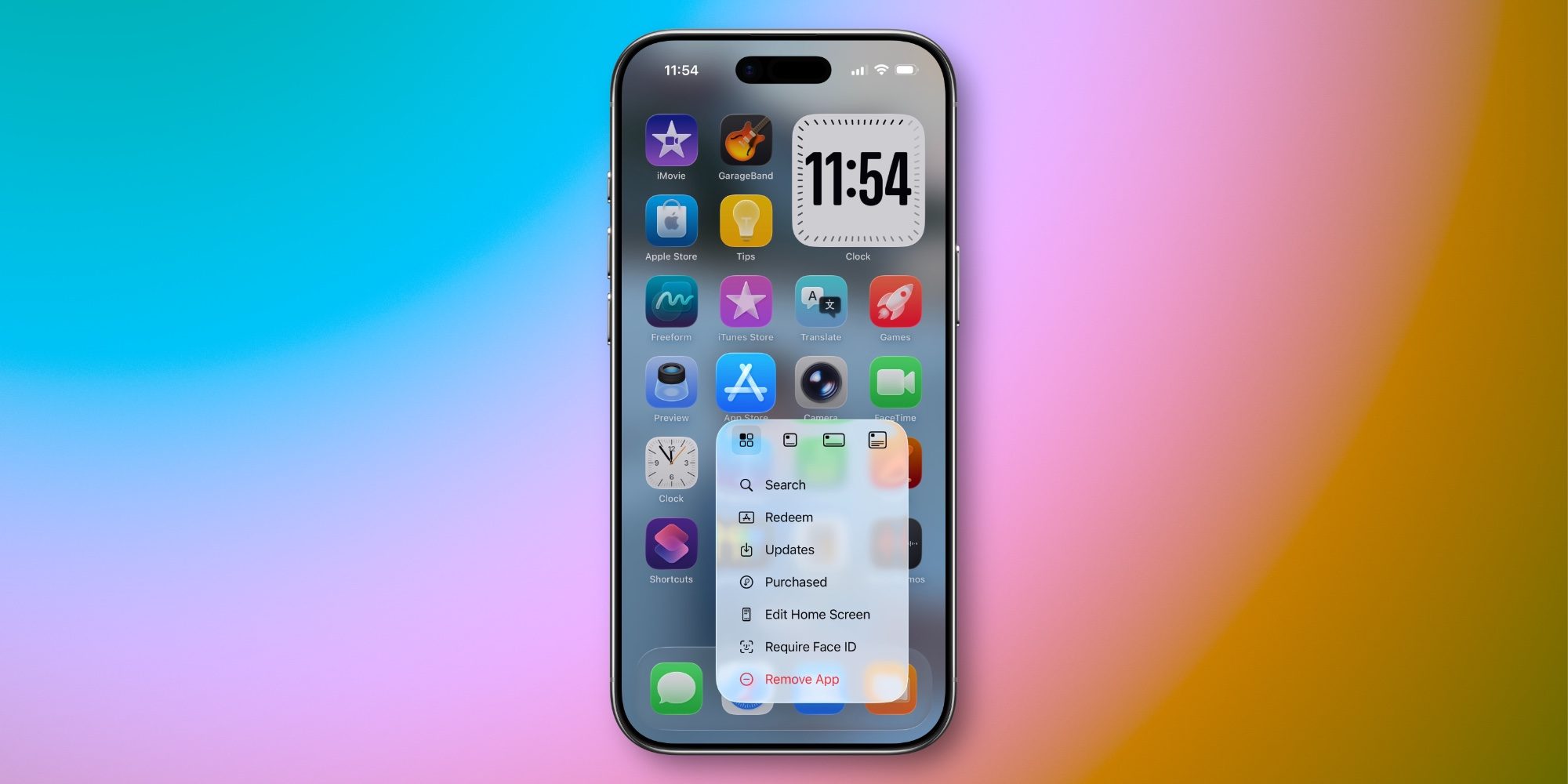
iOS 26.4 made some changes to where app updates are located in the App Store. But there’s a shortcut available to find them just as quickly as before.
Home Screen offers shortcut to launch into App Store’s ‘Updates’ screen
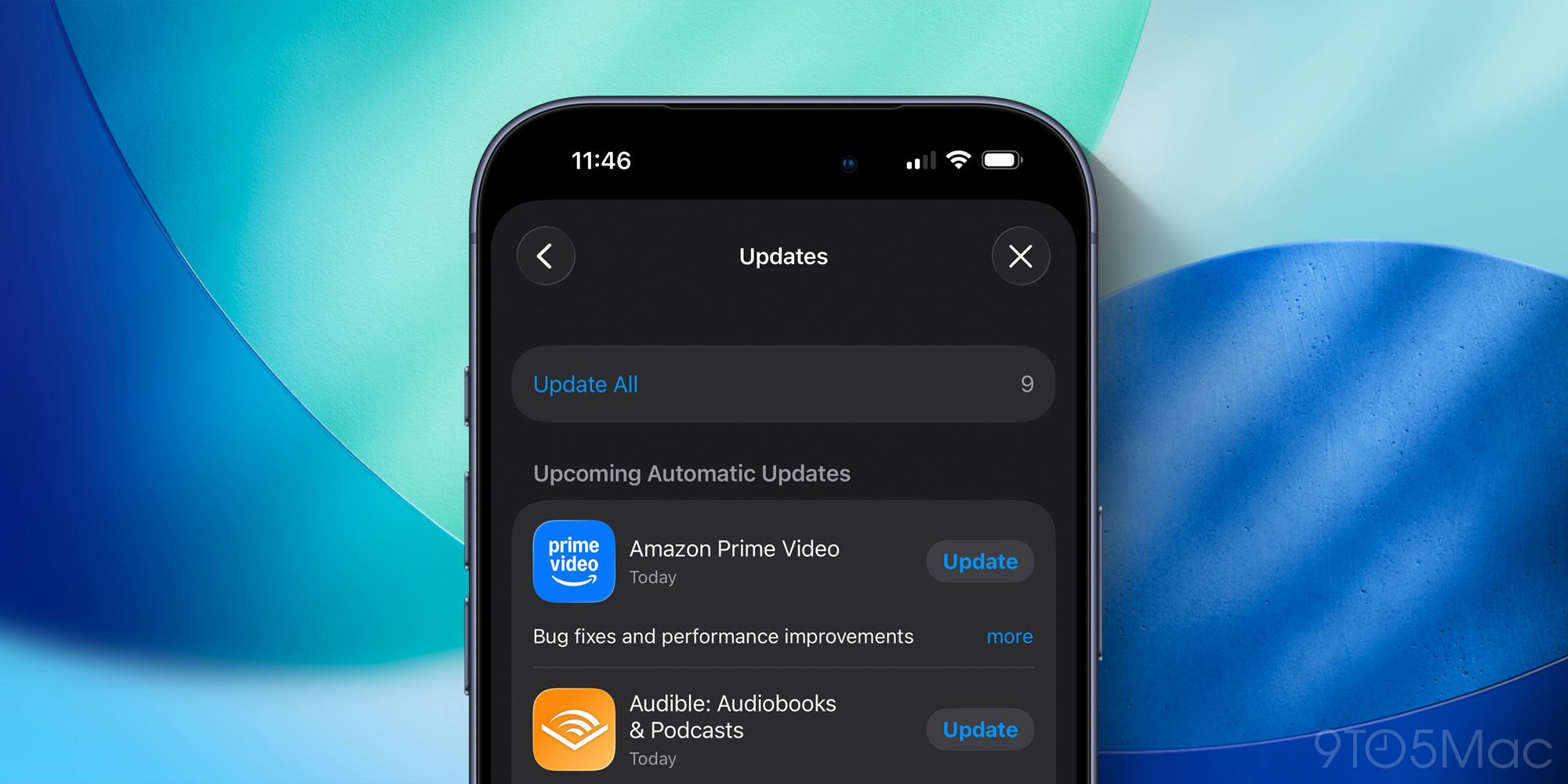
Most iPhone users probably never bother checking the details on app updates inside the App Store.
But if you’re like me, and perusing the latest updates is a regular habit, iOS 26.4 made a change you might not appreciate.
In previous versions of iOS 26, you could view a list of new app updates by opening the App Store and tapping your profile image in the top‑right.
Now in iOS 26.4, you still go to the same place, but there’s one extra step: tapping the new Updates menu option.
One more tap isn’t a huge deal, but if you check on app updates often, it can certainly be annoying.
There’s a shortcut iOS has long supported—and still does—for getting to the Updates screen as fast as ever.
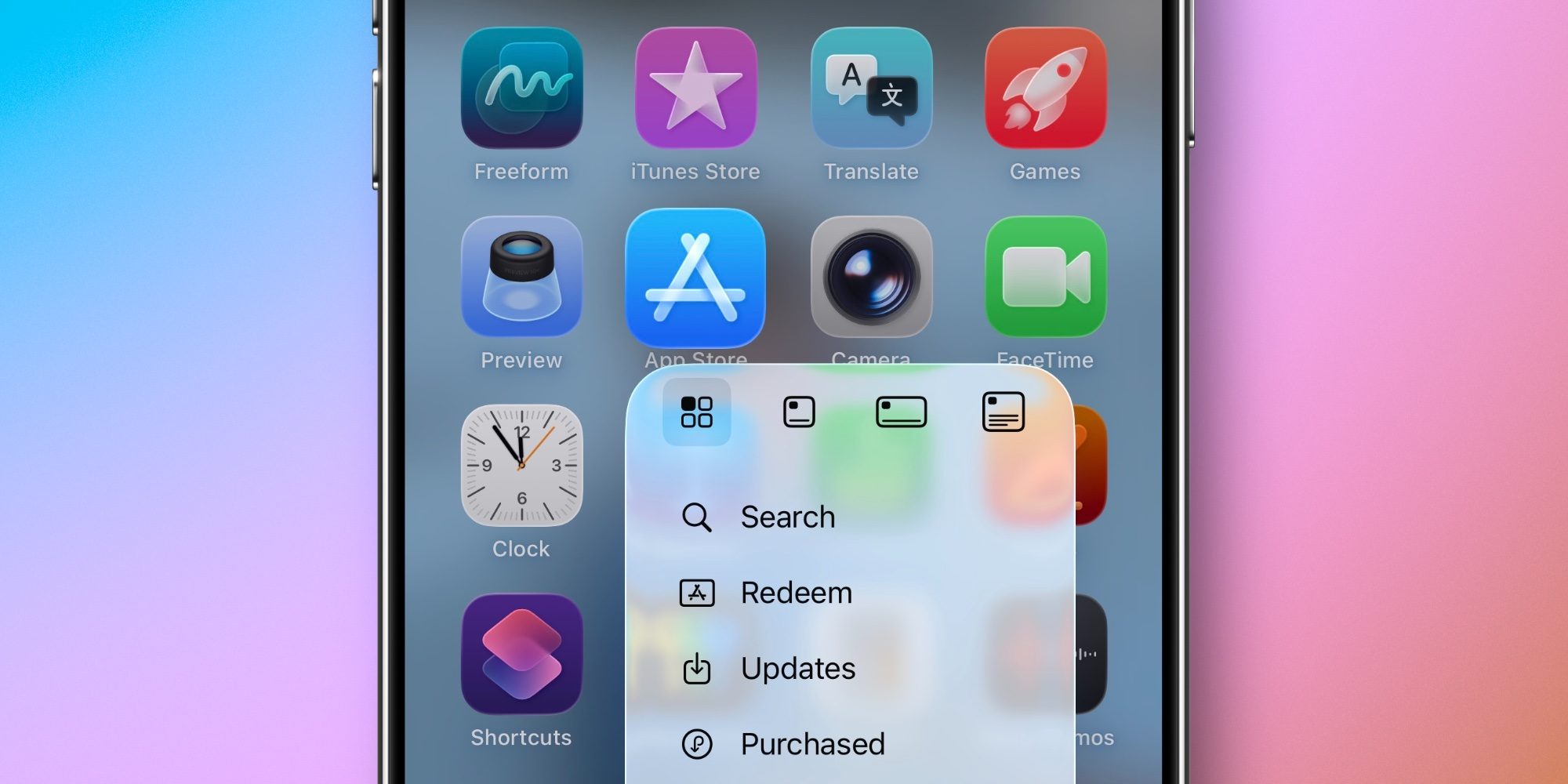
On your iPhone (or iPad), you can long‑press on the App Store icon to find an Updates option in the popup menu.
Tapping Updates will open the app and take you straight to the Updates screen. It’s fast, simple, and convenient.
So if you’re bothered at all by iOS 26.4 making App Store updates a little more buried, I highly recommend getting in the habit of using the long‑press icon shortcut.
Did you know you could jump quickly to Updates using this shortcut? Let us know in the comments.