
Introducing DiskCleanKit Widgets and One Touch Mode for macOS Users
Source: Dev.to
Desktop and Menu Bar Widgets – Real-time System Insight
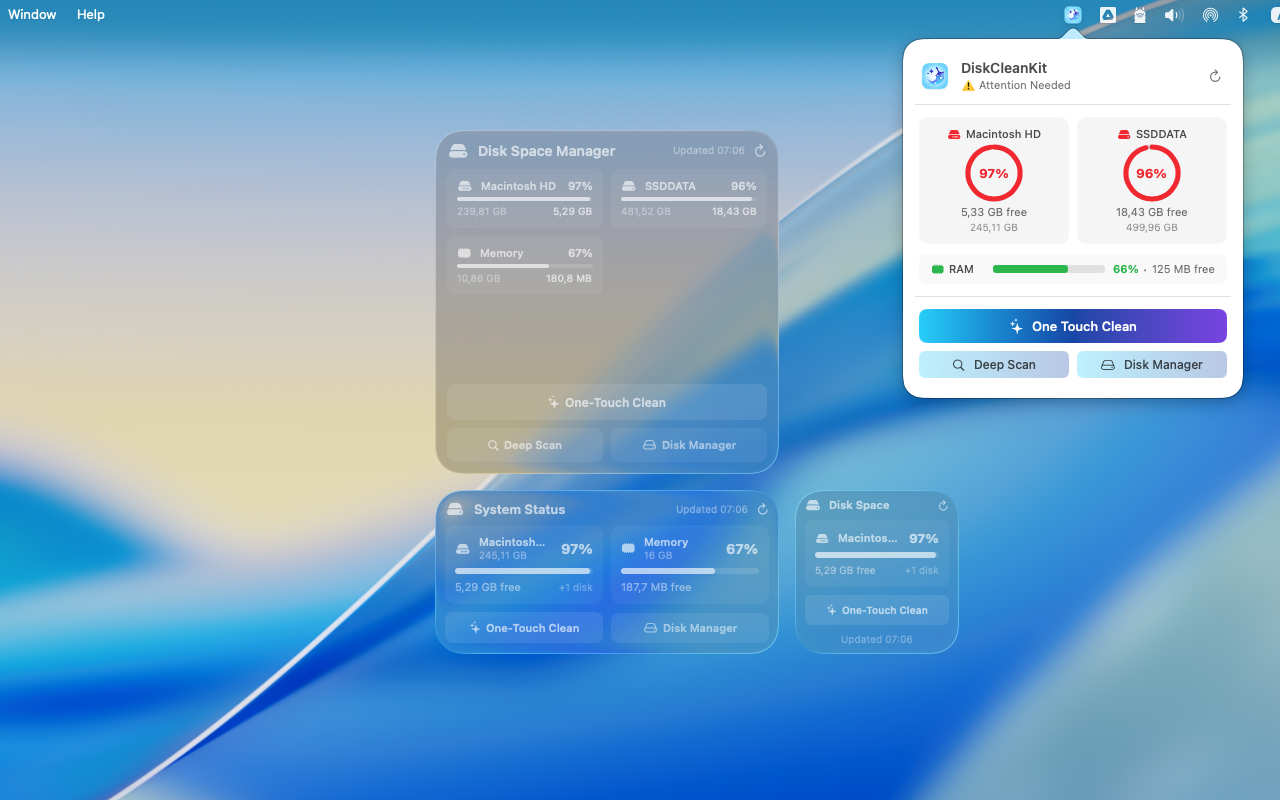
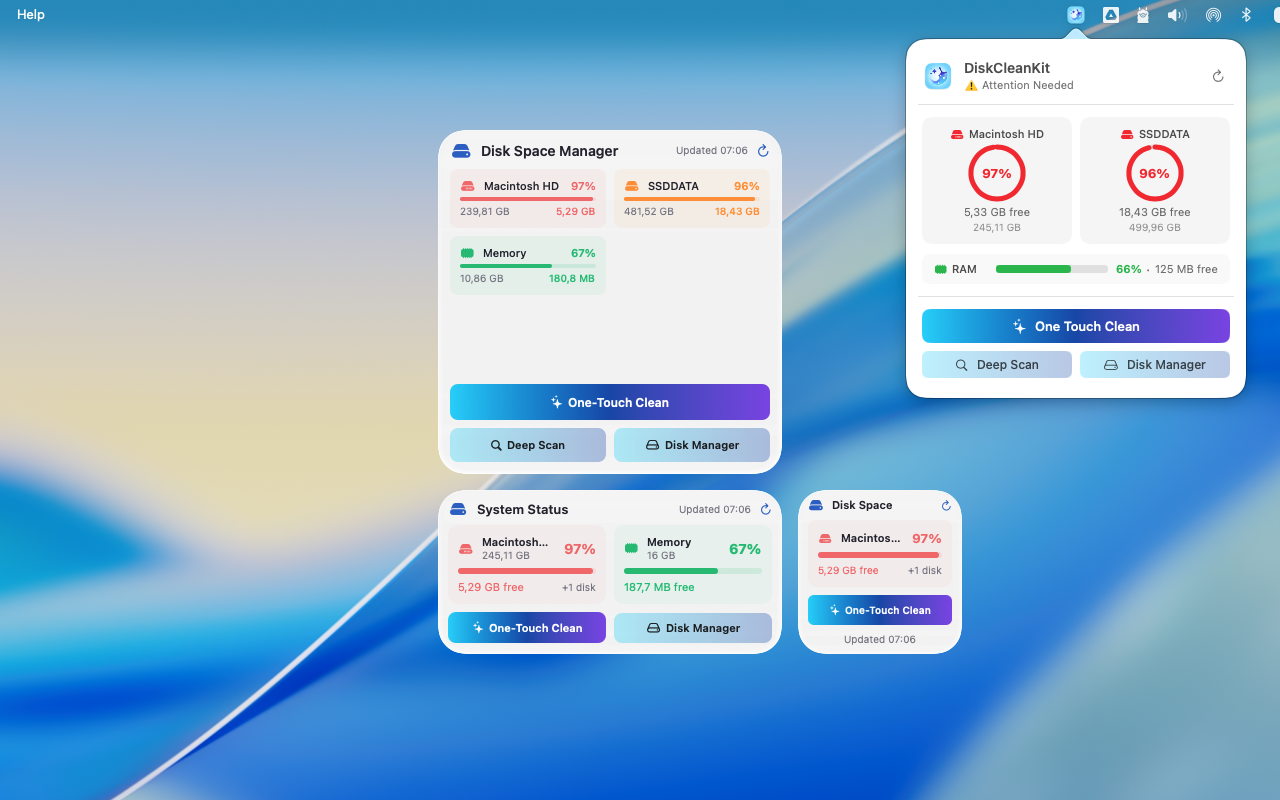
You no longer need to open the full app just to check how your Mac is performing. With the new DiskCleanKit Widgets, you can now view system information instantly from your desktop or the menu bar.
It provides:
- Real-time RAM usage
- CPU load monitoring
- Free and used space for all system and external drives
- Quick access to DiskCleanKit functions such as scan or open Disk Manager
The widgets are lightweight, visually consistent with macOS, and designed to refresh intelligently without affecting system performance.
One Touch Clean – Simple, Fast, Complete
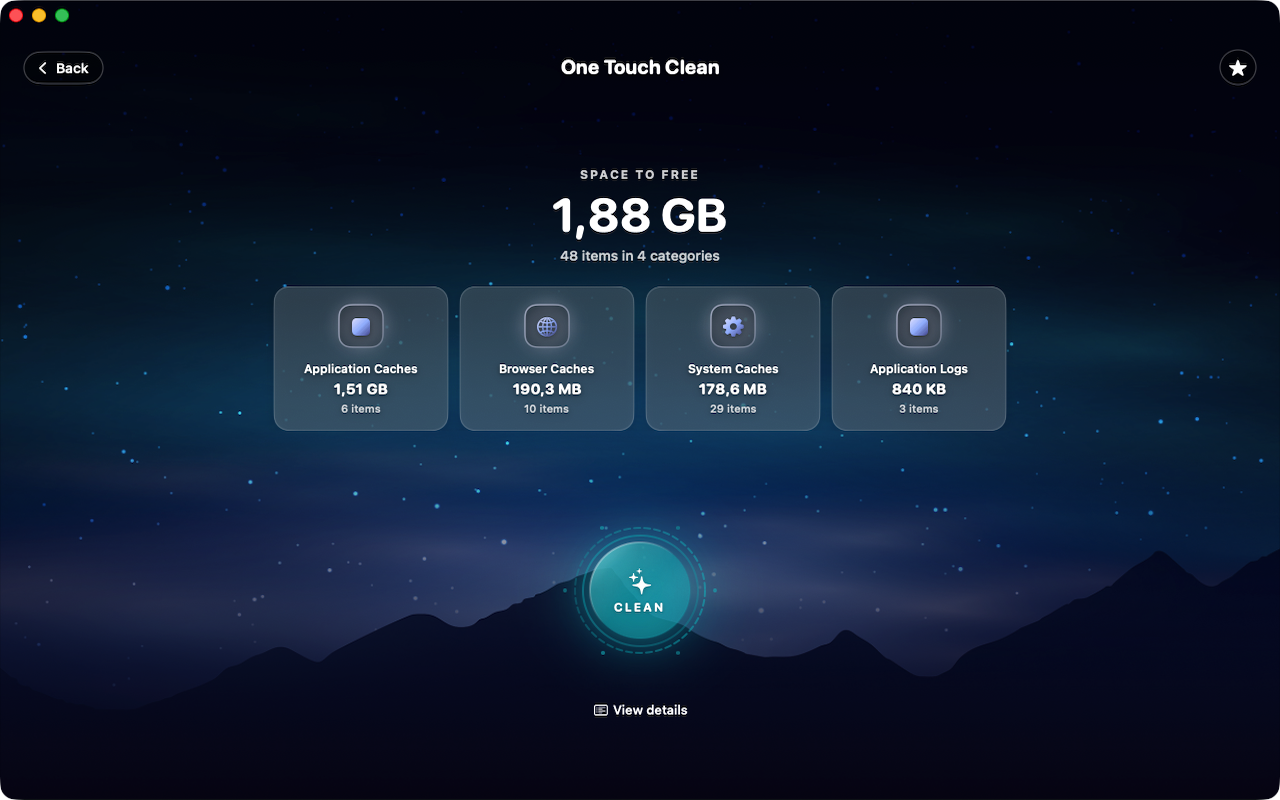
The goal of this feature is to make system maintenance effortless. One Touch Clean lets you perform a full cleanup with a single click, combining speed and safety in one action.
It performs:
- Detection and cleanup of system junk, caches, and log files
- Automatic selection of safe areas to clean
- Full operation inside Apple’s sandbox for maximum security
- Detailed cleanup report showing total freed space
You can also trigger One Touch Clean directly from the widget or assign a shortcut key to keep your Mac optimized anytime.
Built for Developers and Creators
Whether you’re a developer dealing with large DerivedData folders or a video editor managing huge project files, DiskCleanKit helps reclaim disk space quickly. It works safely across macOS system disks, external SSDs, USB drives, and network‑mounted volumes without risky access or background daemons.
Privacy and Security by Design
DiskCleanKit is fully sandboxed and available exclusively on the Mac App Store. It never collects user data, cannot access personal files without permission, and includes full support for macOS accessibility and VoiceOver features.
Try It Out
DiskCleanKit continues to evolve to help users and developers keep their Macs fast, clean, and reliable. If you’d like to try the new widget or One Touch Clean features, download the latest version from the Mac App Store at .
Created by MITSoftwareLab – building helpful and thoughtful macOS applications for everyone.