
I’d pay for YouTube Premium if it stopped spoiling everything
Source: Android Authority
Overview
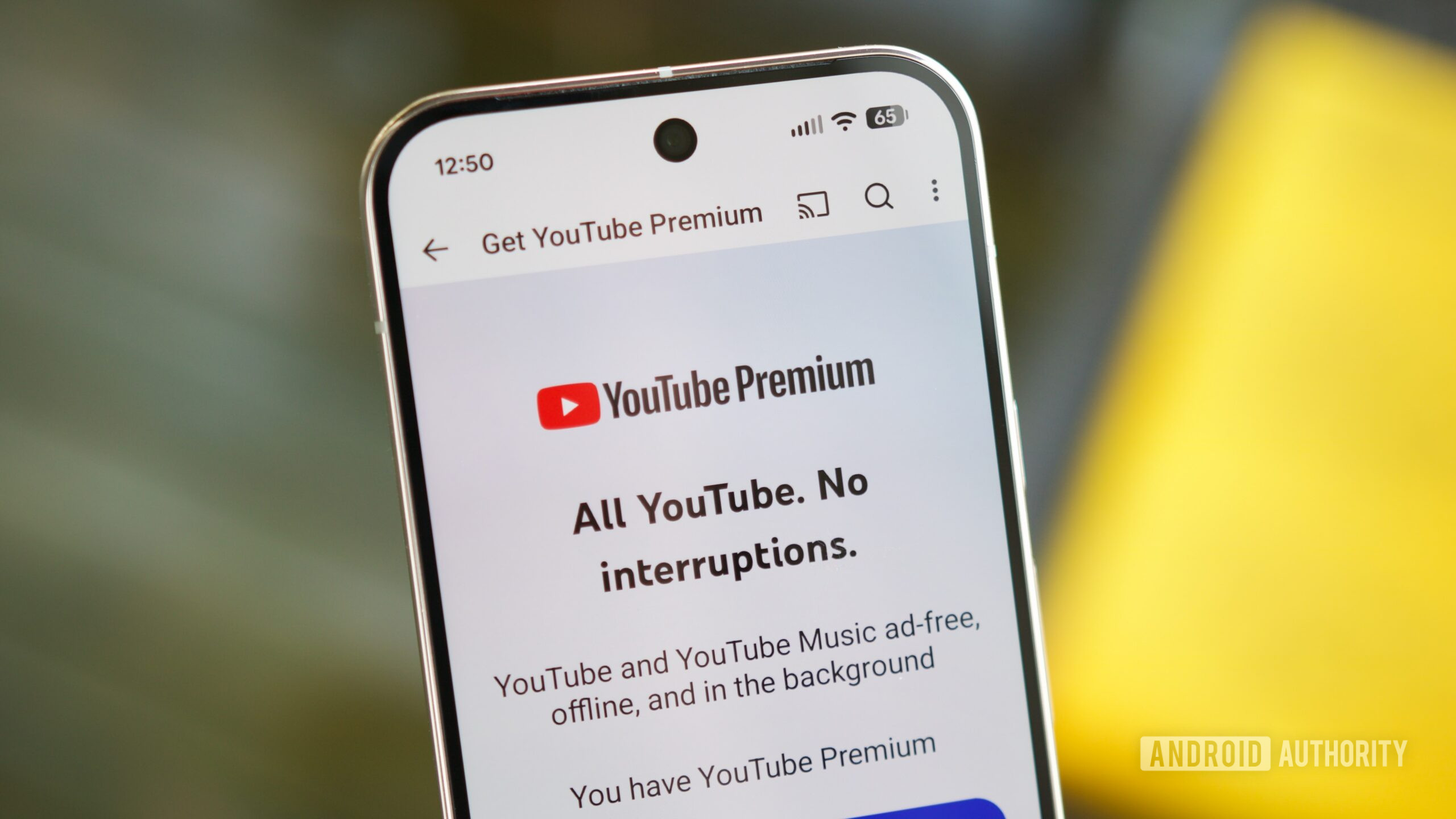
Joe Maring / Android Authority
YouTube sits at the very center of pop culture—not as a sidelined part, but as the place where internet culture germinates, evolves, and sometimes dies. It’s where you discover new Marvel movies and their post‑credit scenes, get the first look at upcoming video games (GTA 6, we’re looking at you) and watch the first 30 minutes of gameplay, and even catch major sports events—along with the dreaded spoilers that your team suffered an embarrassing defeat. Those spoilers can literally crush the mood.
YouTube is a gigantic media machine—one that knows exactly what you’d like to watch. It can also learn what you want to avoid during a pop‑culture frenzy. You don’t have to stop using YouTube entirely to dodge spoilers; the platform could handle it far more intelligently than any other service.
Would you pay for YouTube Premium if it included a spoiler filter?
3 votes
YouTube Is at the Center of the Problem

Rushil Agrawal / Android Authority
YouTube is the hub for every video we watch, which also makes it the first place we encounter spoilers. Miss a weekend of your favorite TV show, and the homepage is already filled with analyses, breakdowns, and spoilers of the latest episode.
Why YouTube Spoils Everything
- Aggressive thumbnails and titles – They often reveal too much just to grab attention. Some creators have even learned the hard way that naming who died in Game of Thrones isn’t “cool.”
- Autoplay previews – If you haven’t disabled them, videos start playing (sometimes with audio) as you scroll, force‑feeding you information you’d rather avoid.
- YouTube Shorts – The endless, automatically‑playing feed of short videos frequently drops the biggest spoilers within the first few seconds, using “hooks” to keep you watching.
What’s Missing?
YouTube still doesn’t offer a native option to turn off Shorts entirely. A simple toggle would let users who want to avoid spoiler‑heavy content skip this feature altogether. (See the discussion on this issue here.)
YouTube Is Armed with AI Tools
Joe Maring / Android Authority
Learning well from its parent company, Google, YouTube has long offered an array of handy AI‑driven features. It uses artificial intelligence to:
- Caption videos automatically.
- Translate spoken language into other languages, improving multilingual accessibility.
- Analyze video content and moderate inappropriate material for sensitive groups.
Because of these capabilities, YouTube can already determine what is being shown and said in a particular video and decide whether it’s appropriate for a specific user group.
A Spoiler‑Filter Premium Feature?
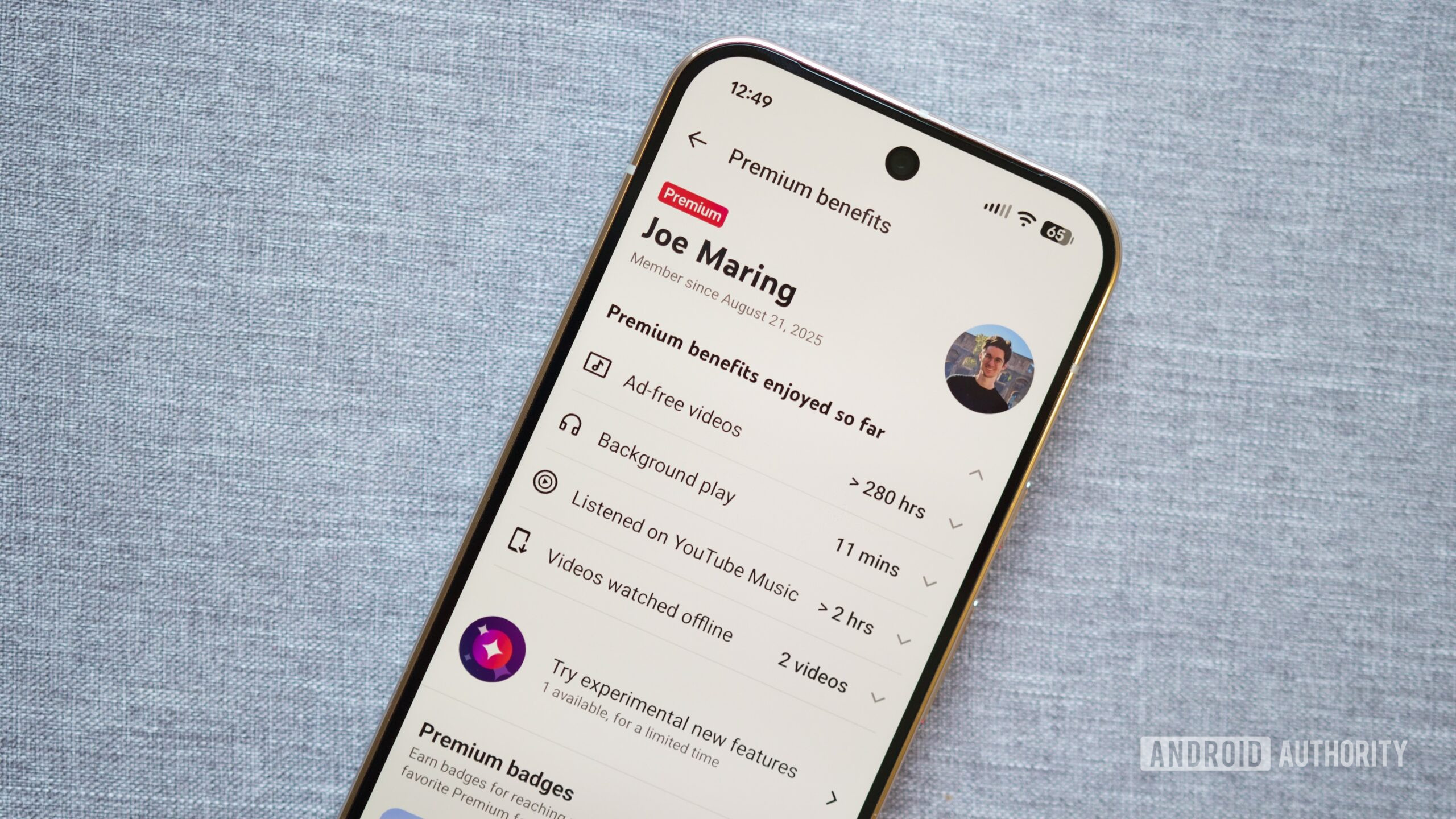
Many users would likely pay for YouTube Premium just for a reliable spoiler filter. Scaling AI analysis to millions of daily uploads is a massive undertaking, but it could be offered as a Premium‑only feature—similar to the existing benefits such as:
- Playback speeds faster than 2×.
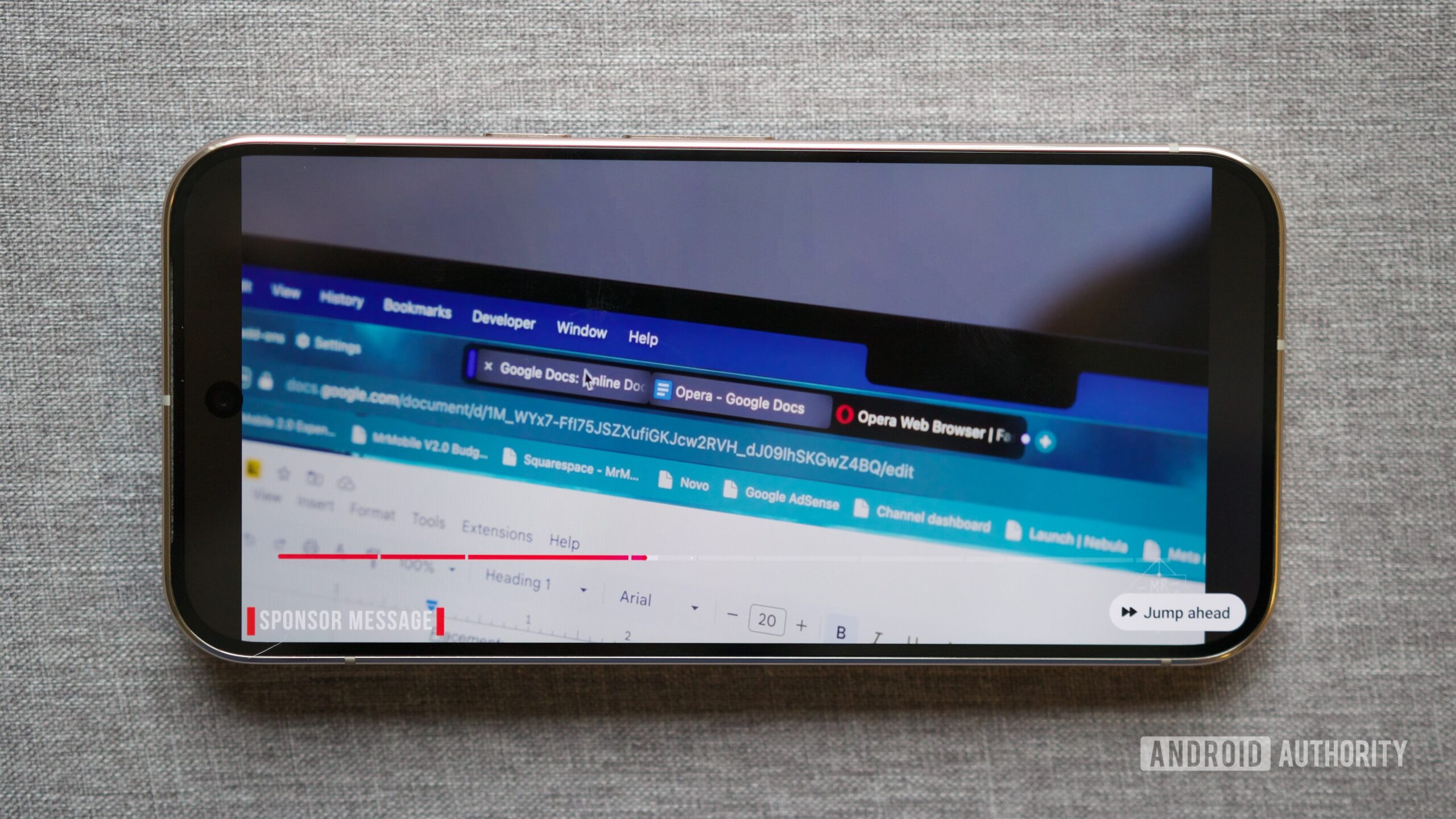
- The Jump Ahead tool, which uses AI to skip to the main section of a video.
Adding a spoiler‑filter would give users another compelling reason to subscribe. In fact, some users might even be willing to pay for Premium solely for this capability.
Read more about the YouTube Premium wishlist.
YouTube Must Go Beyond Spoiler Alerts
Joe Maring / Android Authority
Spoilers are inherently subjective. While an in‑depth explanation of a complex movie ending might be unwanted by someone who hasn’t seen the film, it could be a valuable resource for a viewer who struggled to follow a Nolan‑style narrative. Giving users finer‑grained control over what they see would make the YouTube experience far more personalized.
What YouTube Could Do
- Event‑based shielding – Automatically hide content related to major global or national events (e.g., sports finals, TV premieres) or apply a temporary “spoiler shield” for a set period (e.g., 30 days after a release).
- User‑defined filters – Let users specify what they don’t want to see by entering show names, movie titles, game titles, or entire categories. YouTube would then hide matching videos based on those keywords.
- Smart spoiler detection – Use AI to identify references to a film’s ending, final scene, character deaths, or other plot reveals and warn the viewer before they click.
- Thumbnail analysis – Analyze thumbnail imagery for flagged material and blur or mask it in the feed, preventing accidental exposure.
- Mid‑stream warnings – Detect spoiler moments during playback and display a brief warning or pause before the relevant segment appears.
If YouTube is already exploring AI‑driven features (see the Android Authority article on YouTube’s smart‑TV AI conversation), extending that technology to spoiler management would be a natural next step. By combining event‑based shielding, user‑defined filters, and intelligent content analysis, YouTube could give viewers the control they need to enjoy content on their own terms.
It Would Make Creators Happy, Too
Joe Maring / Android Authority
No one is stopping creators from making spoiler‑heavy content, and a built‑in spoiler‑filter on YouTube would improve the quality of their audience. It would attract high‑intent viewers while filtering out accidental clicks from users who leave the moment a spoiler appears—something that hurts average watch time. If this proves to be a win‑win for everyone, YouTube’s leadership should consider turning the request into reality.
YouTube Premium has already shown that it can refine the viewing experience. It just needs to go a step further with spoiler filtering.
YouTube Premium has already proven that it can refine the viewing experience with background playback, better video controls, smarter skipping, and—most importantly—by removing ads. While ads are momentary interruptions, spoilers can literally spoil your day. If YouTube truly wants to keep improving the Premium experience, it should start anticipating what users would like to avoid—or at least give them the control to do so.
Follow
Thank you for being part of our community. Please read our Comment Policy before posting.