
I wish more people knew about this free, open-source note-taking app
Source: Android Authority
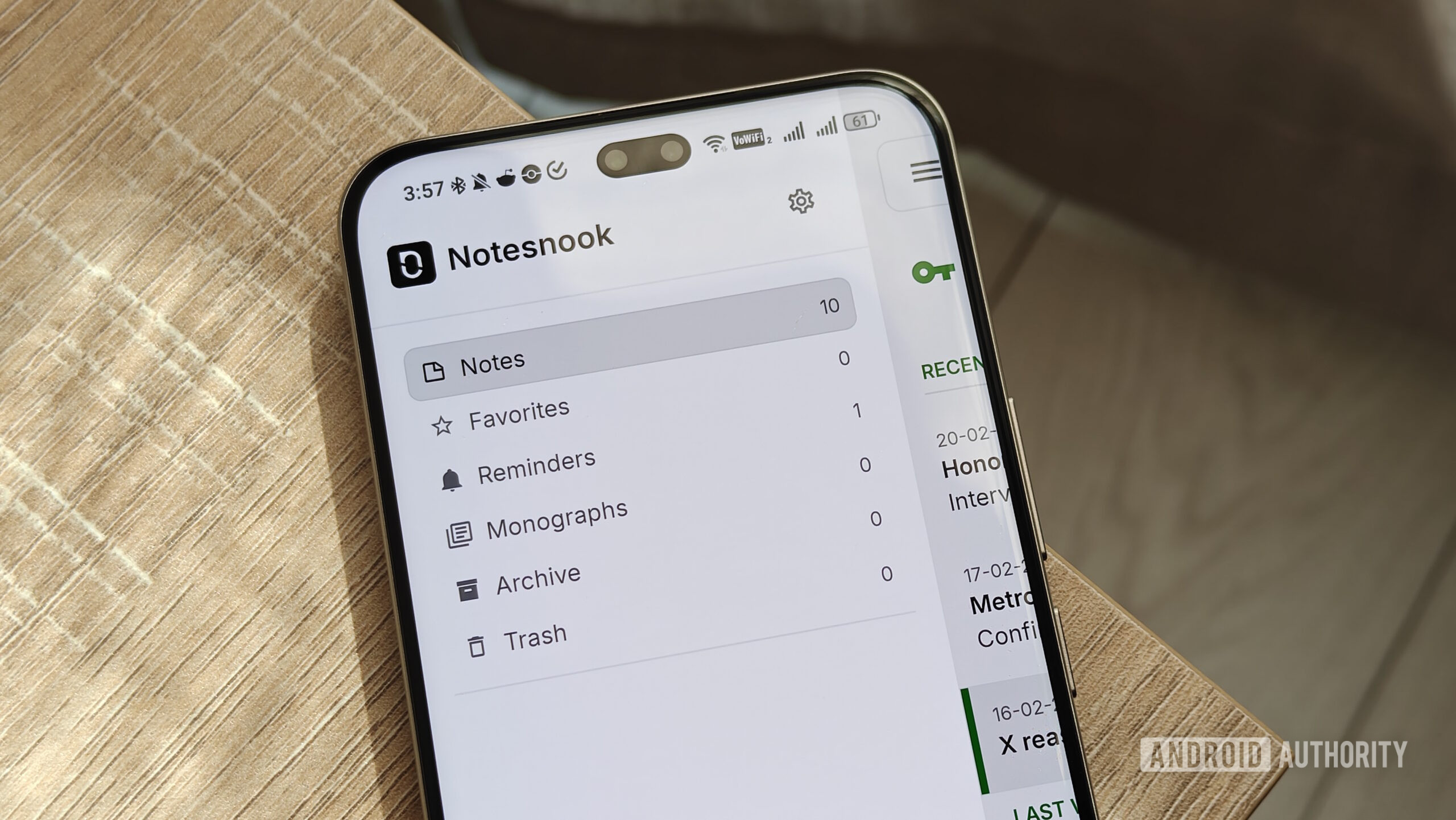
Photo by Megan Ellis / Android Authority
Over the past year, I’ve looked for productivity apps that balance great features with privacy. However, I rarely find this equilibrium. When it comes to feature‑rich apps, many don’t give users much privacy, or they lock significant features behind paywalls.
On the other hand, there are a number of privacy‑focused apps to choose from, but they either lack features or require technical setup (such as self‑hosting a sync server).
That’s until I found Notesnook. The app’s free plan offers plenty of useful features, including multi‑device syncing, while also providing privacy for users.
What is the most important feature in a note‑taking app?
4 votes
Notesnook balances privacy with an abundance of features
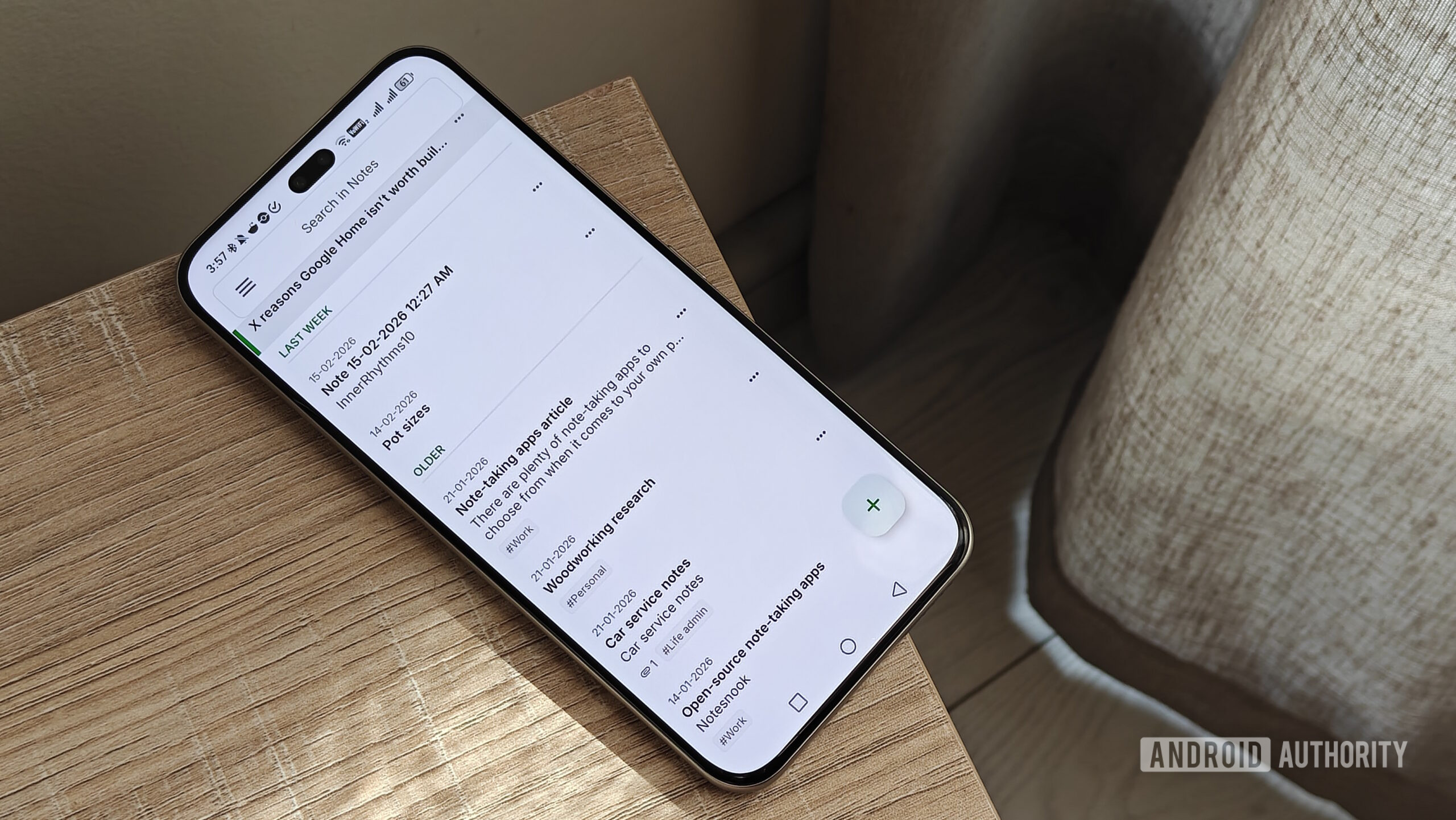
Photo by Megan Ellis / Android Authority
When looking at note‑taking apps, I prioritize privacy and a free tier. After moving away from Google Keep, I needed an app that kept my notes private without a subscription.
Many solutions either require self‑hosting for syncing or limit features behind a paywall. For example:
- Jotty Page (self‑hosted) offers a rich‑text editor but can be unavailable during server downtime.
- Standard Notes provides end‑to‑end encryption and syncing for free, but without a subscription you can only save plain‑text notes.
- Evernote is feature‑rich but does not prioritize privacy and locks multi‑device syncing behind a paywall.
Notesnook surprised me with how much it offers for free:
- Multi‑device syncing – simple to set up, no third‑party cloud required.
- End‑to‑end encryption – protects your data.
- Rich‑text editor – supports headers, checklists, bullet lists, and tables.
- Reminders, tags, notebooks, and shortcuts.
- File attachments – up to 10 MB per file and 50 MB per month.
- Open‑source – you can self‑host the sync server if you wish.
- Cross‑platform – works on Android, iOS, Windows, macOS, Linux, and the web.
I’ve found the table feature especially handy for comparing specs, such as those of the Samsung Galaxy S26 series with older devices.
So, what are the limitations?
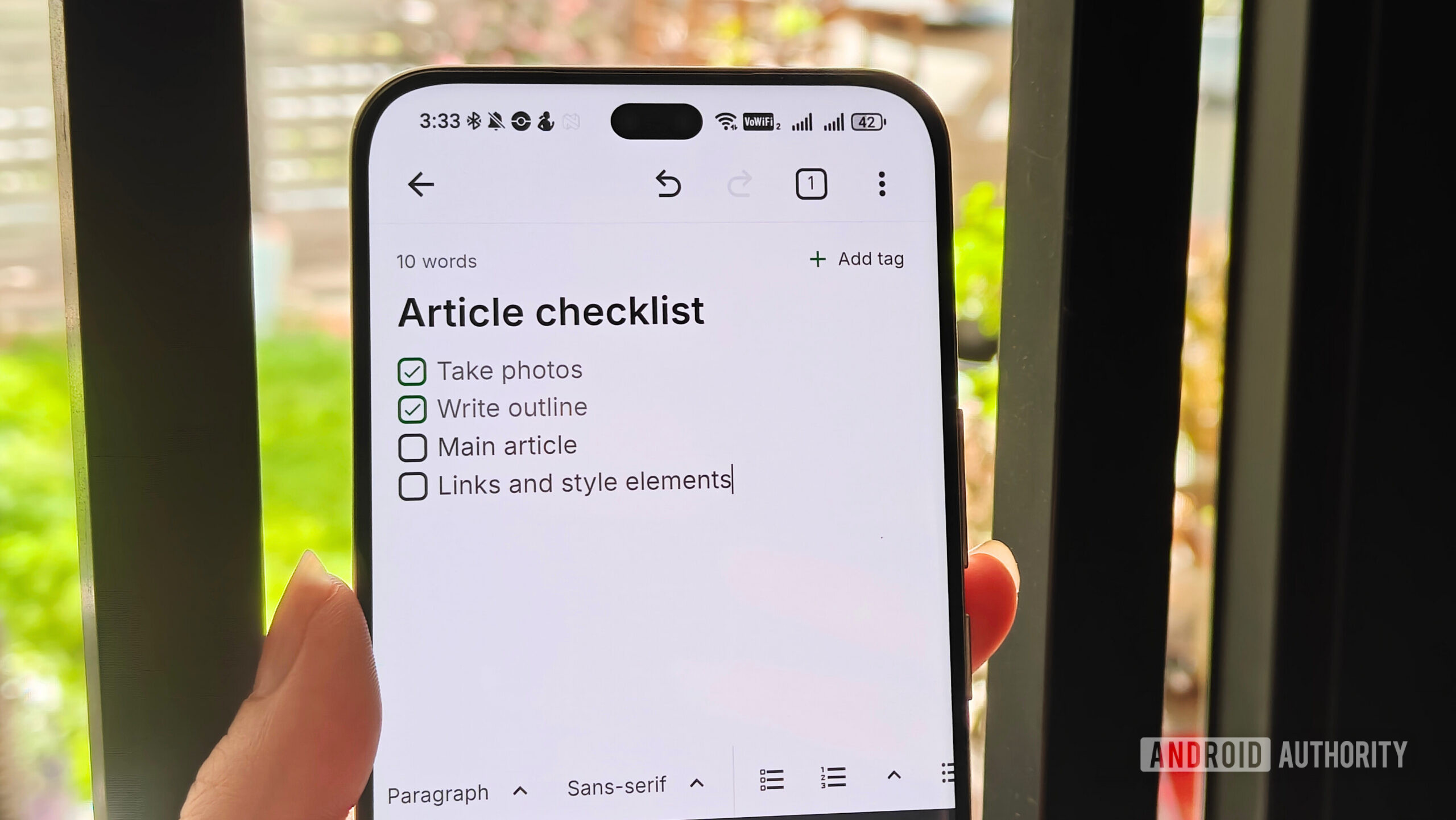
Photo by Megan Ellis / Android Authority
The free plan is generous, but it does have some caps:
- Uploaded images are compressed.
- Only seven colors can be used in notes.
- Up to 50 tags and 50 notebooks.
- Maximum of 10 active reminders and shortcuts.
- File‑size limit of 10 MB per file and 50 MB total per month.
These limits are usually sufficient for everyday use. For example, I delete old reminders to stay within the limit and only upload images occasionally, so the 50 MB monthly quota works well for me.
Paid plans
Notesnook offers three paid tiers (Essential, Pro, and Believer) ranging from $1.99 / month to $8.99 / month. Paid plans raise or remove the limits and add features such as:
- Larger (or unlimited) file uploads.
- More colors, tags, and notebooks.
- Task and outline lists, recurring reminders, Markdown shortcuts, and additional customization.
These enhancements mainly benefit power users. For someone transitioning from a simple app like Google Keep, the free plan already provides advanced formatting and organization.
Notesnook’s approach—gradually becoming more permissive rather than adding restrictions—sets it apart in a crowded market. I hope more apps adopt a similar philosophy.