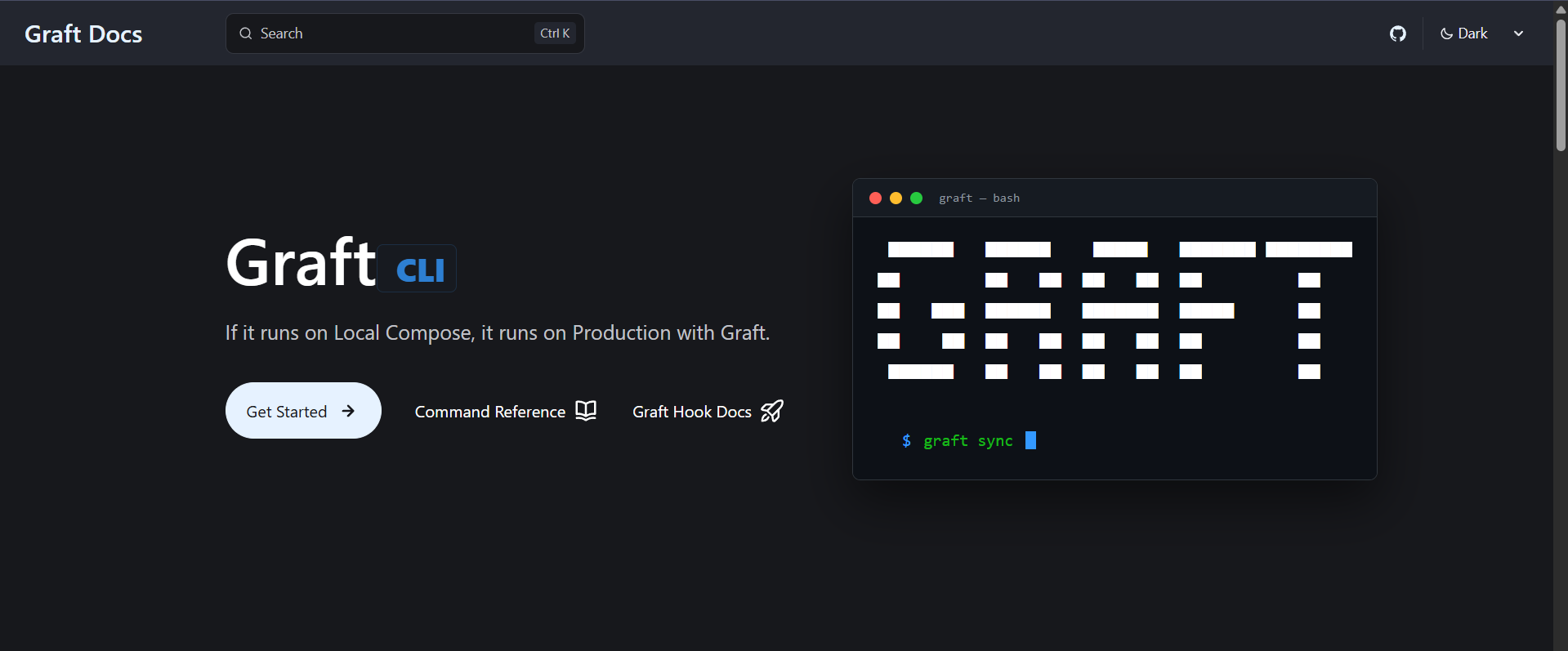
I was struggling to deploy my web apps on base-tier servers(AWS t2 micro with 1gb ram) servers, which made me build Graft
Source: Dev.to
Context
To streamline app and CI/CD I was heavily using a tool like Dokploy. However, due to a low budget and no revenue, I had to move my web apps to a weaker server (AWS t2.micro with 1 GB RAM). Dokploy itself can consume more than 1 GB RAM, causing the server to crash before I could even deploy my app. I discovered how much bloat it adds to a small server.
Solution
Manually SSH‑ing to the server for every deployment was too cumbersome, so I created my own deployment tool: Graft.
Concept
Instead of an agent running on the server, the agent runs locally. It SSHs into the server, sets up everything (gateway reverse proxy via Traefik, pushes source code, builds, and deploys). That was the initial Graft.
Current version (v2.2.3)
-
CI/CD with graft‑hook (Rust webhook receiver)
- 1.7 MB idle footprint
- ~15 MB RAM during active deployment (vs. Dokploy’s >1 GB)
-
Automated backups & rollbacks (simple commands)
-
DNS automation (Cloudflare integration)
-
Docker Compose passthrough (run any
docker composecommand remotely)
Graft can perform backups and rollbacks with simple commands and migrate Cloudflare DNS records with a single command.
Result
Deploying a web app with Graft takes roughly 15 minutes provided the Docker Compose setup works locally. It also allows running any Docker Compose command on the remote server directly from the local terminal.
Workflow
# One-time setup
graft init

# Deploy
graft sync

# Manage like localhost
graft logs backend
graft restart frontend
graft ps
Installation
Graft is now available via multiple package managers:
- Homebrew
- Winget
- apt, dnf, yay, paru
- Direct
shscript
Documentation
Contributing
If you’re interested, try Graft on a test server first. I’ve added all the features I needed, but I’m open to ideas and contributions to improve the product for the community.
GitHub
https://github.com/skssmd/Graft