
I love the Galaxy Buds 4 Pro, but using them with a Pixel is a mess
Source: Android Authority
Introduction
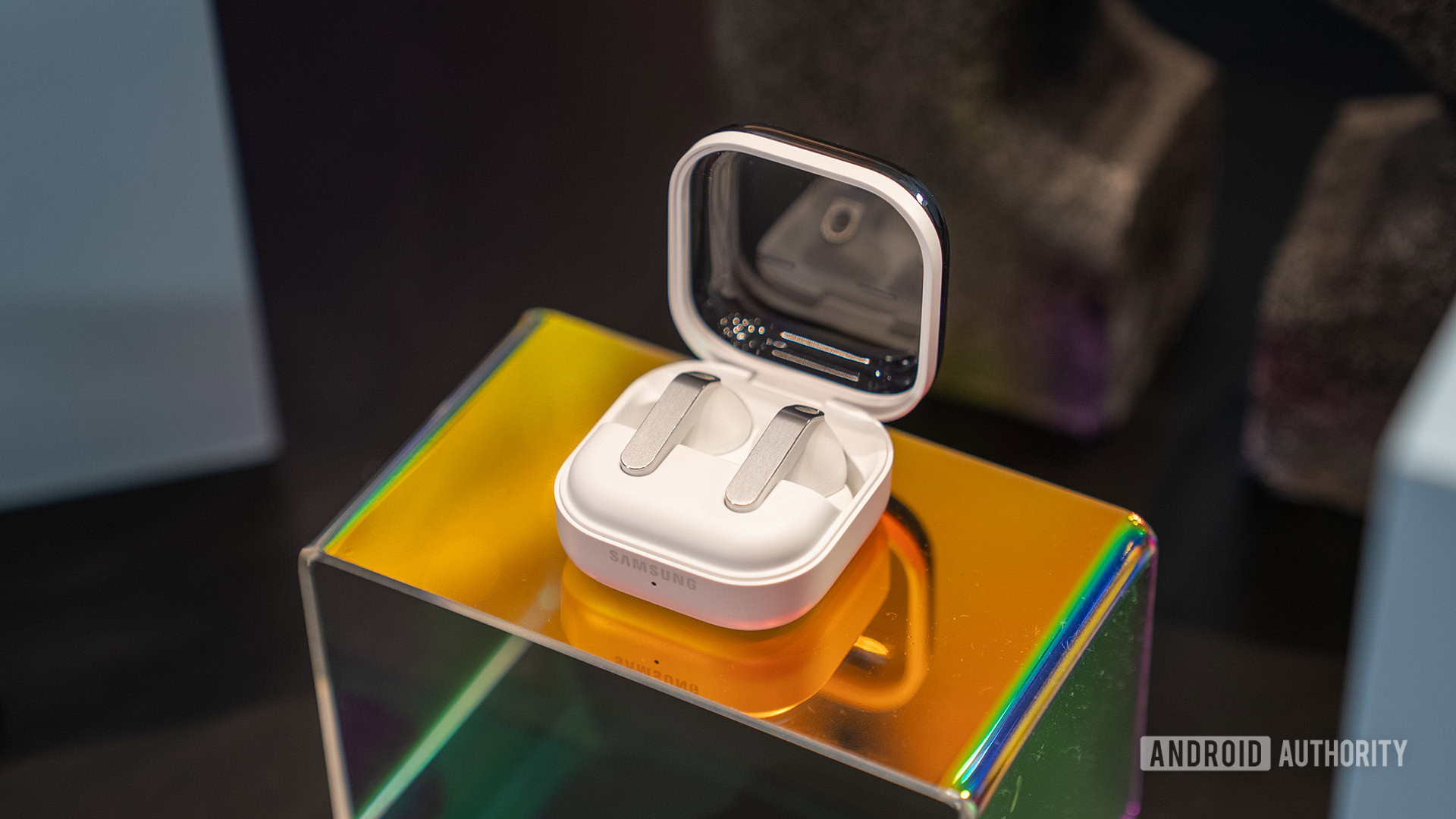
I love the Galaxy Buds 4 Pro. That’s no surprise — I’ve owned all four generations of Pro Galaxy Buds, and I’ve loved all of them. They’re comfortable, sound great to my ears, and have features I can’t get anywhere else. The experience isn’t perfect, though. Using Galaxy Buds with something other than a Samsung device has always been a compromise, but with the Buds 4 Pro, that experience is nothing short of broken.
Do you have issues with Galaxy Buds on non‑Samsung phones?
7 votes
Broken widgets
I use the home screen widget for my Galaxy Buds all the time. If they’re connected to another device, tapping the widget is a quick way to open the Galaxy Wearable app, and doing so automatically connects the buds to my Pixel 10 Pro. That’s besides the convenience of having easy access to sound controls. Unfortunately, the widget is almost entirely broken, as demonstrated by the video above.
- Using any device that isn’t a Samsung phone or tablet causes the widget to delete itself from the home screen the moment you finish setting it up.
- This happens across multiple Pixels and Motorola phones.
- There is a workaround, but it’s complicated.
The Galaxy Wearable app shows a carousel of tips for your earbuds when they’re connected. One of those tips suggests using the widget and includes a button to add it to your home screen. This shortcut works, so you can get the widget initially. The problem is that it only works once. Placing the widget dismisses the tip, and it never returns. If you accidentally delete the widget, the only way to restore it is to reset the app.
How to restore the widget
- Delete the Galaxy Buds 4 Pro manager app from your phone.
- Unpair your buds.
- Re‑install the app and pair the buds again.
- After setup, the widget tip should reappear in the carousel.
Missing features
Until now, there haven’t been many missing features when using Galaxy Buds with non‑Samsung devices. You lose access to Samsung’s proprietary codec, so sound quality isn’t quite as good, but everything else—touch controls, voice commands—has always worked.
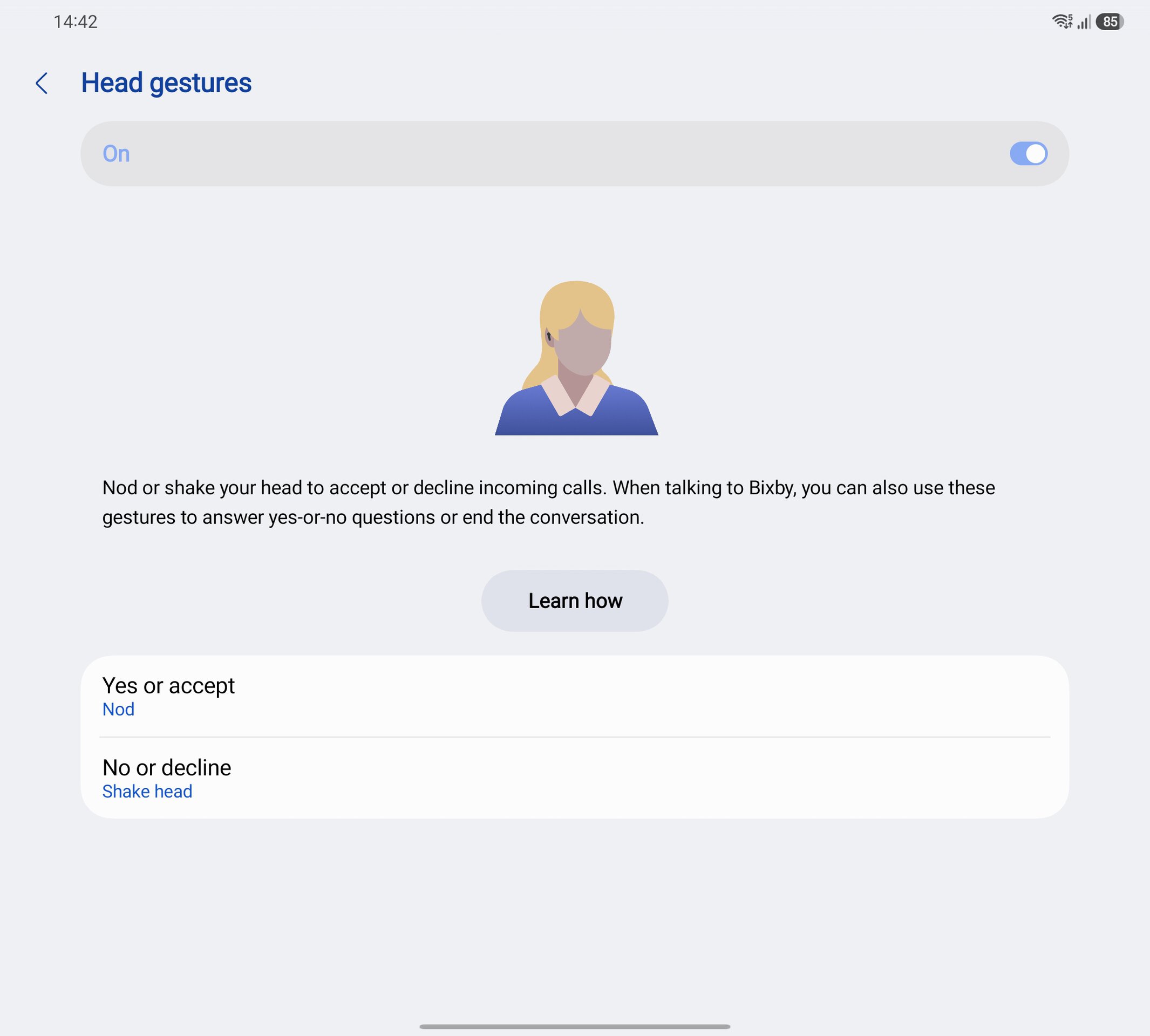
The Buds 4 and 4 Pro added head gestures that let you accept/reject calls and reply to Bixby with a nod or shake of the head. Unfortunately, I can’t use them on my Pixel 10 Pro, and many Galaxy Buds 4 owners on Samsung phones can’t either. Head gestures require One UI 8.5, which, outside of the public beta, is only available on the Galaxy S26 series.
The broken widget and the restrictive head‑gesture requirement don’t stop me from loving the Galaxy Buds 4 Pro. They still sound great and are considerably more comfortable than the previous generation, and I wouldn’t buy anything else. Still, I wish they were better—especially that the widget simply worked.