
I finally ditched Quick Share and AirDrop for this free app — and I’m never going back
Source: Android Authority
Joe Maring / Android Authority
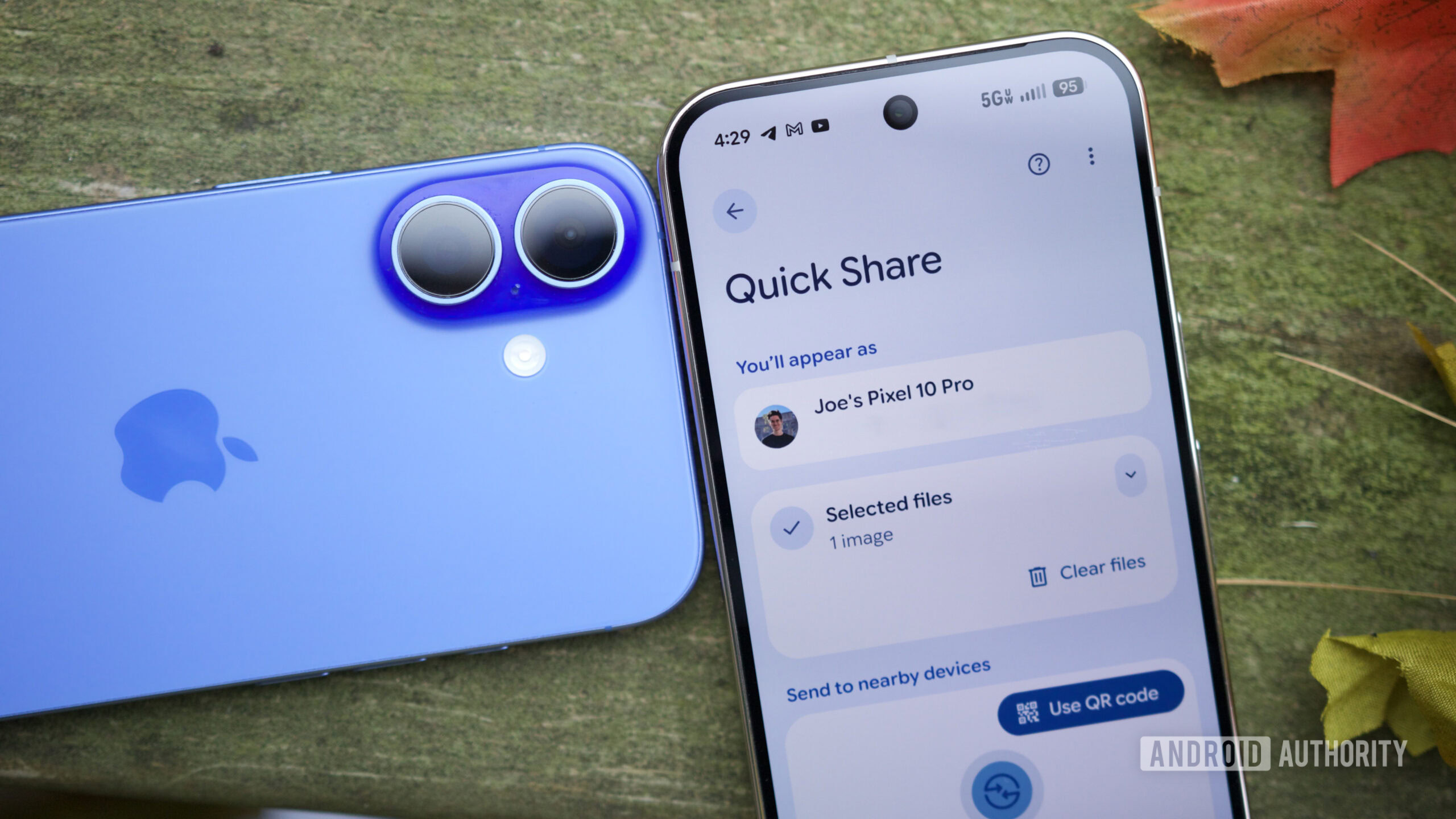
Quick Share is a useful but flawed feature. Quickly sharing files between your Android, Windows, and even iOS devices is incredibly convenient. Sadly, it’s not the most reliable tool in the world. It’s often slow to detect devices and transfer files, and prone to disconnections. Thankfully, there’s a far better tool that’s made my life even easier, and it’s free.
Are you satisfied with Quick Share?
7 votes
As frustrating as Quick Share is to use, I’ve resigned myself to using it. No alternative I’ve tried has been any better, always having the same issues or being tied to a subscription model. Then, a few weeks ago, I was listening to the Waveform podcast, and an app called Blip was mentioned. After hearing how this product reliably handles the massive files the MKBHD team works with, I decided to try it for myself — and I couldn’t be happier with it.
Zac Kew‑Denniss / Android Authority
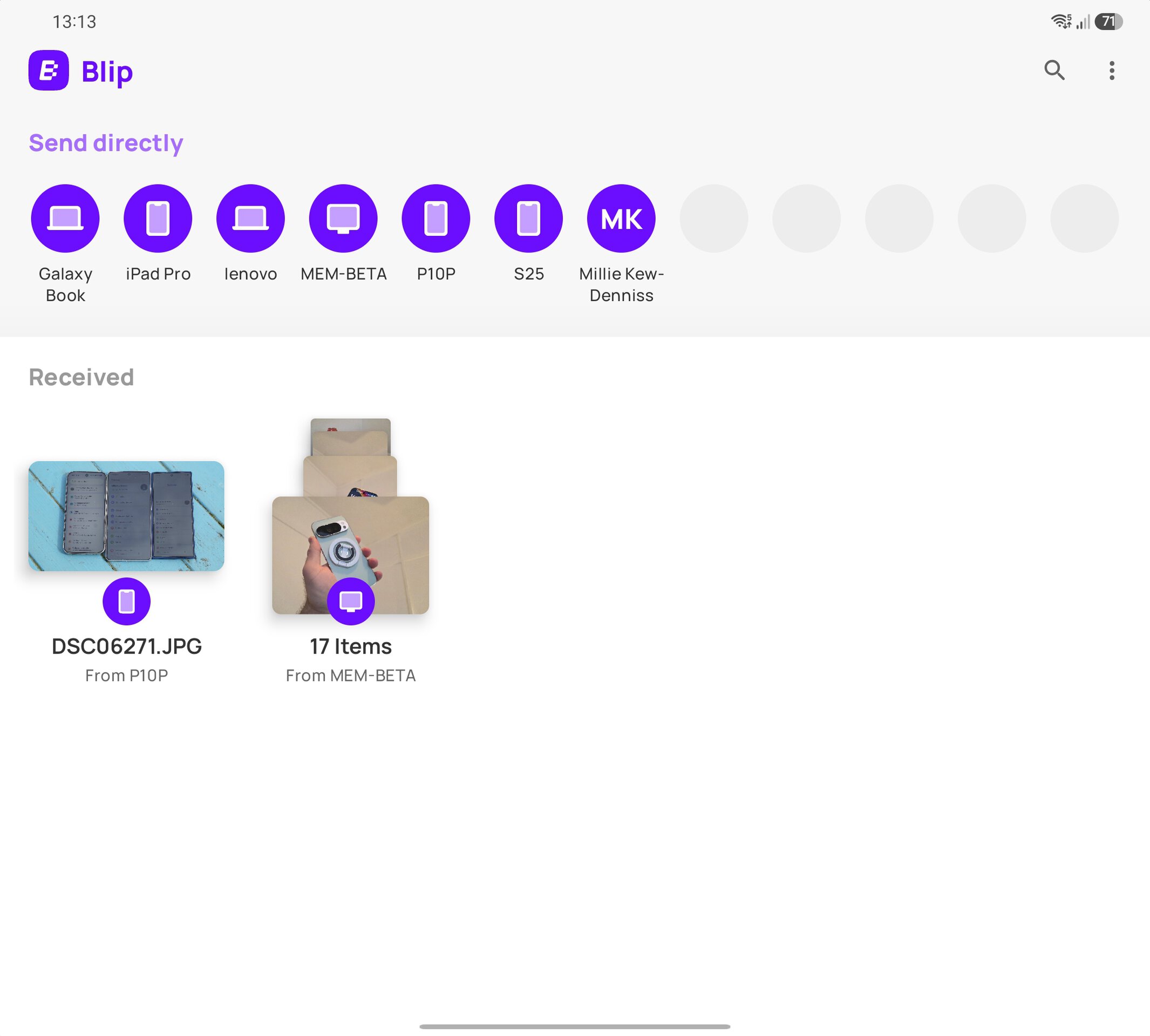
Using Blip is easy. It’s available on Android, Mac, Windows, and iOS, with Linux support coming soon. Once you’ve downloaded it on all of your devices, sharing your files is straightforward:
- On Windows, right‑click any file or folder and choose Blip from the context menu.
- Android and iOS both show it in the share menu, just like Quick Share and AirDrop.
If you’re sharing to one of your own devices, you don’t need to open the app or approve the transfer on the target device. As long as the device is logged into the app and switched on, the transfer happens instantly.
I’m not joking when I say it’s instant. The transfer speed is limited by your network, not the service itself. When I went on holiday last week, I used Blip to transfer 12 GB of Sims 4 mods and saves from my desktop to my laptop over Wi‑Fi, and it reached 1.5 Gbps. You don’t need to be on the same network, either—transfers can be sent over the internet. Several times while I was on holiday, I “blipped” photos back to my laptop to edit later.
Zac Kew‑Denniss / Android Authority
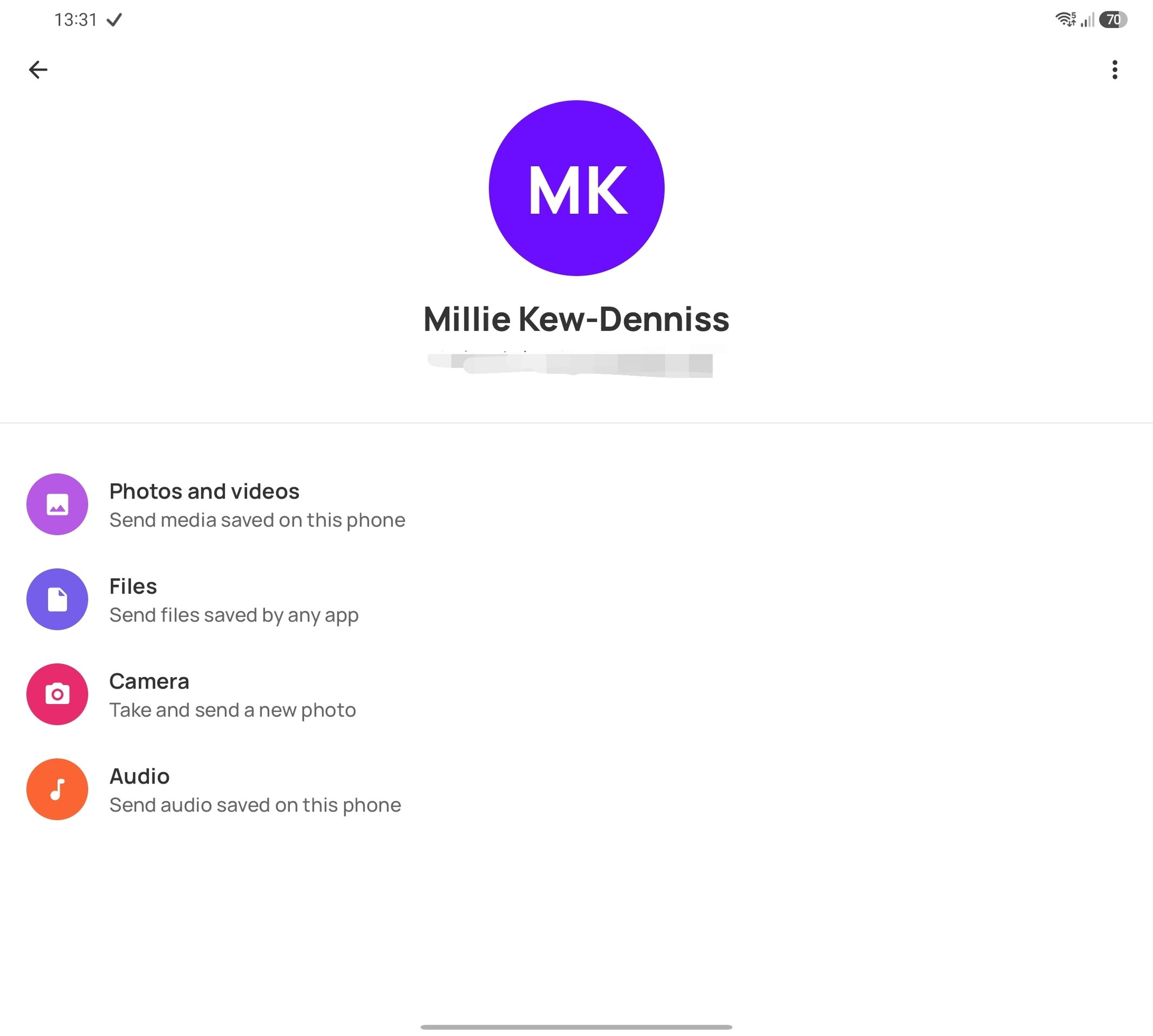
Blipping things to other people is easy, too. My wife signed up after I’d been using it for a few days, and adding her to my app was as simple as searching her email address.
Here lies another advantage Blip has over Quick Share or AirDrop. With those tools, I’d have to pick the specific device my wife wants to receive the files on. With Blip, I just send it, and the request pops up on all the devices she has, with the files sent to whichever device she uses to accept the request. The number of cat photos that are blipped between our devices is, frankly, concerning. Cat tax below.
Downsides?
Not really. You need to convince others to download the app, but that’s true of any solution that isn’t built into the OS. If you can get past that hurdle—or if you only need to transfer files to yourself—Blip runs rings around anything else.
There is a paid version of the service, Blip Business, which offers priority speed during peak times and direct customer support. Priority speeds matter only if you’re transferring to a device on a different network, so the free version is sufficient for most users.
I’ve been using Blip for a month and have used it almost every day. Unlike Quick Share, which often fails to send a file or does so so slowly that a screenshot takes half an hour, Blip has been fast and reliable every time. It’s now on the list of apps I install on every new device, and I can’t recommend it enough.