
I Built a Web-Based Fruit Ninja Controlled by Your Hands — A Step Toward Cybernetic Interfaces
Source: Dev.to
Intro
Most people use keyboards, mice, or touchscreens. I decided that was too boring, so I built a web‑based Fruit Ninja clone that you control using your hands in front of a camera — no controllers, no touch, just motion. This isn’t just a game; it’s an experiment in what I call a “cybernetic interface” — where your body becomes the input device.
🚀 The Project
- Repo:
- Web directory:
/www
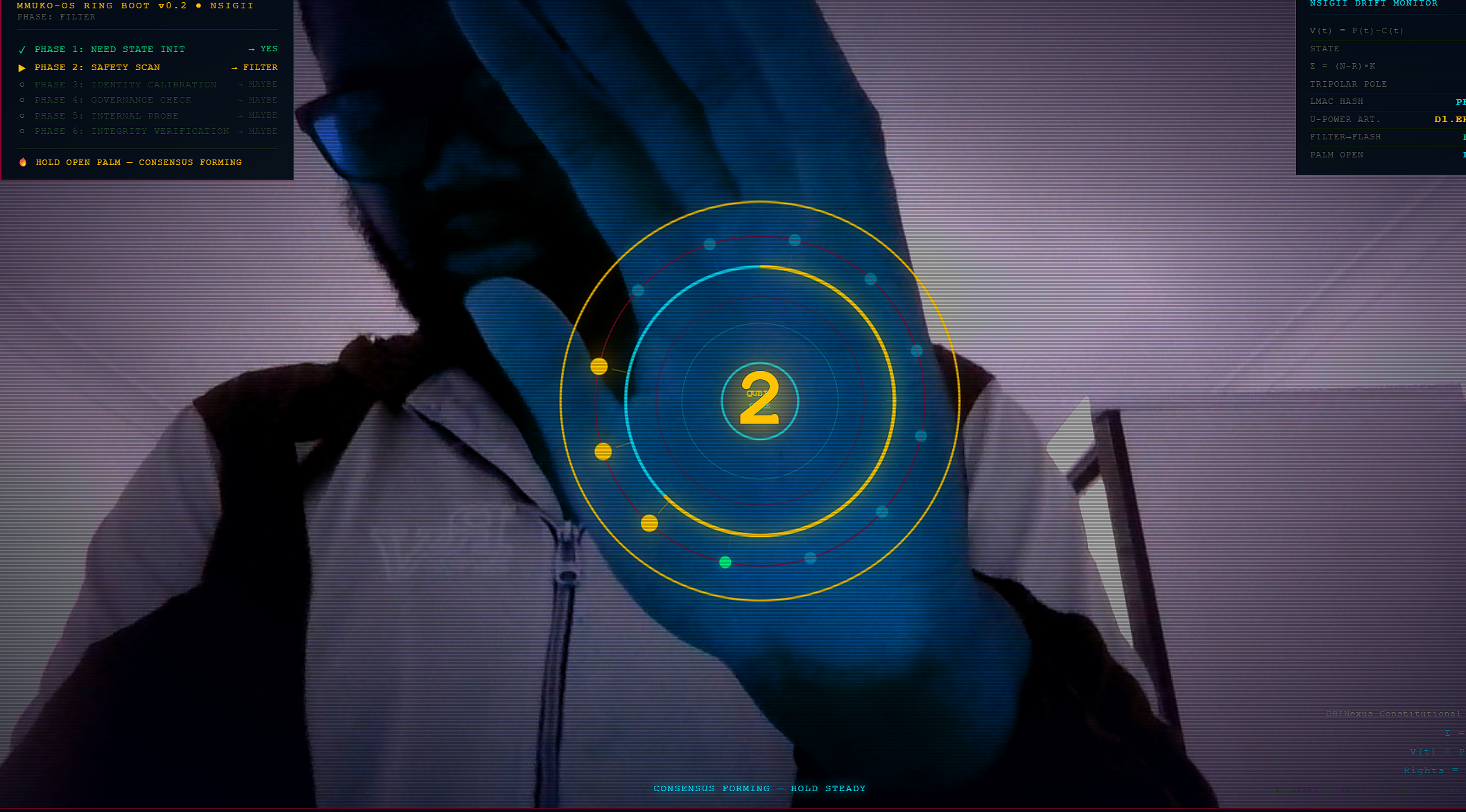
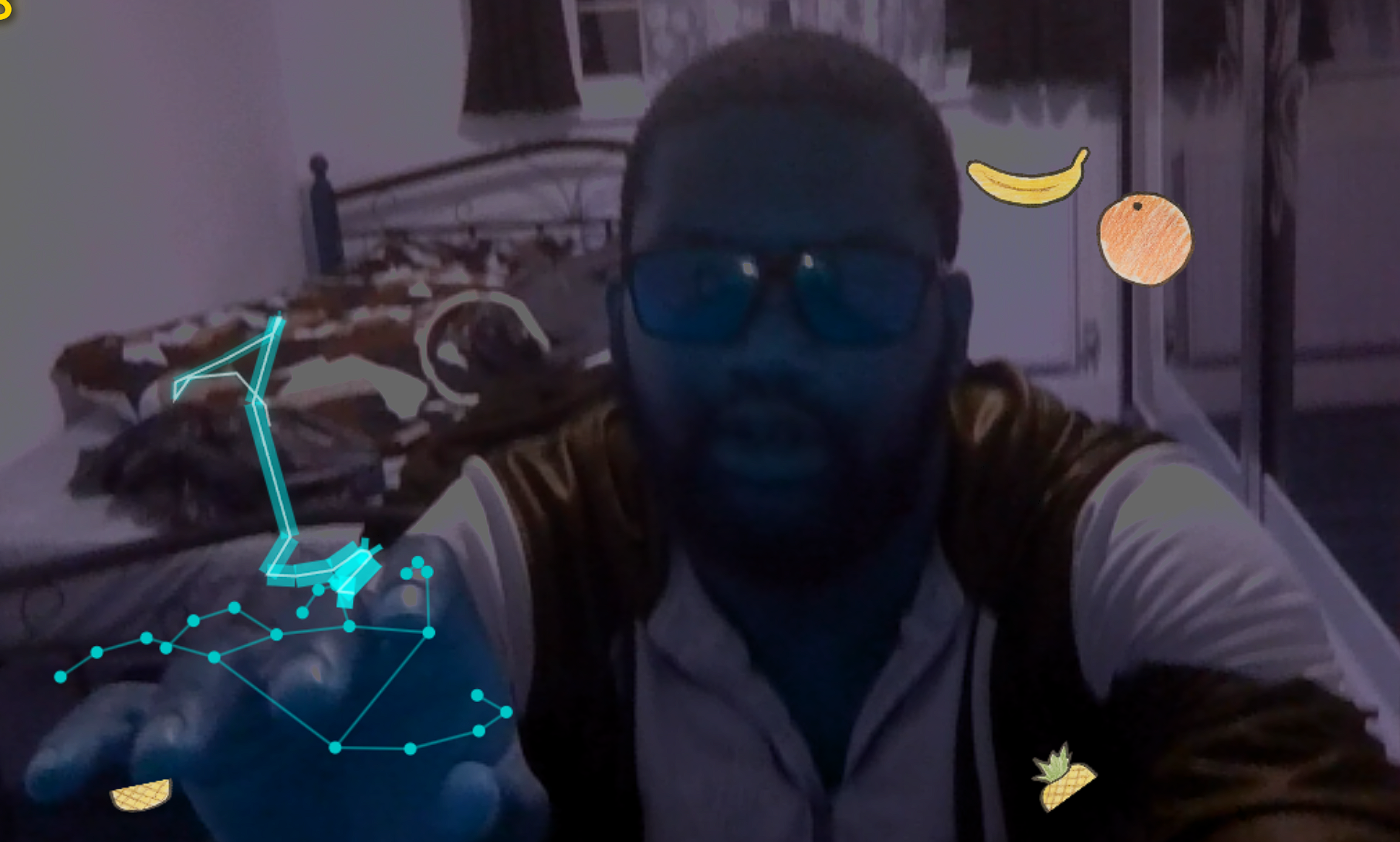
This version runs directly in the browser and uses hand tracking + gesture input to let you slice fruit in real time. No downloads required—just open the app, enable your camera, raise your hands, and start slicing.
🧠 What Makes This Different?
Traditional games rely on taps, clicks, or button presses. This project:
- Tracks your hands
- Maps motion → input
- Uses gestures as commands
You’re not pressing a button to slice fruit — you’re performing the action physically. That’s the core idea behind the “cybernetic interface” concept.
🎮 How It Works
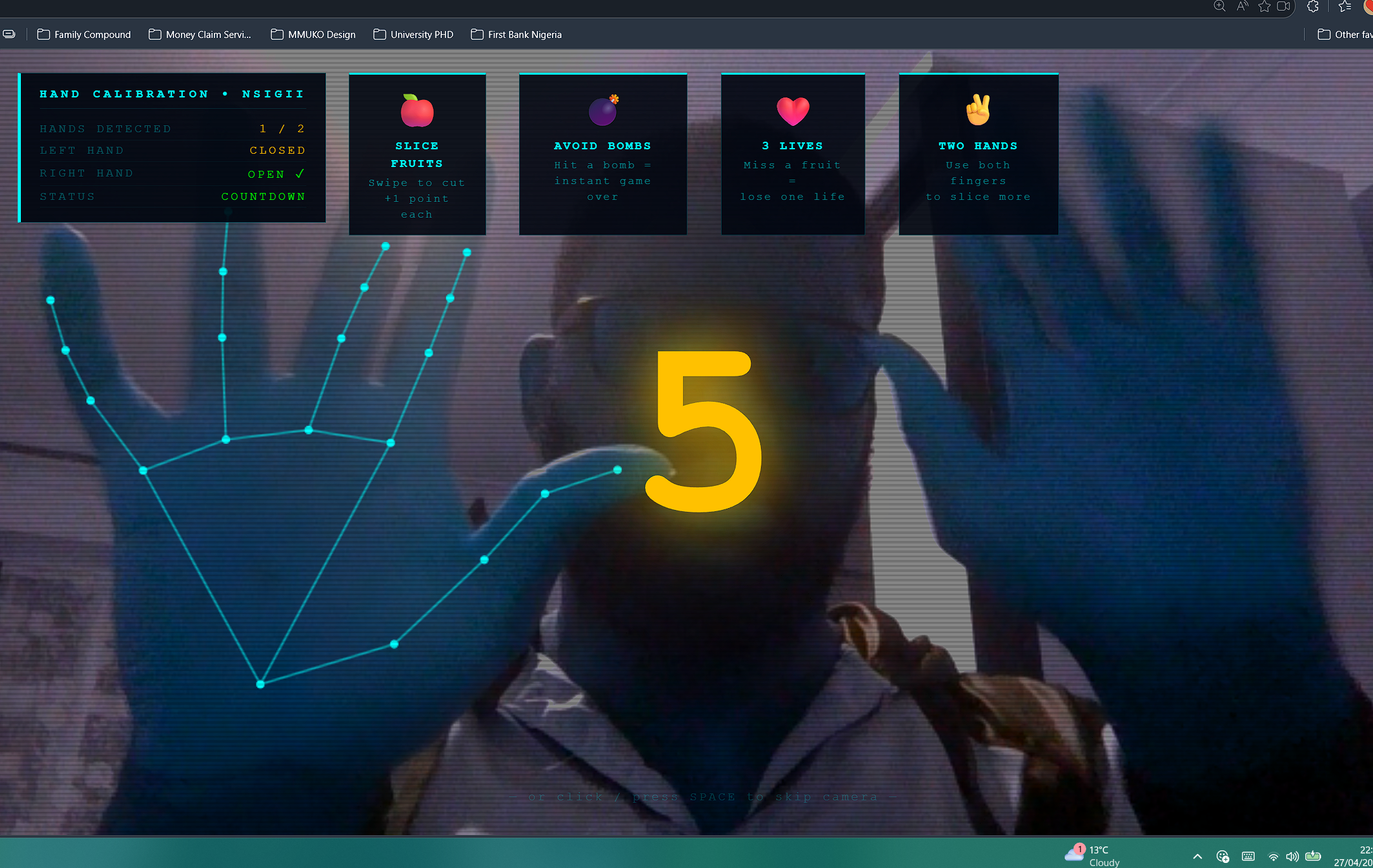
- Calibration – Raise both hands; the system detects left and right hands and starts a countdown.
- Gameplay –
- Slice fruit → +1 point
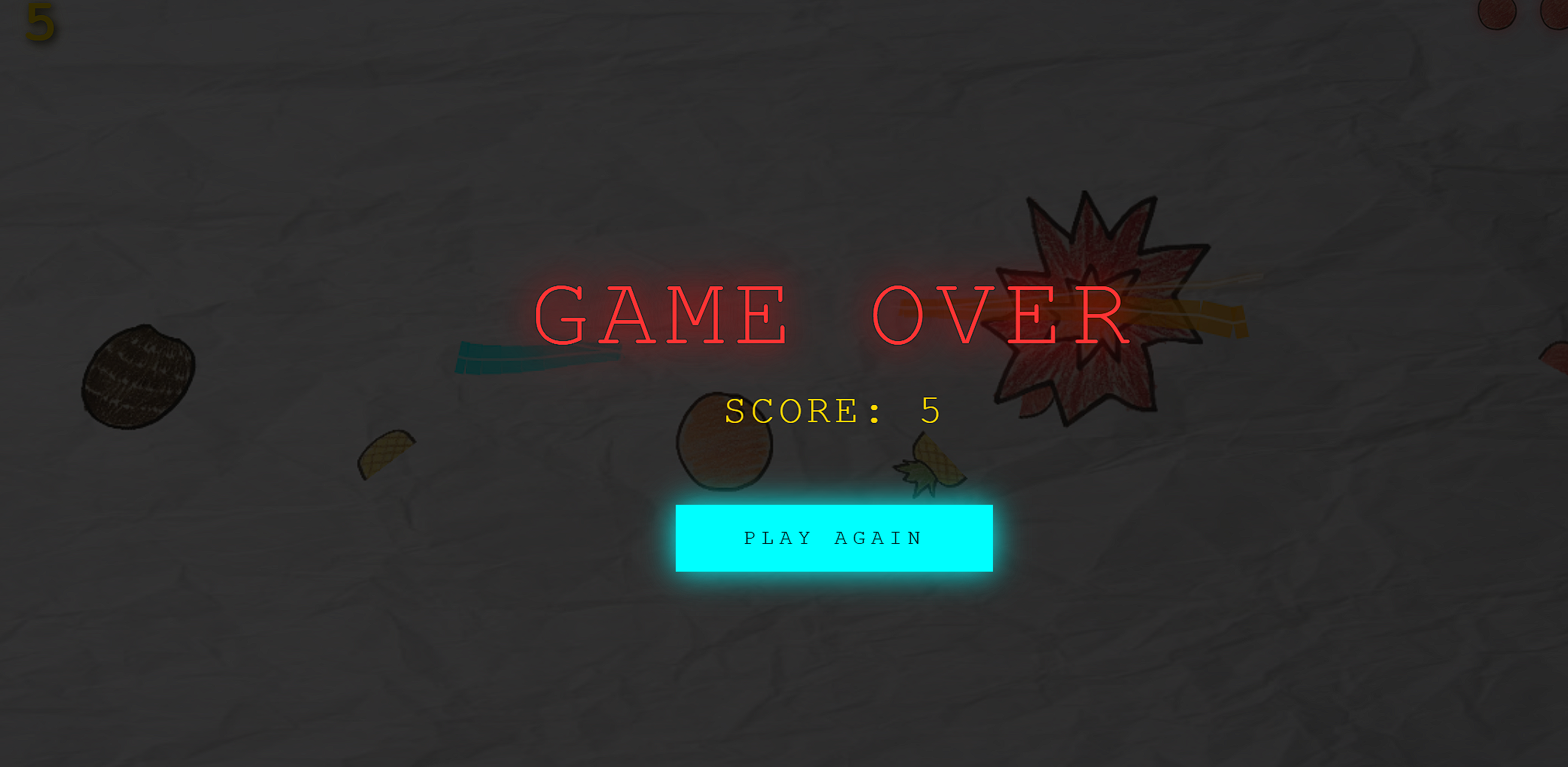
- Hit a bomb → instant game over
- Miss fruit → lose a life (3 lives total)
- Use both hands for better performance
“The faster you go, the less accurate it is — so you have to balance speed and control.”
🧩 The “Cybernetic Interface” Idea
The project explores a simple question: What if input devices disappear?
Instead of:
- Keyboard → typing
- Mouse → clicking
You get:
- Hands → interaction
- Motion → commands
It’s not full cybernetics (no brain implants yet), but it’s a step toward natural human input systems where your body becomes part of the computation loop.
⚙️ Tech Overview
The web version (/www) includes:
- Camera‑based hand tracking
- Real‑time gesture mapping
- Canvas graphics rendering
- Game loop with physics‑like interactions
- UI overlay for calibration and feedback
- Support for two‑hand input and a calibration system using visual hand landmarks
😅 Challenges
- Accuracy drops with fast motion
- Lighting affects detection
- Camera positioning matters
- One‑hand mode can be chaotic
These limitations are part of the fun.
🔥 Why This Matters
Beyond cloning Fruit Ninja, the project explores:
- Touchless interaction
- Gesture‑based control systems
- Human‑centered input design
Today it’s slicing fruit; tomorrow it could enable:
- Controlling apps
- Navigating interfaces
- Gaming without controllers
Or, at the very least, looking like a wizard in front of your laptop.
🎯 Try It Yourself
git clone https://github.com/obinexusmk2/fruit-ninja
cd fruit-ninja/www
npm install
npm run dev- Open the app in a browser
- Allow camera access
- Raise both hands
- Embrace the chaos
🧪 Final Thoughts
This is an early experiment—messy, imperfect, and occasionally making you look like you’re fighting invisible bees. But it proves that we don’t need traditional controllers to interact with software. Sometimes, all you need is your hands and a bit of questionable confidence.