
How to run a local AI chatbot on your iPhone
Source: Engadget
*Igor Bonifacic for Engadget*
When most of us think of AI chatbots, we picture complex systems running on powerful hardware in massive data centers. You ask ChatGPT or Gemini a question, then watch it “think” as it pings some far‑away server network to process the request before generating an answer.
The reality is that this is just one way to interact with the latest AI models. You can actually run an open‑weight chatbot on a recent iPhone. A local chatbot might not be as powerful as its cloud counterparts, but there are compelling reasons to ditch ChatGPT, Claude, and Gemini—reasons I’ll cover in this guide. I’ll also explain how to install a local AI model on your phone. It might seem complicated, but I promise it’s easier than you think.Why Run an AI Chatbot Locally?
Igor Bonifacic for Engadget
Cost Savings
Running a local model on your iPhone can be a one‑time purchase of about $5.
In contrast, cloud‑based services require ongoing subscriptions:
| Service | Minimum Plan | Cost / month |
|---|---|---|
| OpenAI (ChatGPT Plus) | Plus | $20 |
| Google AI | Basic | $8 |
| Google AI | Ultra | $100 |
With a local chatbot you can use it unlimitedly, avoiding daily usage caps that affect power users of ChatGPT, Claude, or Gemini.
Privacy Benefits
The local solutions recommended here don’t require a login and don’t send your data back to the model’s creators.
Most proprietary models collect prompts, images, audio, or video for future training unless you manually opt out.
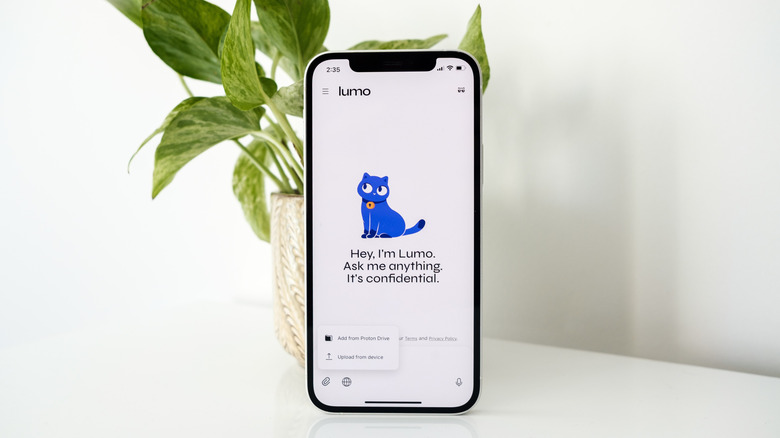
Proton’s Lumo is an exception—it is fully private by default.
Offline Capability
Unlike ChatGPT, Claude, or Gemini, a locally‑run chatbot works without an internet connection.
Drawbacks to Consider
-
Capability Gap
Open‑weight models are improving quickly, but they still lag behind the latest proprietary models (Anthropic, OpenAI, etc.) in terms of:- Larger context windows
- More nuanced, conversational responses
-
Memory & Personalization
Services like ChatGPT and Claude provide “memory” features that personalize replies (e.g., remembering your favorite guitar). Local models typically lack this out‑of‑the‑box personalization. -
Timeliness
All LLMs have a knowledge cutoff:- GPT‑5.5 Instant → August 2024
- Llama 3.2 → December 2023
For up‑to‑date information you need a web‑search capability. Proprietary models can query the web automatically, while open‑source models require third‑party extensions to do the same.
Bottom Line
Running an AI chatbot locally gives you cost‑effective, private, and offline access, but you trade off some raw capability, personalization, and real‑time knowledge compared with cloud‑based services. Choose the option that best matches your priorities.
The best local chatbots
Igor Bonifacic for Engadget
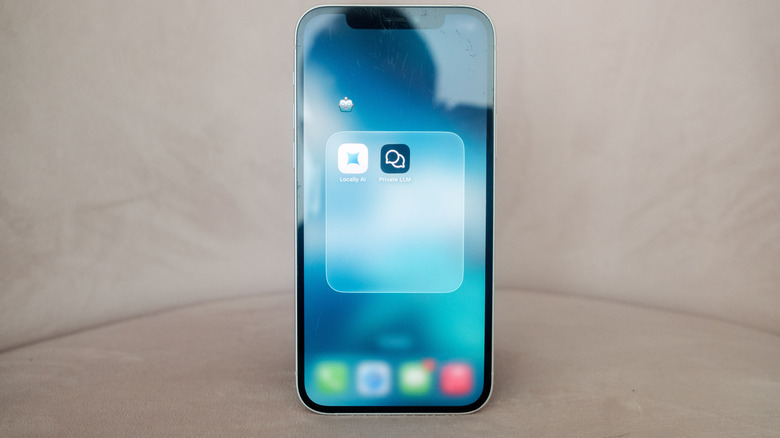
Now that you’ve decided to dip your toes into the world of open‑source LLMs, you’ll need an iPhone app to run them locally. Two options are worth your time:
| App | Price | Key points |
|---|---|---|
| Locally AI | Free | • Intuitive onboarding – recommends three starter models. |
| • Easy to download additional models from Settings. | ||
| • Personalization tab lets you add a system prompt. | ||
| Private LLM | $5 | • Similar functionality, but a paid app. |
Why I prefer Locally AI
- It’s free.
- The onboarding experience feels smoother.
- You can quickly pick a model, download it, and start chatting.
Model size matters
When you experiment with different chatbots, keep an eye on parameter counts:
- More parameters → better answers (they’re usually more capable).
- Trade‑offs: larger models consume more storage and run slower because they need more compute.
Example storage requirements (Locally AI)
| Model | Parameters | Approx. storage |
|---|---|---|
| Llama 3.2 (3 B) | 3 billion | 1.81 GB |
| Llama 3.2 (1 B) | 1 billion | 695 MB |
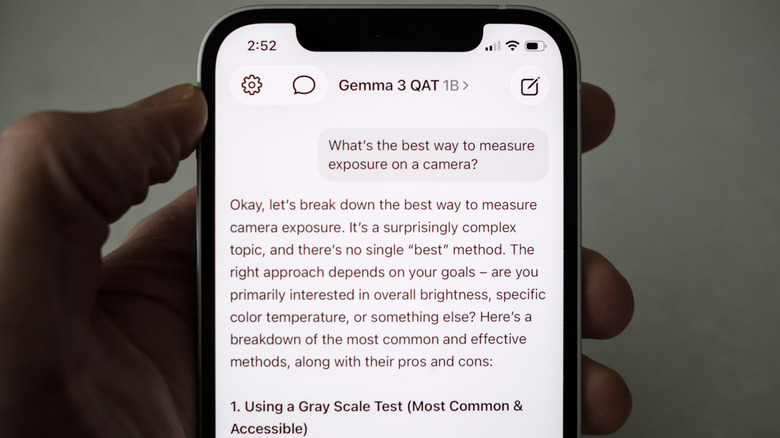
The app recommends an iPhone 15 Pro or newer for the best experience with the 3 B model, but smaller models run fine on older hardware. My iPhone 12 handled the lighter versions of Llama 3.2 and Gemma 3 without issue.
Choosing a device
- Larger models (≥ 2 B parameters) work best on iPhone 15 or later.
- Smaller models (≤ 1 B parameters) are fine on iPhone 12, iPhone 13, etc.
If you’re unsure which model to try, check Private LLM’s model list; it includes recommended on‑device RAM for each option.