
HomeKit Weekly: A look into the first Matter certified camera from Aqara
Source: 9to5Mac
Overview
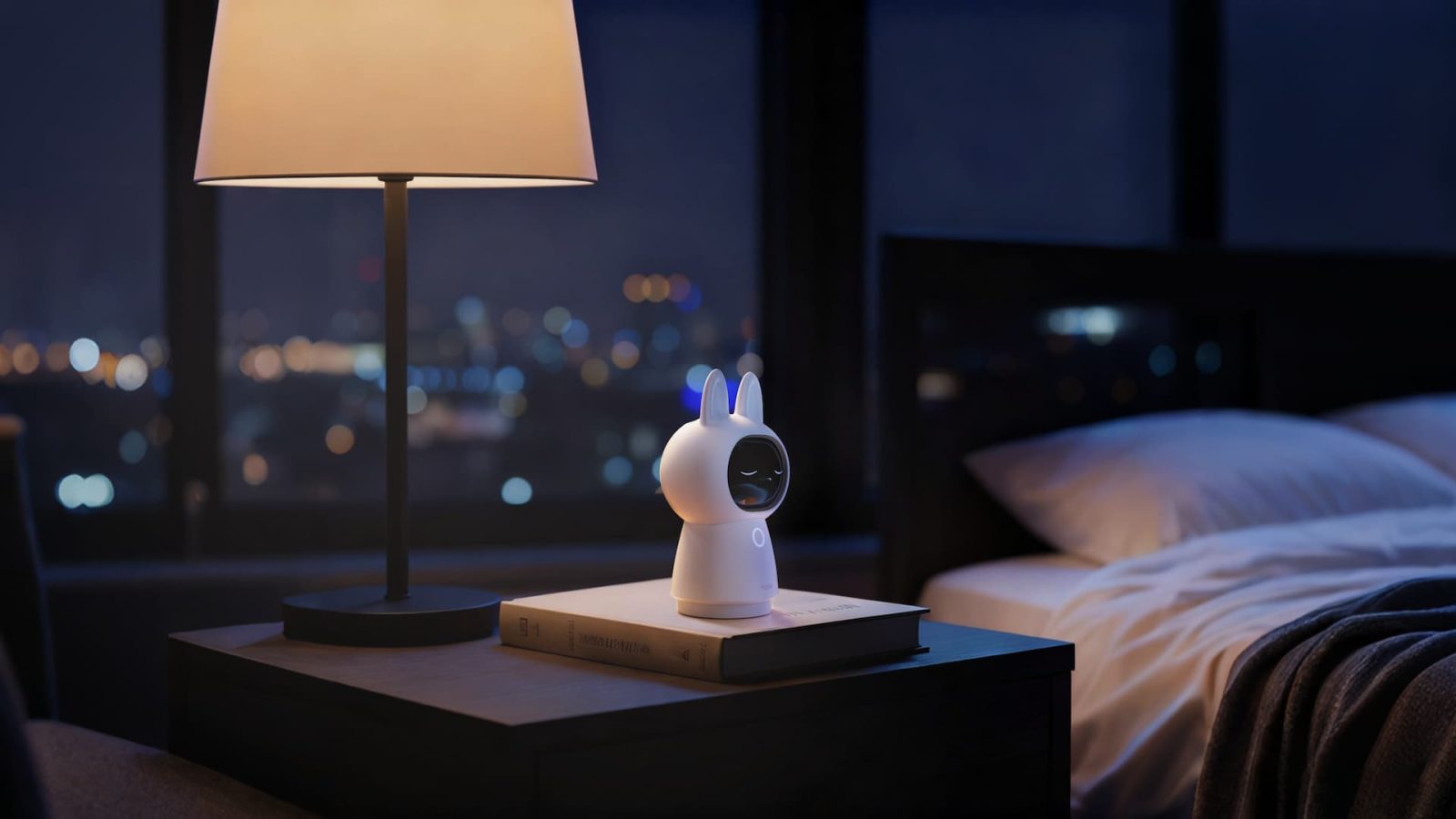
When Aqara first announced the Camera Hub G350, the headline that caught my eye was the claim that it is the first Matter‑certified camera on the market. Matter, while not perfect, is a huge part of what I want out of the smart‑home industry: freedom from vendor lock‑in. Let’s take a look at the new Aqara Camera Hub G350 and see how it works with Matter and HomeKit.
HomeKit Weekly is a series focused on smart‑home accessories, automation tips and tricks, and everything to do with Apple’s smart‑home framework.
What is in the box and tech specs
In the box you will find the camera and a really long USB‑C cord. I wish Aqara had included a wall adapter, but I have plenty lying around. Spec‑wise, here is what Aqara included in the Camera Hub G350:
- Resolution and lenses: Dual‑lens system pairing a 4K wide‑angle camera with a 2.5K telephoto lens. HomeKit Secure Video will again be limited to 1080p.
- Zoom and coverage: Up to 9× hybrid zoom and a motorized pan‑and‑tilt base that provides a full 360‑degree view of the room.
- Smart home hub: Operates as a Zigbee hub, a Matter controller, and a Matter bridge for other Aqara devices.
- Local AI tracking: On‑device intelligence to automatically track people and pets. Processing is local, which is a great step for privacy (not connected to Apple Home).
- Storage: Record locally with a microSD card up to 512 GB, utilize a NAS, or connect it to Apple HomeKit Secure Video.
- Hardware privacy: Physical lens shield that automatically covers the camera when it’s off, allowing you to verify it.
Aiming to be a true smart home hub
The Aqara Camera Hub G350 aims to be much more than just a security camera. It supports Matter 1.5, the latest standard that finally brings cameras into the Matter ecosystem. Apple Home has not yet updated to support Matter 1.5 cameras, but I suspect we’ll see that at WWDC as part of Apple’s fall release. For now we rely on the standard HomeKit integration for the video feed, but the camera is future‑proofed for when Apple eventually flips the switch.
It also works as a Zigbee hub and a Thread Border Router, allowing you to connect existing Aqara door sensors, climate sensors, and smart buttons directly to the camera and bridge them into Apple Home. Aqara has a ton of low‑cost sensors that work great inside your HomeKit environment.
Setting up the Aqara Camera Hub G350 in Apple Home
Because Apple has not yet updated the Home app to support Matter 1.5 cameras, the G350’s setup currently relies on the standard Apple Home integration. After plugging in the USB‑C cable and connecting the device to your Wi‑Fi network in the Aqara app, you can add it directly to Apple Home by scanning the code on the bottom of the device. The Matter code is on the back, and it will appear in Apple Home as a bridge; the camera itself won’t be visible yet—a point that can be confusing at first.
Once added, it functions like any other HomeKit Secure Video camera: you get iCloud recordings, facial recognition, and activity zones. The one downside to HomeKit Secure Video is Apple’s strict 1080p limit. However, because the G350 also supports RTSP, you can pipe the full 4K stream to a NAS or other local storage simultaneously. This dual‑stream approach gives you the convenience of the Apple Home app for quick alerts on your iPhone while preserving high‑quality 4K footage locally for detailed review.
Wrap‑up on the Aqara Camera Hub G350
The Aqara Camera Hub G350 is a solid HomeKit Secure Video camera that also serves as a hub for bringing all your Aqara devices into Apple Home. The hardware privacy shutter, dual‑lens system, and Matter‑certified future‑proofing make it one of the most compelling cameras of the year. I’ll be keeping a close eye on it as the Matter standards continue to evolve and gain Apple’s support.
You can purchase the Aqara Camera Hub G350 from Amazon.