
Hands-on: Keychron Q1 Ultra is a fantastic new mechanical keyboard offering for Mac
Source: 9to5Mac
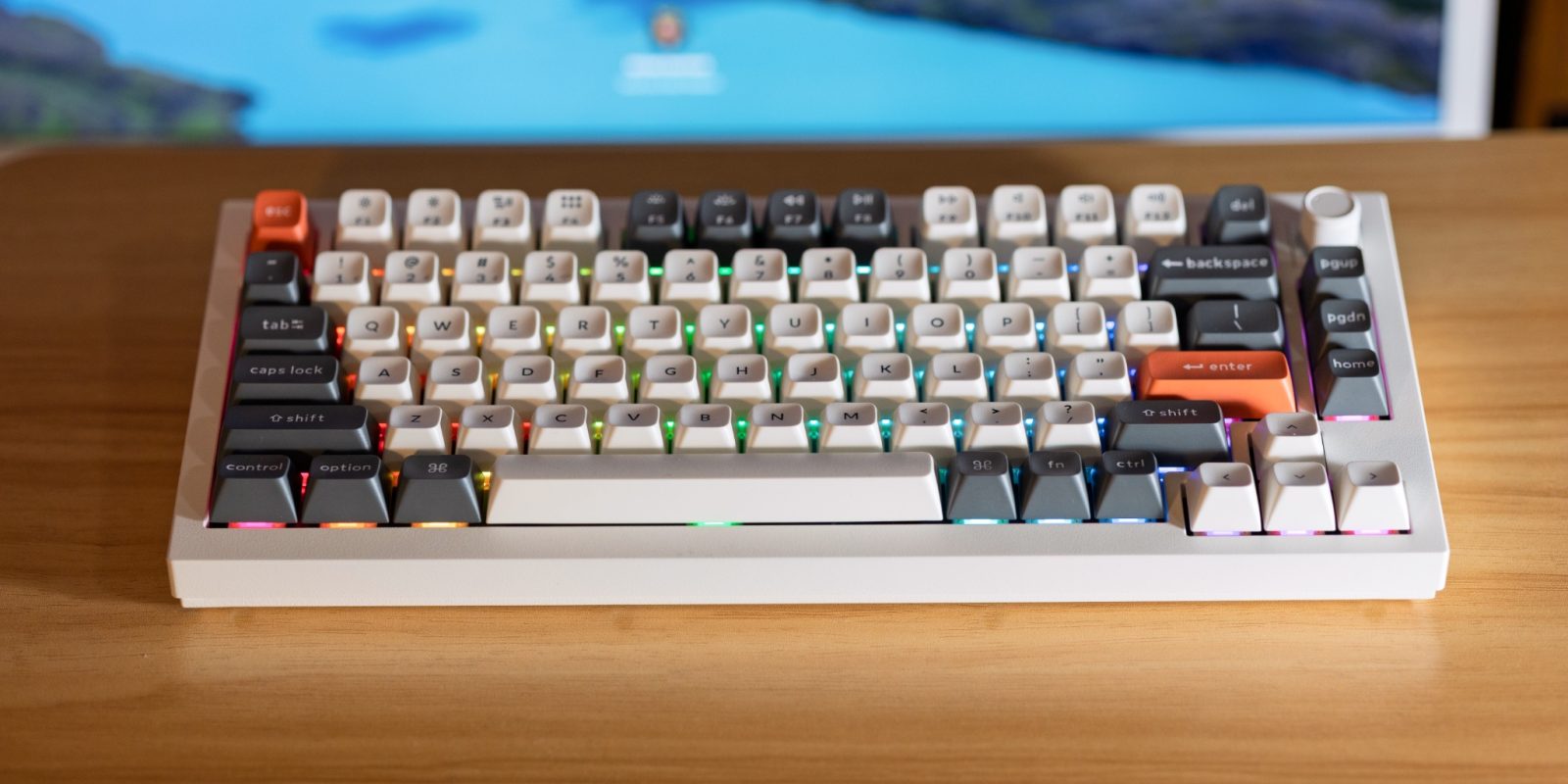
## Keychron Q Ultra – CES 2026 Reveal
Keychron unveiled its **Q Ultra** series at CES 2026, a new line of Mac‑focused keyboards featuring:
- **8 K polling rate** for ultra‑responsive input
- **All‑metal construction** for a premium feel and durability
- Three size options:
- **75 %** – [Buy on Amazon](https://amzn.to/3M2TWIk)
- **80 %** – [Buy on Amazon](https://amzn.to/4qzuRTk)
- **Full‑size** – [Buy on Amazon](https://amzn.to/3Mgw97L)
I’ll be getting hands‑on with the **[Keychron Q1 Ultra](https://amzn.to/3M2TWIk)** and will share my impressions soon.Key Specs
I’m testing the Keychron Q1 Ultra (75%). Because my desk space is limited, the smallest form factor was a priority. If you want a slightly larger layout you can choose the Q3 Ultra (80%), and if you need a numpad the Q6 Ultra (full‑size) is available. All three keyboards sit in the same price range—about $230 – $240.
What makes these keyboards stand out?
| Feature | Details |
|---|---|
| Polling rate | 8 kHz (8 000 Hz) when used wirelessly – delivers ultra‑low latency. |
| Battery life | Up to 660 hours on a single charge (≈ 110 days @ 6 h/day, ≈ 82 days @ 8 h/day). Real‑world expectation: ~3 months between charges. |
| Hot‑swappable switches | Yes – swap out Red, Brown, or Banana switches without soldering. |
| Build | Full‑aluminum chassis. |
| RGB backlight | Customizable per‑key lighting. |
| Color options | • Black with blue accents |
| • White with orange accents | |
| Available layouts | • Q1 Ultra – 75% |
| • Q3 Ultra – 80% | |
| • Q6 Ultra – full‑size (numpad) |
Note: While the 8 kHz polling rate is technically impressive, most typists won’t notice a measurable difference in everyday use.
Model Quick Links
All models are listed together on the Keychron product page.
Images
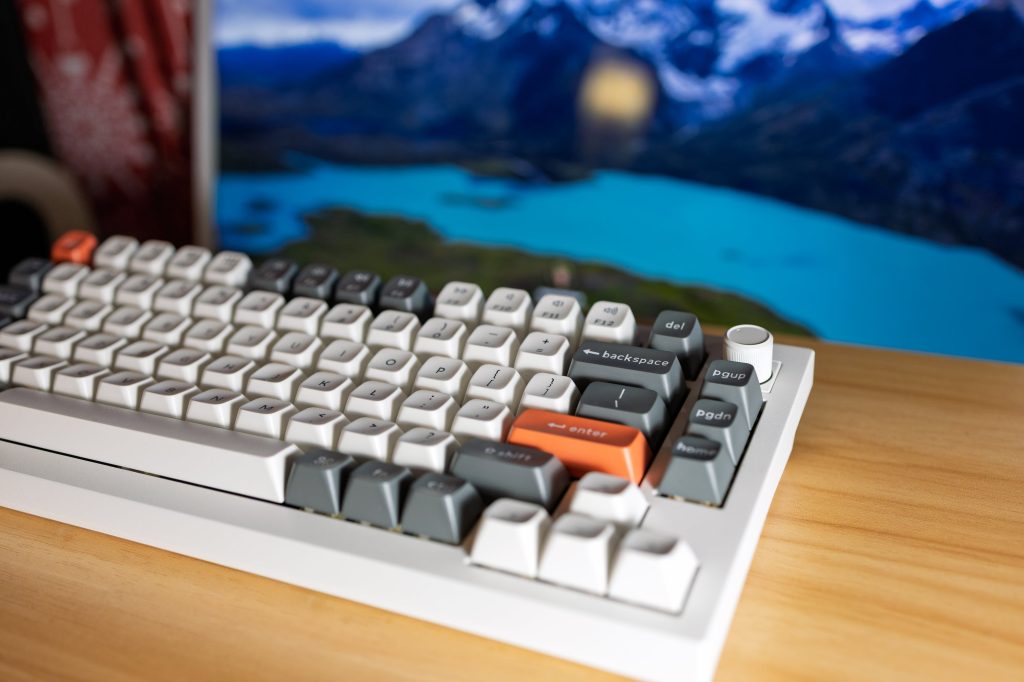 | 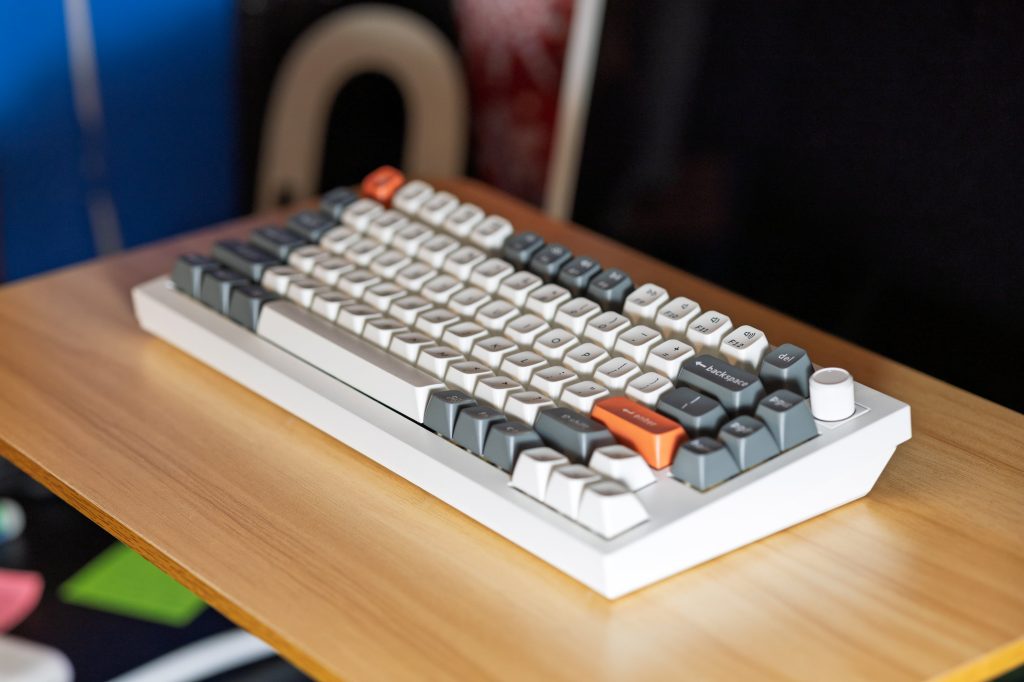 |
Images courtesy of 9to5Mac.
Initial Impressions
As for how I feel – you definitely get what you pay for. I’ve never been much of a mechanical‑keyboard person, though I have tried out the Keychron K2 in the past. This keyboard (look‑and‑feel wise) blows that one out of the water.
- Build – The all‑aluminum chassis isn’t essential, but it looks great and fits the general Mac aesthetic.
- Tilt – The only drawback is the lack of adjustable legs, so you’re stuck with the preset angle.
- RGB Backlight – Nice and highly customizable. The backlight is per‑key rather than a single zone, which is a step up from most keyboards.
- For a dedicated back‑light switch key you’ll need the Q3 Ultra or Q6 Ultra.
- On the Q1 Ultra, you can cycle through lighting modes with Fn + Q.
- Knob – The Q Ultra series introduces a new knob that lets you adjust volume on the fly. It can also be remapped via the Keychron Launcher, where you can create custom macros or reassign keys.
Images
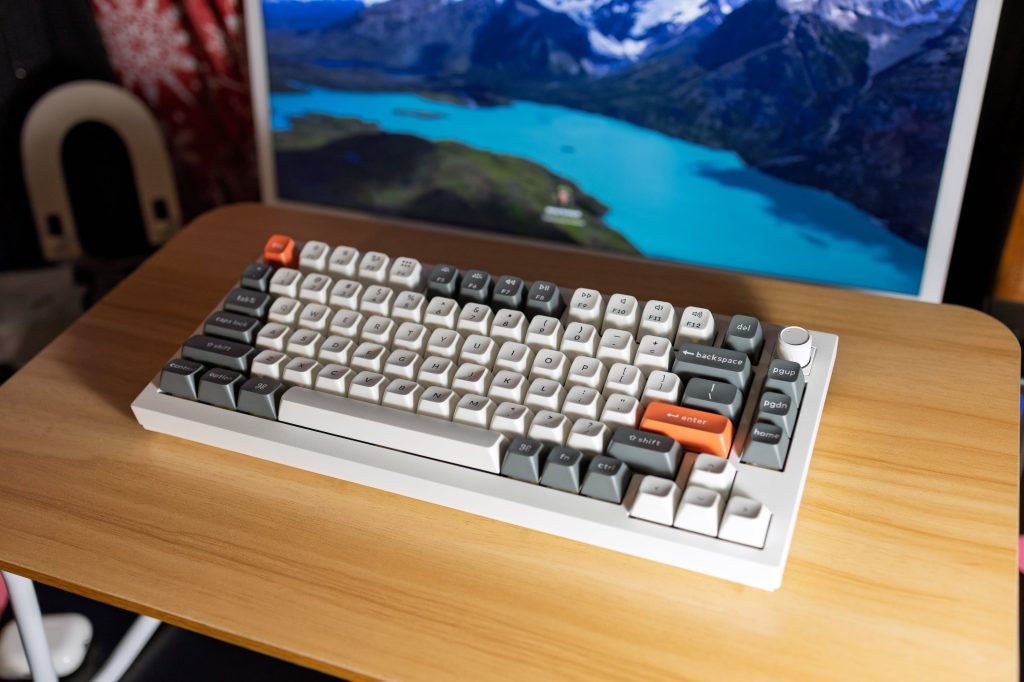
Front view of the keyboard.
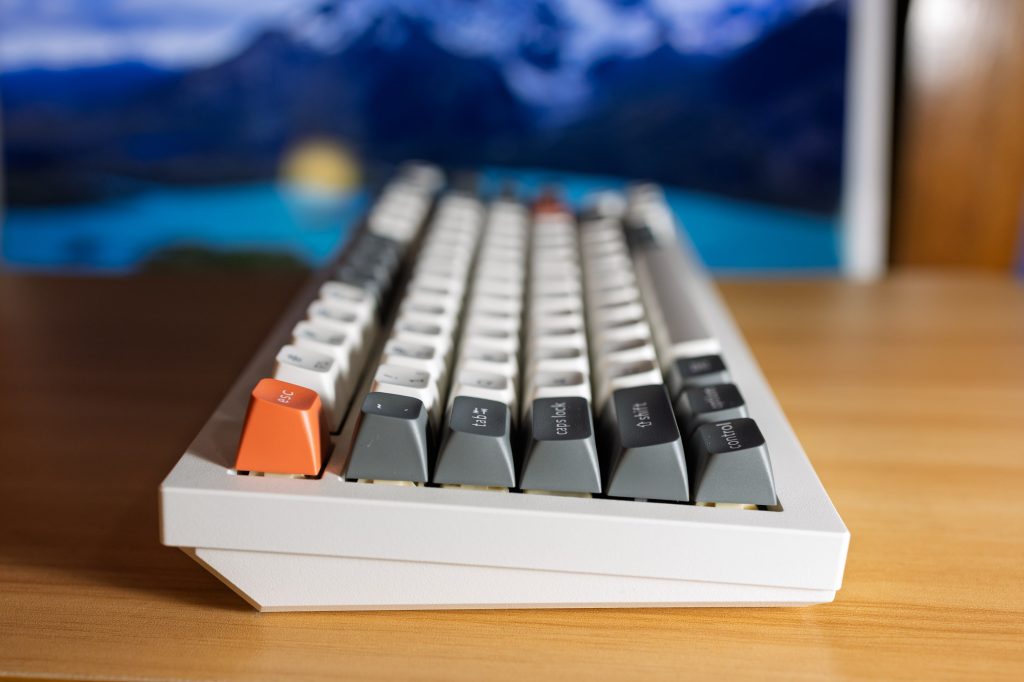
Side view showing the aluminum build and knob.
Wrap up
All in all, the Keychron Q1 Ultra targets the high‑end segment of the market, but if it fits your budget you’ll really enjoy it. Keyboards last a long time—especially when you can swap switches and keycaps—so it’s essentially a “buy once, use forever” purchase rather than something you constantly need to upgrade.
Where to buy
-
Keychron Q1 Ultra – $229 on Amazon
- Black:
- White:
-
Keychron Q3 Ultra – $229 →
-
Keychron Q6 Ultra – $239 →
Explore the full Keychron lineup on their
Exclusive free trials for Apple services
| Service | Trial link | Post‑trial price |
|---|---|---|
| Apple Music | $10.99 /mo | |
| Apple Arcade | $6.99 /mo | |
| Apple News+ | $12.99 /mo | |
| Apple TV+ | $12.99 /mo | |
| Apple One bundle | $19.95 /mo |
Follow Michael
- X/Twitter:
- Bluesky:
- Instagram:


FTC: We use income‑earning auto‑affiliate links. More info
