
Google’s finally optimizing Calendar for big, high-res screens
Source: Android Authority
TL;DR
- Google Calendar is getting a new layout for the daily view that’s optimized for large, high‑resolution screens.
- Users with sufficiently big screens will automatically receive the new view in the next few weeks.
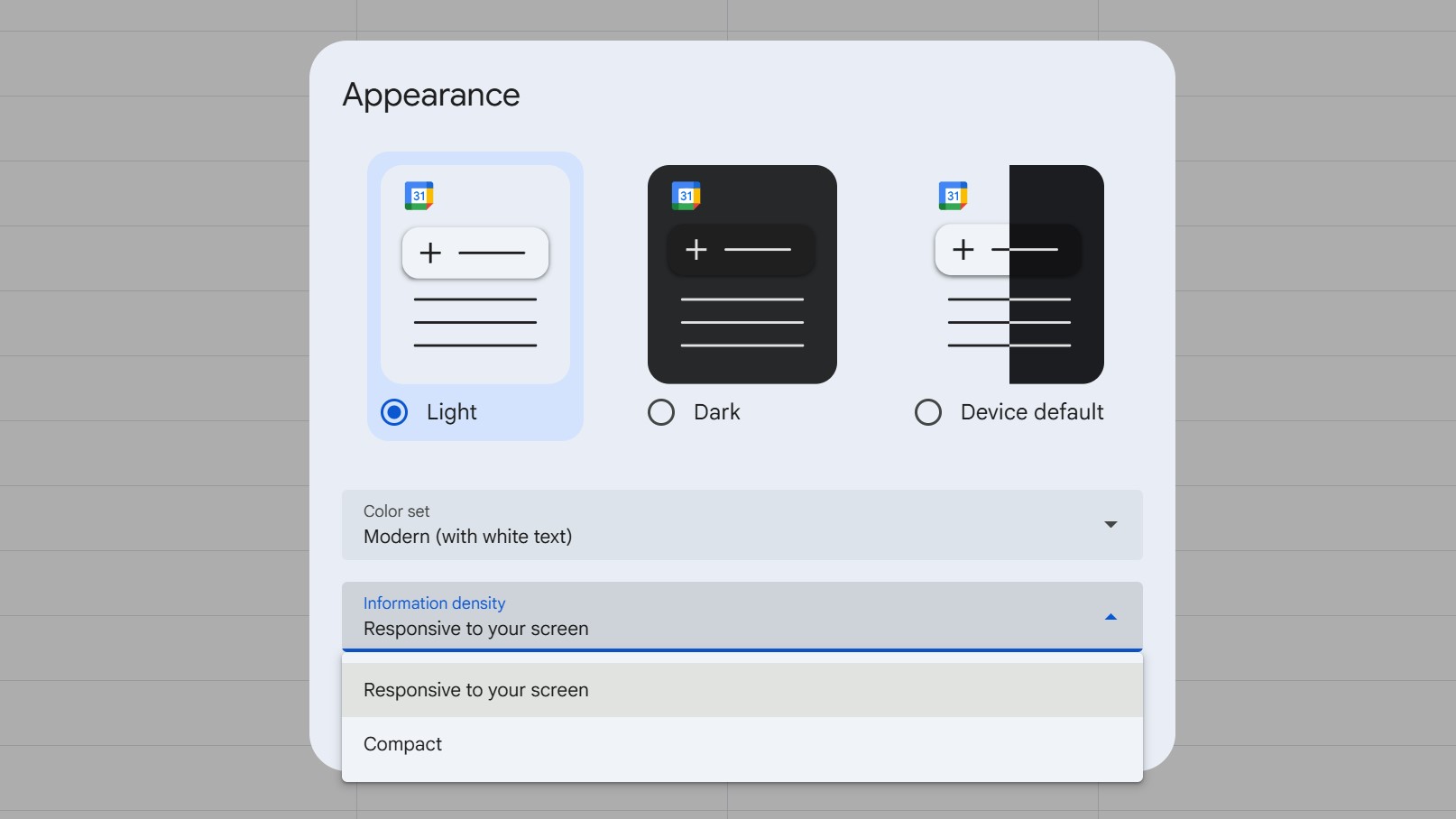
- If you prefer the old layout, you can revert to it through Calendar Settings → Appearance → Information density.
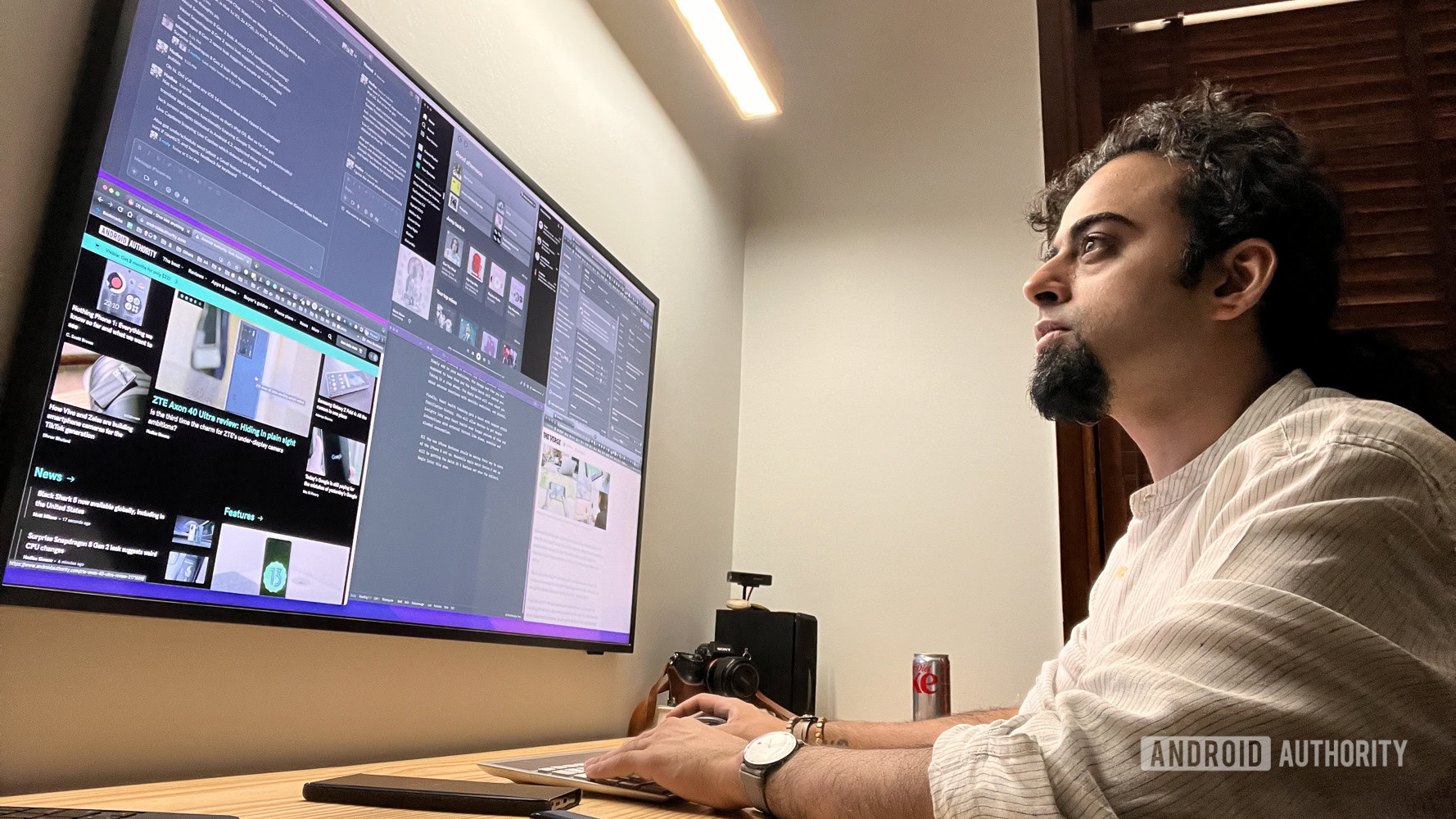
Whether you’re a gamer, a spreadsheet enthusiast, a coder, or just a YouTube addict, most of us love a nice, big screen. While refresh rate, color gamut, and power efficiency matter, a larger display can make daily tasks more comfortable—provided the software takes full advantage of the extra real estate.
Google has listened to feedback from users with expansive monitors. Those with the biggest and highest‑resolution screens have reported that Calendar left too much whitespace, especially in the daily view where multiple calendars can make entries feel cramped.
A denser daily view
In both the main web interface and the Calendar pop‑up in the Workspace sidebar, Google is rolling out a denser daily view for large screens. The new layout:
- Shows everything important over a 12–15 hour period.
- Reduces wasted screen space, making it easier to see more events at a glance.
The change currently applies only to the daily view; weekly and monthly layouts remain unchanged.
No action required (but you can revert)
If your screen meets the size criteria, the new layout will appear automatically—no setup needed.
If you prefer the previous look, go to Settings → Appearance and adjust the Information density option back to the older style.
Enjoy the more compact view, which should start reaching users over the next few weeks.