
Google Chat users can now preview Figma files, manage invites, and reply to comments
Source: Android Authority
TL;DR
- The Figma add‑on for Google Workspace previously supported Docs and Meet; today it also integrates with Google Chat.
- After installing and logging into the Figma add‑on, Chat users receive automatic notifications directly in their conversations.
- The integration adds file previews, invites, comments, and tags to Chat, and lets users reply to comments without leaving the chat.
New Google Chat Integration
The Figma for Google Workspace add‑on now works with Google Chat, extending the same functionality that was available in Docs and Meet. This lets teams receive real‑time updates on Figma projects—such as invitations, tags, comments, and replies—right inside their chat threads.
The experience is similar to the existing Figma extension for Slack, which also provides notification updates and FigJam integration in Slack channels.
How Notifications Work
-
By default, any Chat user who has the Figma add‑on installed will get notifications for:
- Invitations
- Tags
- Comments
- Replies
-
Notifications can be disabled in the Figma add‑on settings within Google Chat.
-
Quirks to note
- If a Figma file is open in a browser, Chat will not push updates for comments or tags until the file is closed.
- FigJam tags placed on sticky notes do not generate Chat notifications.
- Figma Make does not support comments, so no notifications are sent for that product.
Supported Figma Products
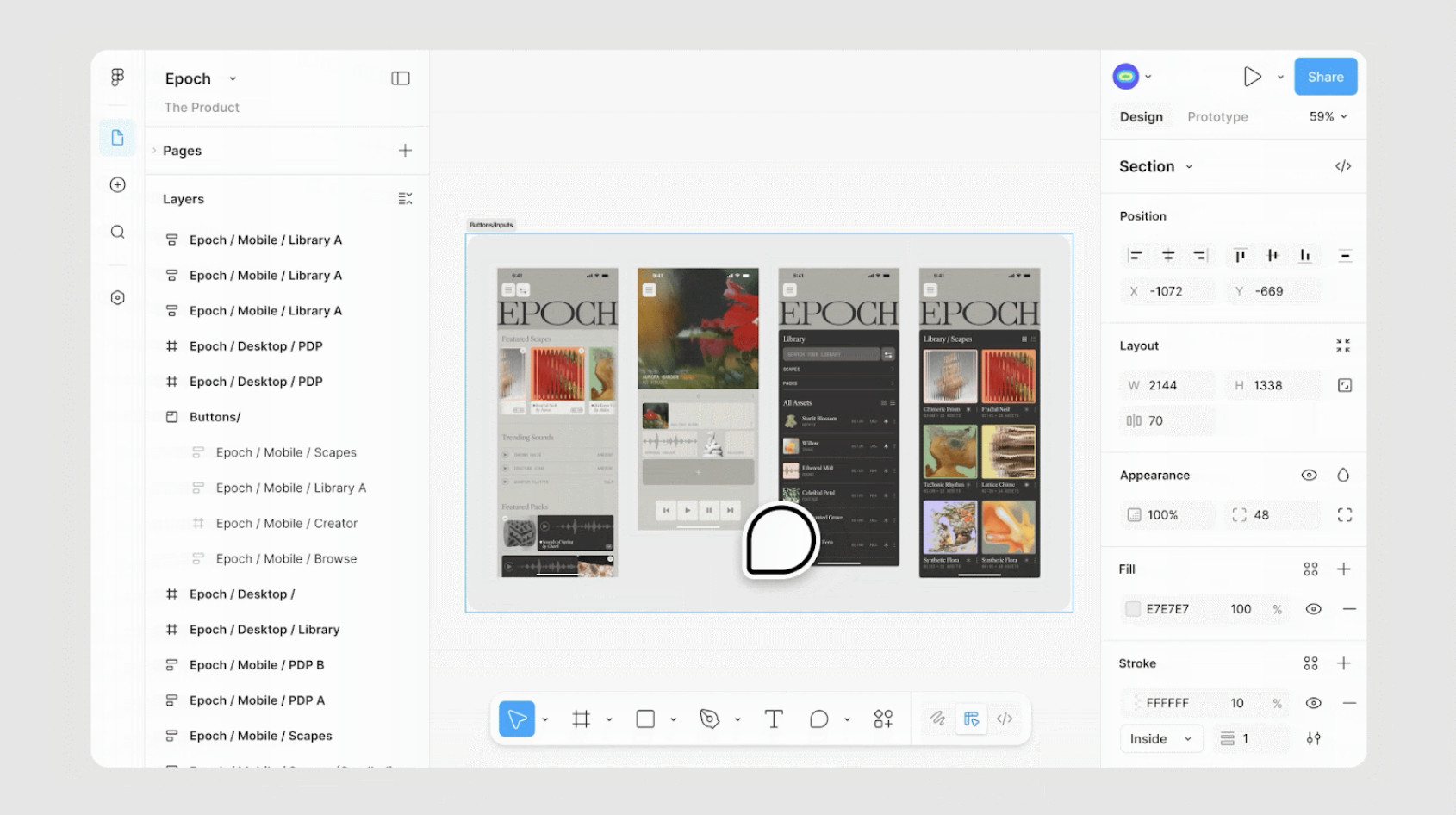
The integration works with all major Figma offerings, including:
- Figma Design
- FigJam
- Figma Slides
- Figma Buzz
- Figma Sites
These products support:
- File previews
- Invitations
- Comments
- Tags
A standout feature is “Respond from Google Chat,” which allows users to reply to Figma comments directly within the chat interface.
Availability
- Rolling out now to all Google Workspace users, including enterprise domains on both rapid and scheduled release channels.
- Also available to anyone with a personal Google account.
The integration appears automatically in Google Chat for users who have already installed the Figma add‑on for other Workspace apps. Users must sign in with their Figma account to activate the add‑on.