Google AI Mode getting deep Chrome integration on desktop, mobile
Published: (April 16, 2026 at 01:00 PM EDT)
2 min read
Source: 9to5Google
Source: 9to5Google
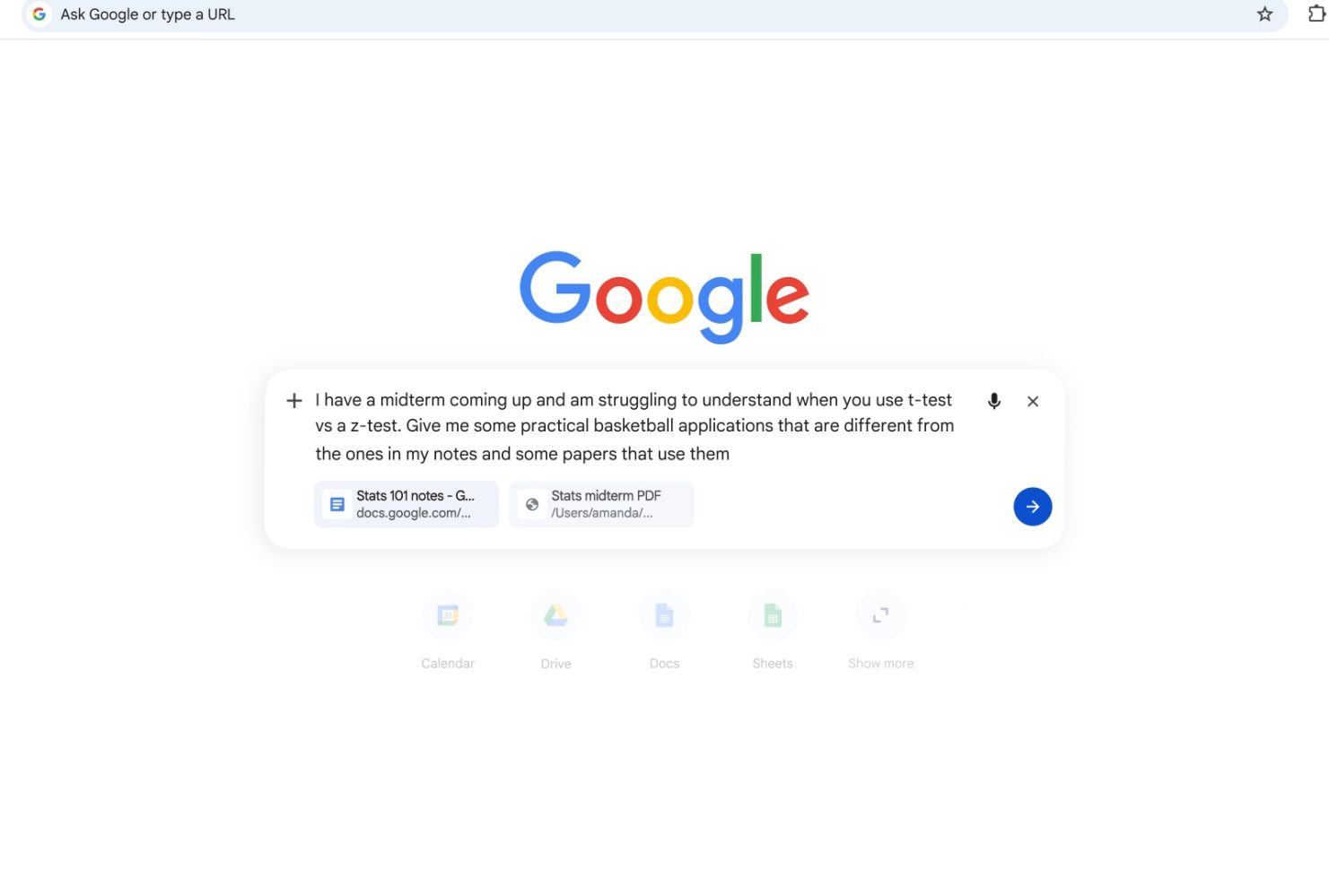
Deep Chrome Integration of AI Mode
Google is extending AI Mode across desktop and mobile Chrome, building on the earlier Gemini app integration.
Desktop Experience
- On the New Tab Page (NTP), tapping the AI Mode button now opens an inline prompt box instead of redirecting to a separate site.
- Clicking links within AI Mode collapses the conversation into a new side panel, allowing you to browse and ask follow‑up questions about the current page or a YouTube video.
- The address bar doubles as a full AI Mode prompt box. The + button lets you:
- Add recent tabs for context
- Upload images and files
- Create images
- Perform Deep Search
- Access Canvas
- Switch between Gemini 3 models
Users can mix and match different input types.
Google reports that early testers appreciated the reduced need for tab switching and the ability to keep search and web content side‑by‑side, helping them stay focused.
Mobile Experience (Android & iOS)
- On the NTP, tapping the search bar opens the full‑screen search/address UI as before.
- The pill expands into a prompt box as you type.
- The expanded plus menu provides quick access to:
- Camera
- Gallery
- Files
Selecting Tabs displays a grid UI for choosing open pages.
Availability
The enhanced AI Mode integration is rolling out today for Chrome on desktop, Android, and iOS in the United States, with additional countries slated to receive it soon.


FTC: We use income‑earning auto affiliate links. More.