
Getting Started with AEM: On-Prem vs AEM Cloud (In Simple Terms)
Source: Dev.to
On‑Prem vs. Cloud – The Real‑World Difference
If you’ve ever worked in a large enterprise, you’ve probably heard people say:
“Our website runs on AEM.”
But what exactly is AEM? And how does AEM On‑Prem differ from AEM as a Cloud Service?
Let’s break it down — no heavy jargon, just how things actually work.
So, What Is AEM?
Adobe Experience Manager (AEM) is a platform that helps companies:
- Build websites
- Manage content
- Create forms
- Store and reuse digital assets
- Deliver consistent experiences across channels
Think of AEM as a powerful content engine that sits between business users and developers.
Where Do Companies Use AEM?
AEM is usually chosen when a site is large and complex:
- Multiple teams update content
- Performance and security really matter
- Content needs to be reused across brands or regions
Typical industries:
- Banking & Finance
- Retail
- Healthcare
- Media companies
- Government portals
AEM On‑Prem vs. AEM Cloud – Let’s Talk Reality
AEM On‑Prem (Traditional Way)
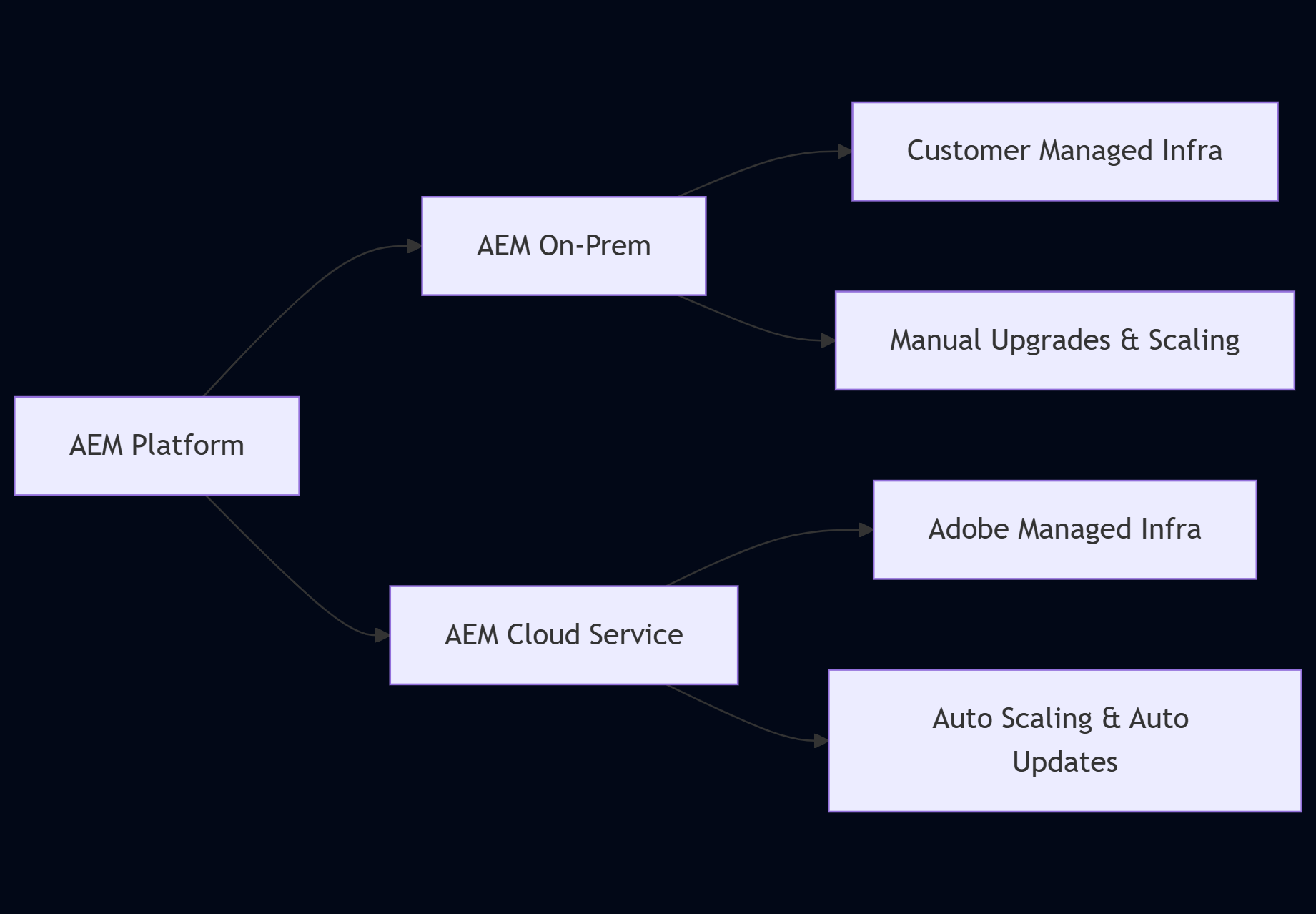
With On‑Prem, you own almost everything:
- Servers
- Scaling
- Patching
- Upgrades
- Availability
It gives control, but also responsibility.
AEM Cloud (Modern Way)
With AEM as a Cloud Service:
- Adobe manages the infrastructure
- Scaling happens automatically
- Updates are continuous
- CI/CD is built‑in
You focus on content and code, not servers.
High‑Level Comparison (Quick View)
Core AEM Building Blocks (Common Everywhere)
No matter where AEM runs, the core ideas stay the same.
AEM Sites – Where Pages Are Built
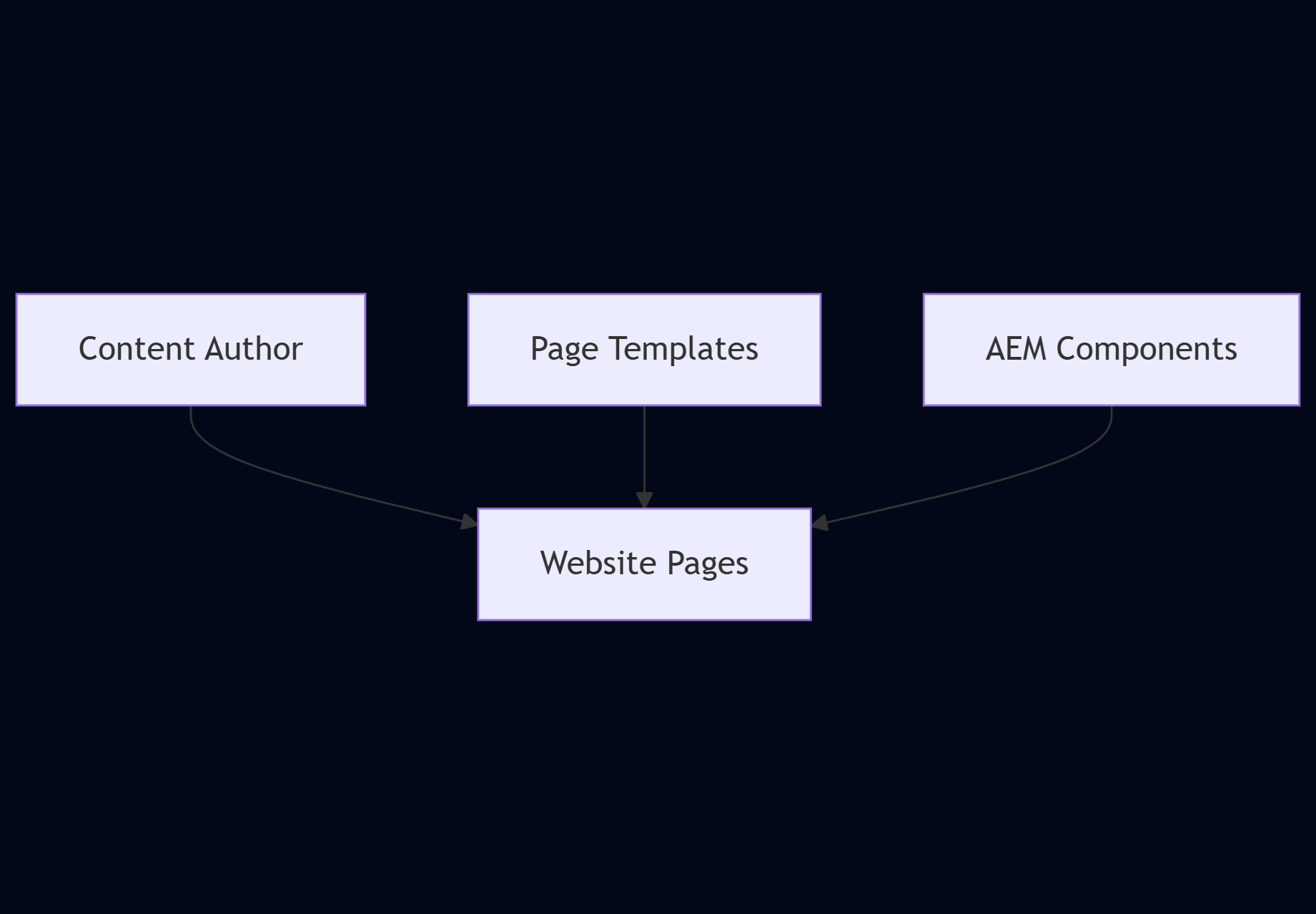
AEM Sites is where marketing teams live. It allows:
- Drag‑and‑drop components
- Editable templates
- Multi‑language support
- Multi‑site management
In simple terms: Developers build components → Authors assemble pages.
AEM Forms – When Data Matters
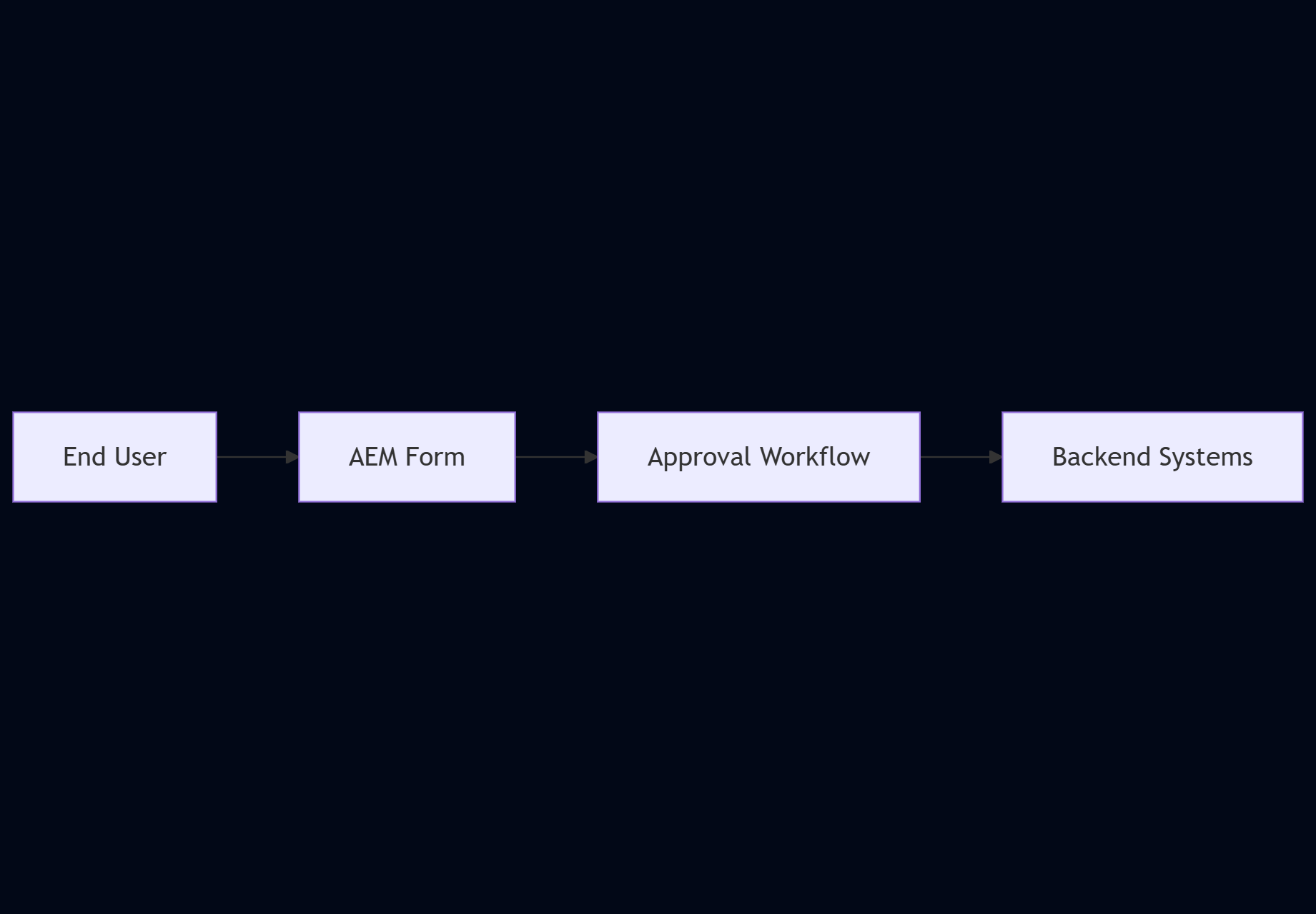
AEM Forms is used when you need more than just content. Typical examples:
- Bank application forms
- Insurance claims
- Government submissions
It supports:
- Adaptive forms
- Validation
- Workflows
- Secure data handling
AEM Content & Assets – One Central Content Hub
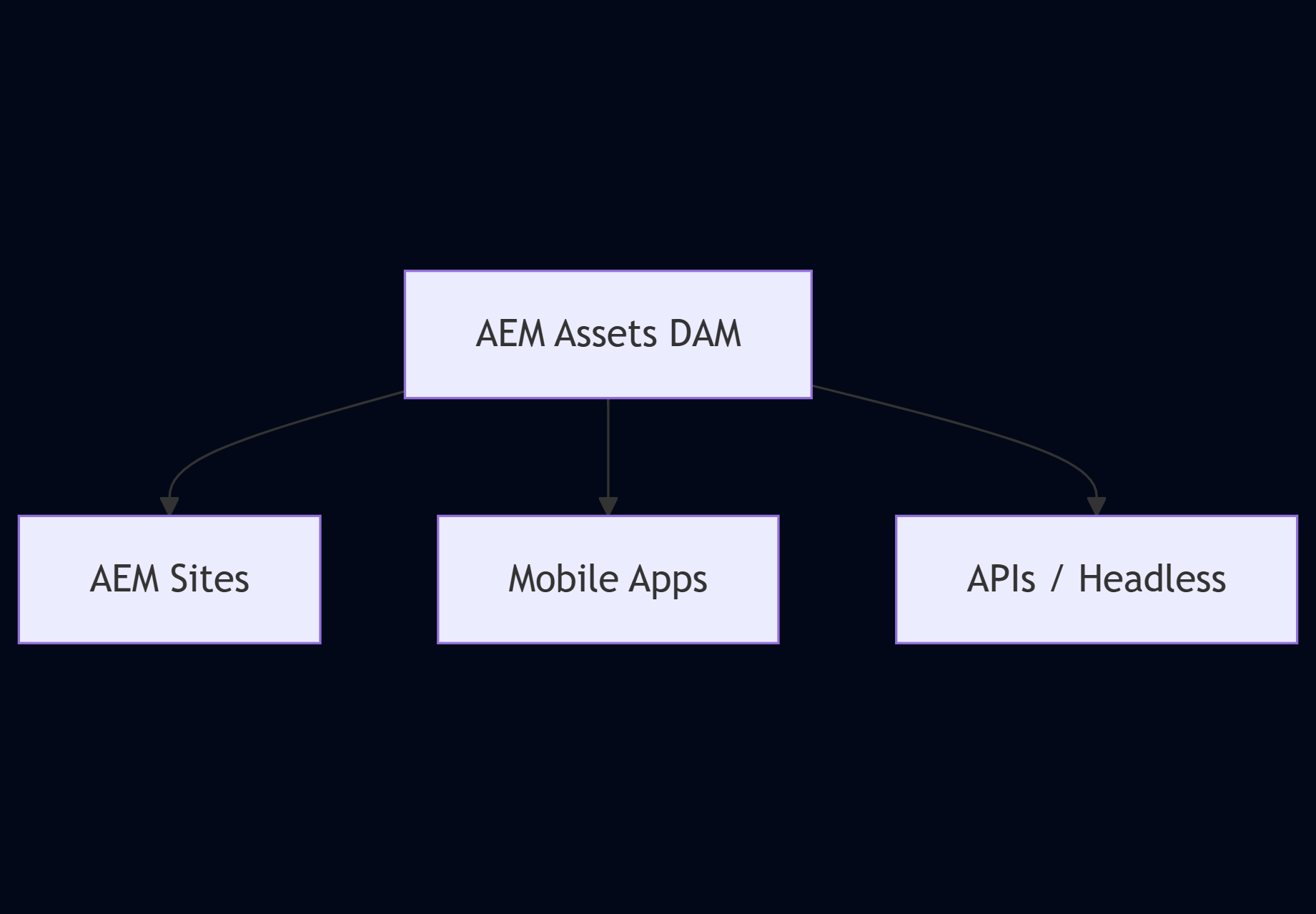
AEM isn’t just pages; it’s also about content reuse. With AEM Assets (DAM):
- Images, videos, PDFs live in one place
- Metadata & tagging help discovery
- Assets can be reused across sites
Under the Hood
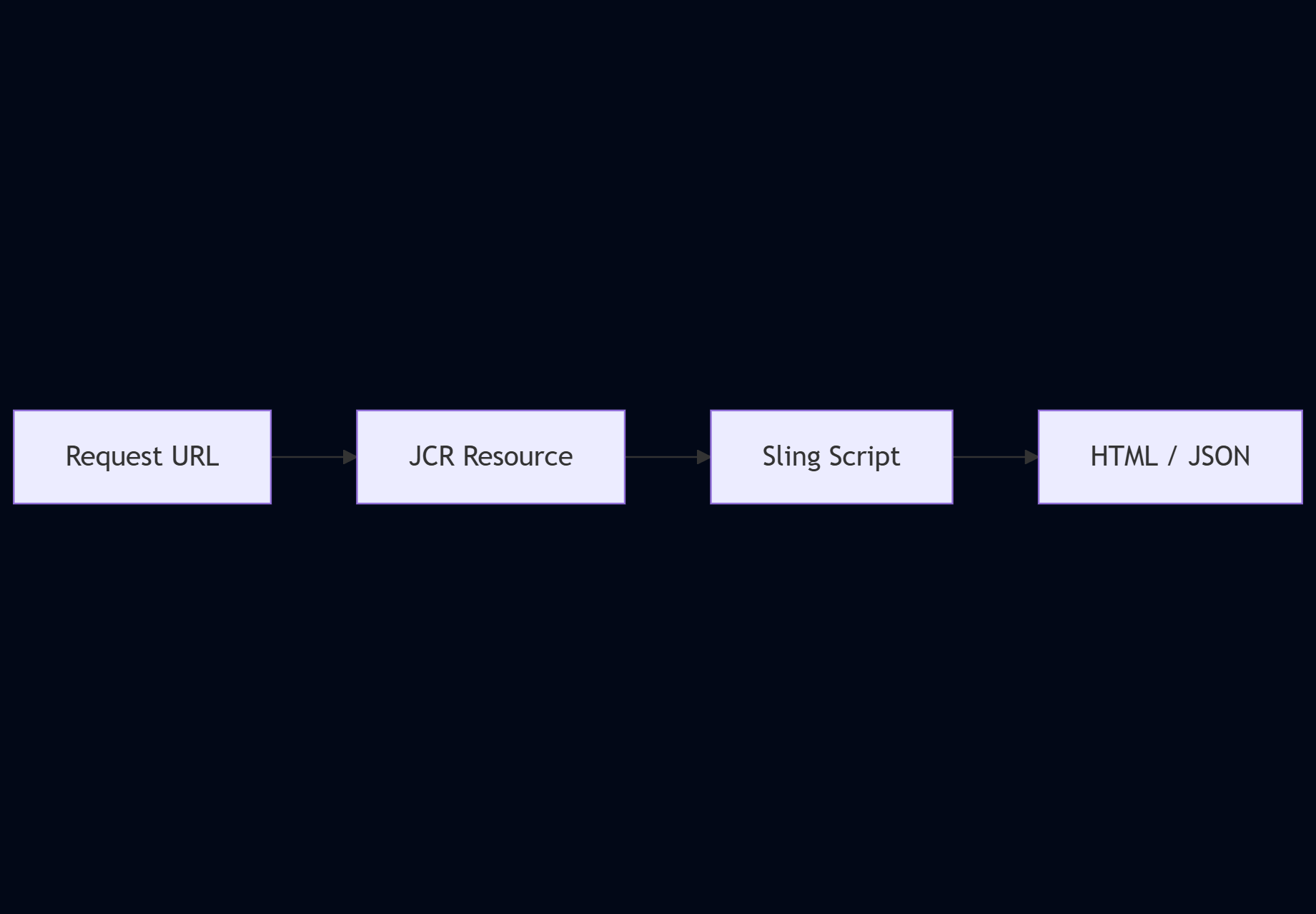
Apache Sling – How URLs Talk to Content
Apache Sling maps URLs directly to content stored in AEM.
| Traditional MVC | Sling approach |
|---|---|
| URL → Controller → View | URL → Content → Script |
Jackrabbit JCR – The Content Brain
AEM stores everything in a JCR (Java Content Repository). What goes into JCR?
- Pages
- Components
- Templates
- Configurations
- User permissions
It’s not a relational database; it’s a tree‑structured content store optimized for content, not tables.
Root
 └─ Content
      └─ Site
           └─ Page
                └─ Component
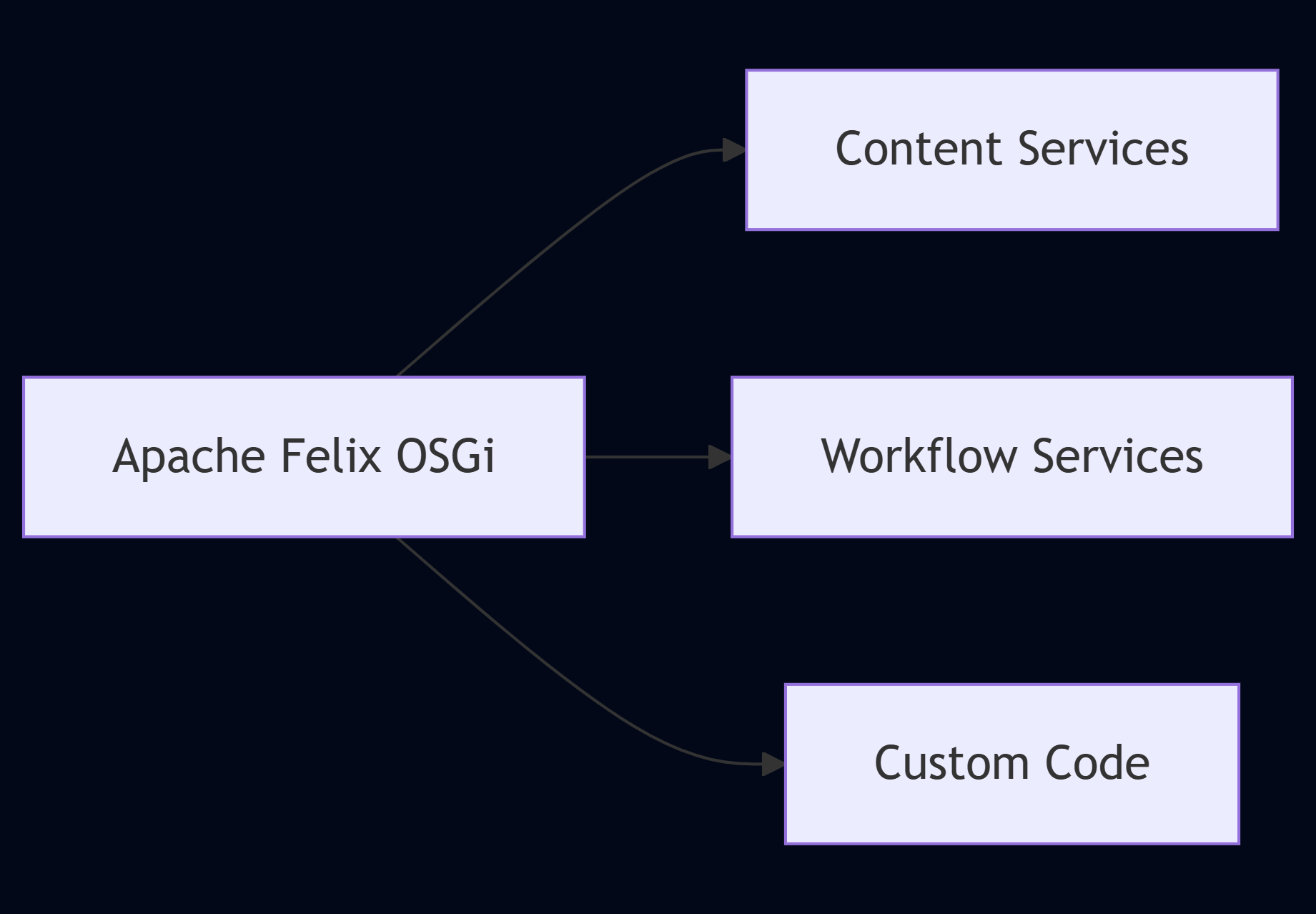
Apache Felix – Why AEM Is Modular
AEM runs on Apache Felix (OSGi), meaning:
- Everything is a bundle
- Services can be updated independently
- No full server restart needed
Developers love this because you deploy features, not monoliths.
On‑Prem vs. Cloud – Operational View

(Replace the placeholder URL with the actual image you want to show.)
TL;DR
| Aspect | AEM On‑Prem | AEM as a Cloud Service |
|---|---|---|
| Ownership | You own servers, scaling, patches, upgrades | Adobe owns the infra; you get auto‑scaling & continuous updates |
| Control | Full control over environment | Less low‑level control, more focus on content |
| Ops burden | High (in‑house ops team) | Low (Adobe handles ops) |
| Time to market | Slower (manual provisioning) | Faster (auto‑provisioning, CI/CD) |
| Cost model | CapEx (hardware, licences) | OpEx (subscription) |
AEM comparison diagram

So… Which One Should You Choose?
Choose AEM On‑Prem if:
- You need full infrastructure control
- You have legacy dependencies
- Compliance restricts cloud usage
Choose AEM Cloud if:
- You want faster releases
- You prefer less operational work
- You’re building modern digital experiences
Final Thoughts
AEM is not just a CMS.
It’s a content platform powered by:
- Apache Sling
- JCR
- OSGi
- Enterprise workflows
While On‑Prem still exists, AEM Cloud is clearly the future.