
Getting Started with 2D Games Using Pyxel (Part 1): Introduction
Source: Dev.to
What Are We Going to Build?
First, let me introduce the game you will build in this book.
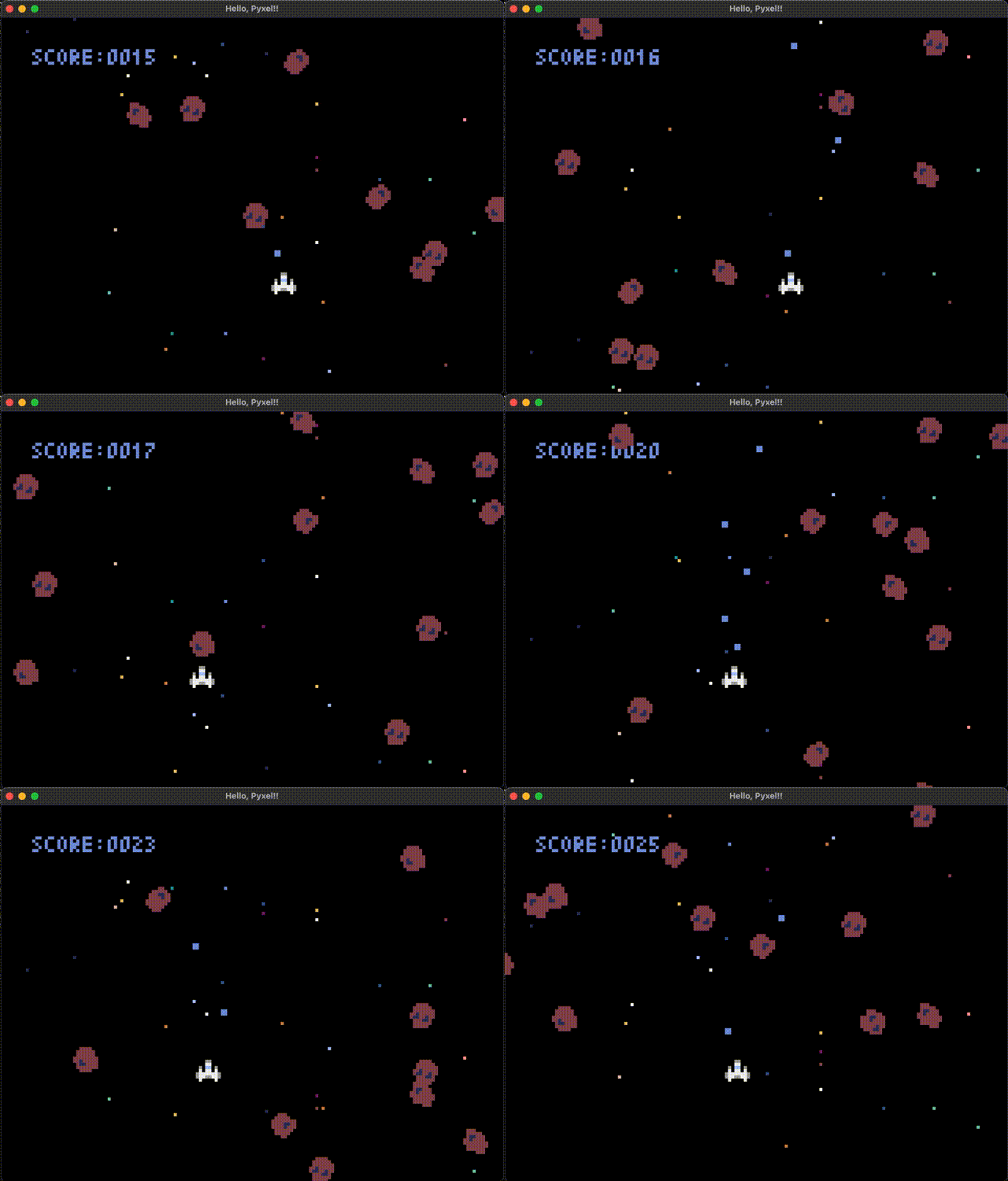
Asteroid Destruction Game
In this book, we will create a simple Asteroid Destruction Game that anyone can build quickly.
It’s a straightforward game where you avoid asteroids while shooting and destroying them.
You’ll get that exciting moment of realization:
“So this is how a game actually moves when you program it!!”
What Is Python?
Python itself is briefly introduced in a separate article. Feel free to check it out if you’re interested.
About Python Basics
You can continue reading even without prior knowledge of classes, but having a rough idea will help you understand things faster.
If needed, taking a look at Chapter 12: Let’s Use Classes will make things go more smoothly.
Development Environment
(Details about setting up the development environment can be added here.)
Library Introduction
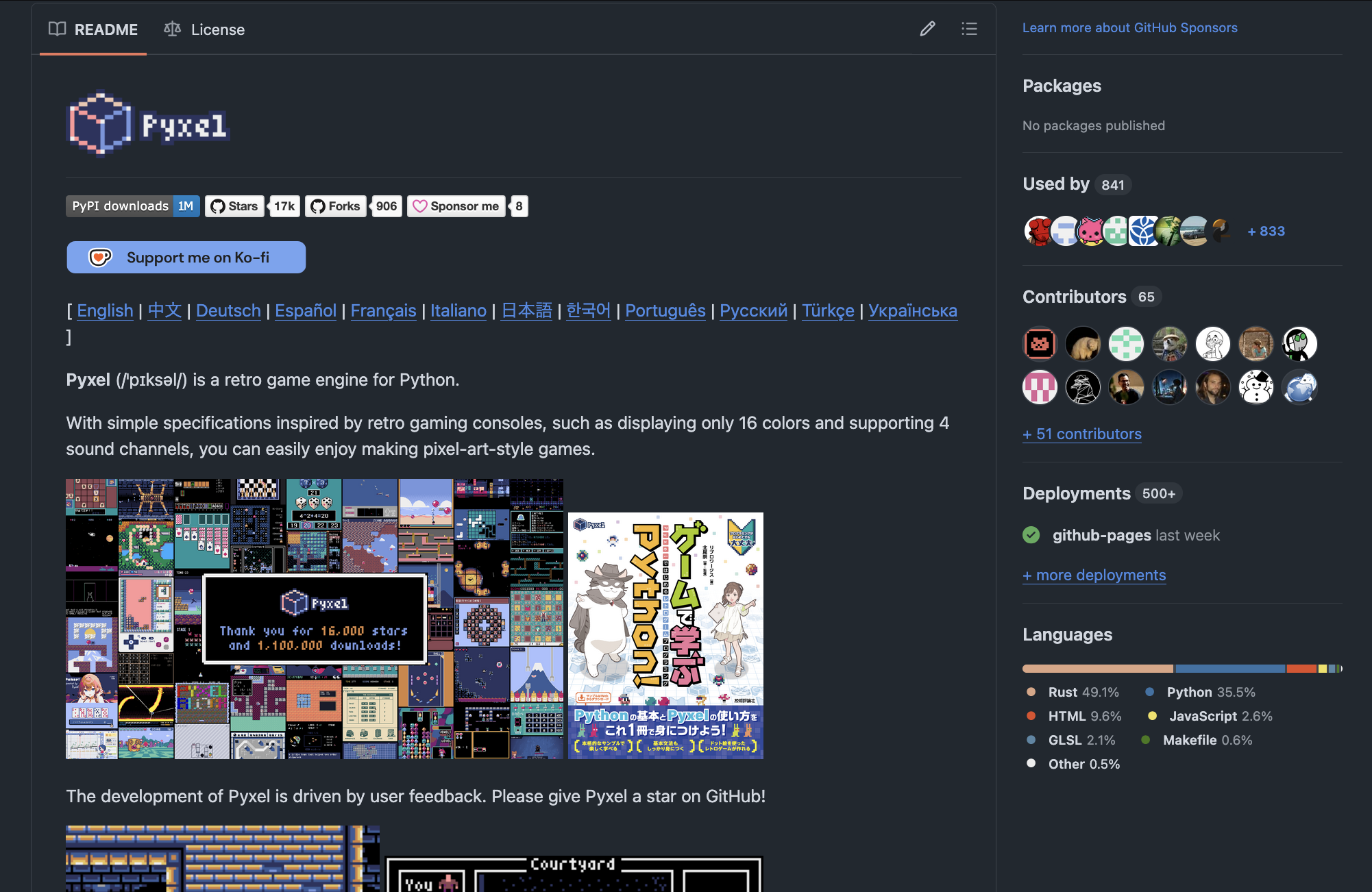
This time, we will use a game engine called Pyxel to create a 2D game.
What Is Pyxel?
Pyxel is a game engine that makes it easy to handle things like character rendering, movement, and collision detection.
It is especially recommended for those who love retro‑style games.
Installing the Pyxel Library
Pyxel is a third‑party library. Install it from the command line using pip. (The $ symbol is not part of the command.)
# Installation
pip install pyxel
Coming Up Next…
Thank you for reading this far.
The next chapter is titled “Let’s Create a Game Screen.” Stay tuned 👍