
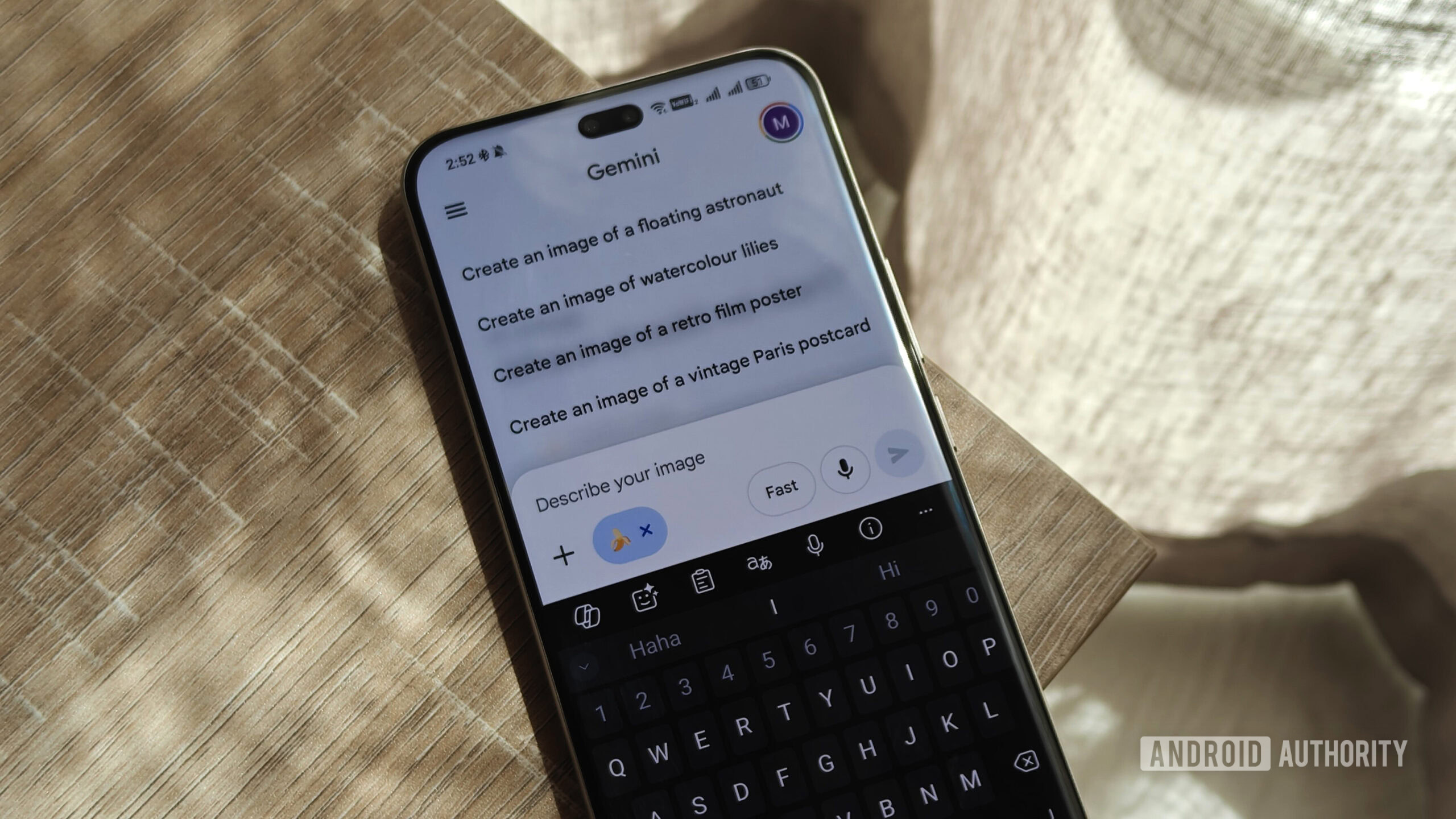
Gemini preps some powerful new tools for editing Nano Banana images
Source: Android Authority
TL;DR
- Gemini is adding the ability to mark up generated images to suggest edits.
- Previously, Gemini only supported a basic markup interface.
- The new UI includes a text box for describing edits directly.
Late last year, Google upgraded Gemini with support for marking up images — letting you direct the AI’s attention where you want it. More recently, we’ve been tracking the company’s progress at expanding that markup support to also work with Gemini‑created imagery (like Nano Banana content), allowing very specific edits. Ahead of that arriving, we’re already spotting some possible tweaks to Google’s approach.
Previous markup tools
The earlier version let us tap the pencil icon to pull up very basic markup tools:
- Highlight specific areas
- Add text (if desired)
After making those selections, we still had to go back and explain the edit we wanted to Gemini.
New markup UI
A look at Google’s version 17.10.54.sa.arm64 beta update to its Android app shows developers preparing a richer markup UI:
- Tapping the pencil icon now opens a more fully featured markup interface.
- The old tools persist, now joined by resizing and effects options.
- Default layout suggestions are present, though the effects options aren’t yet functionally implemented in this build.
Impactful change: inline edit description
The most notable addition is a text input field at the bottom of the markup screen. With this revision, you no longer need to hold your edit notes until after marking up Gemini’s image output—you can describe the desired changes right there.
This smart UI decision is promising, and while the option isn’t publicly available yet, it suggests that Google may roll out these enhancements soon.
⚠️ An APK teardown helps predict features that may arrive on a service in the future based on work‑in‑progress code. However, it is possible that such predicted features may not make it to a public release.