
Gemini could soon make editing Nano Banana images a breeze
Source: Android Authority
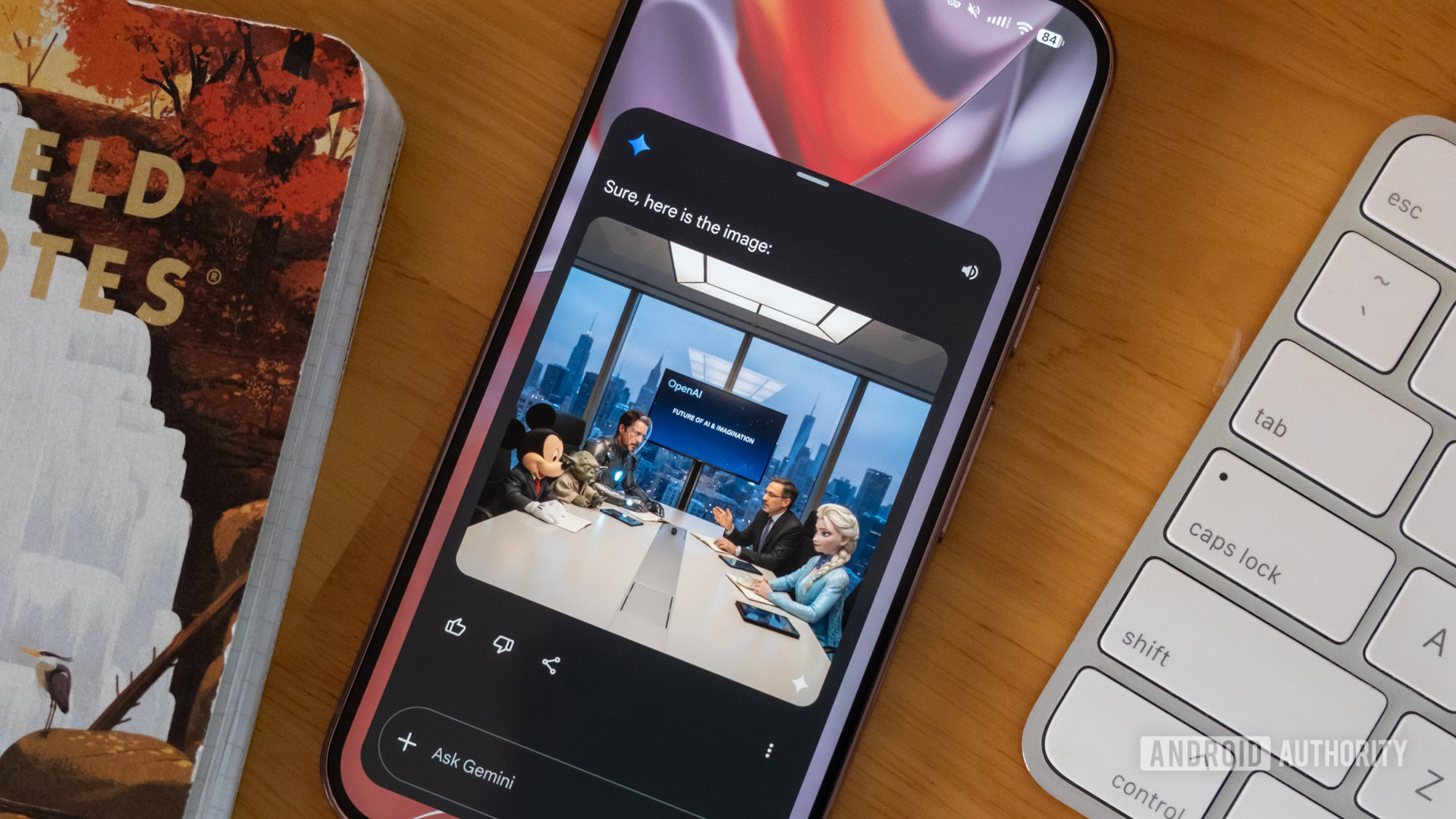
Taylor Kerns / Android Authority
TL;DR
- Google is expanding Gemini’s markup tools to images generated within Gemini, allowing users to highlight specific areas for editing.
- A pencil icon will soon appear on generated images, opening a markup screen.
- This change eliminates the need for manual downloads and re‑uploads when refining AI‑generated visuals.
Markup Tools for Gemini‑Generated Images
Marking images to pinpoint generative AI edits is a significant quality‑of‑life improvement for Gemini’s image generation capabilities. We previously spotted the feature in development and its rollout in December, when Google let users mark up specific parts of an attached image for analysis and editing. However, markup tools were only available for user‑attached images, not for images generated by Gemini itself.
Recent Findings
- Within Google app v17.8.59, markup tools can be enabled on Gemini‑generated images.
- When a user generates an image in Gemini using Nano Banana, a pencil icon appears in the top‑right corner of the image.
- Tapping the pencil icon opens a markup screen where the user can highlight a specific part of the image.
- After pressing Done, the edited image is automatically attached to the input box, allowing the user to add text instructions for further edits.
Benefits
- Streamlined workflow: No need to download, annotate with an external app, and re‑upload the image.
- Improved AI context: The markup provides the model with precise information about where changes are needed, resulting in better edits with fewer prompts.
The ability to markup generated images has not yet rolled out to all Gemini users. We’ll keep you updated as the feature becomes widely available.
⚠️ An APK teardown can predict upcoming features based on work‑in‑progress code, but there’s no guarantee that predicted features will reach a public release.