FastAPI from Zero: Writing Your First API Route
Source: Dev.to

FastAPI is one of the fastest Python frameworks. If you are new to FastAPI, here you will learn more about it and write your first FastAPI route in less than 10 minutes.
Table of Contents
What is FastAPI?
FastAPI is a modern Python web framework used to build high‑performance APIs (Application Programming Interfaces).
Building Blocks of FastAPI
FastAPI combines two powerful projects:
-
Starlette – a lightweight ASGI framework ideal for running async web services in Python.
Documentation -
Pydantic – a library for automatic data validation and serialization. It validates and serializes data according to Python types and objects.
Documentation
Features of FastAPI
Fast
- Automatic data validation
- Automatic serialization (Python objects ↔ JSON)
- Native async support (non‑blocking operations)
- Automatic documentation
Fewer Bugs
Reduces about 40 % of human developer errors.
Intuitive
Great editor support, auto‑completion, and less time debugging.
Robust
Production‑ready code with automatic documentation.
Standard‑based
Follows open standards such as OpenAPI and JSON Schema.
Your First FastAPI Route
Setting Up Environment on Linux
# Update the system
sudo apt update && sudo apt upgrade

# Install Python and related tools globally
sudo apt install python3 python3-pip python3-venv

# Create a dedicated folder
mkdir intro_fastapi
cd intro_fastapi

# Create and activate a virtual environment
python3 -m venv .venv
source .venv/bin/activate

# Install FastAPI and Uvicorn with standard extras
pip install "fastapi[standard]" "uvicorn[standard]"
Setting Up Environment on Windows
# Check Python installation
python --version

# If Python is not installed, download it from:
# https://www.python.org/downloads/windows/
# (Make sure to check "Add Python to PATH" during installation)

# Create a dedicated folder
mkdir intro_fastapi
cd intro_fastapi

# Create and activate a virtual environment
python -m venv .venv
.venv\Scripts\activate

# Upgrade pip (recommended)
python -m pip install --upgrade pip

# Install FastAPI and Uvicorn with standard extras
pip install "fastapi[standard]" "uvicorn[standard]"
Writing Your First API Route
- Make sure you are at the project folder root.
- Open the folder with your favourite editor.
File Structure
intro_fastapi/
└── app/
    └── main.py
app/main.py
from fastapi import FastAPI

# Create an instance of the FastAPI class
app = FastAPI()

# Register the first route using the decorator
@app.get("/")
def welcome():
    return {"message": "My First API route"}
Run the Application
uvicorn app.main:app --reloadNote: Always ensure your virtual environment is activated before running the command.
Visit the URL:

Automatic Documentation
FastAPI provides two types of automatic documentation:
-
Swagger UI (interactive testing):

-
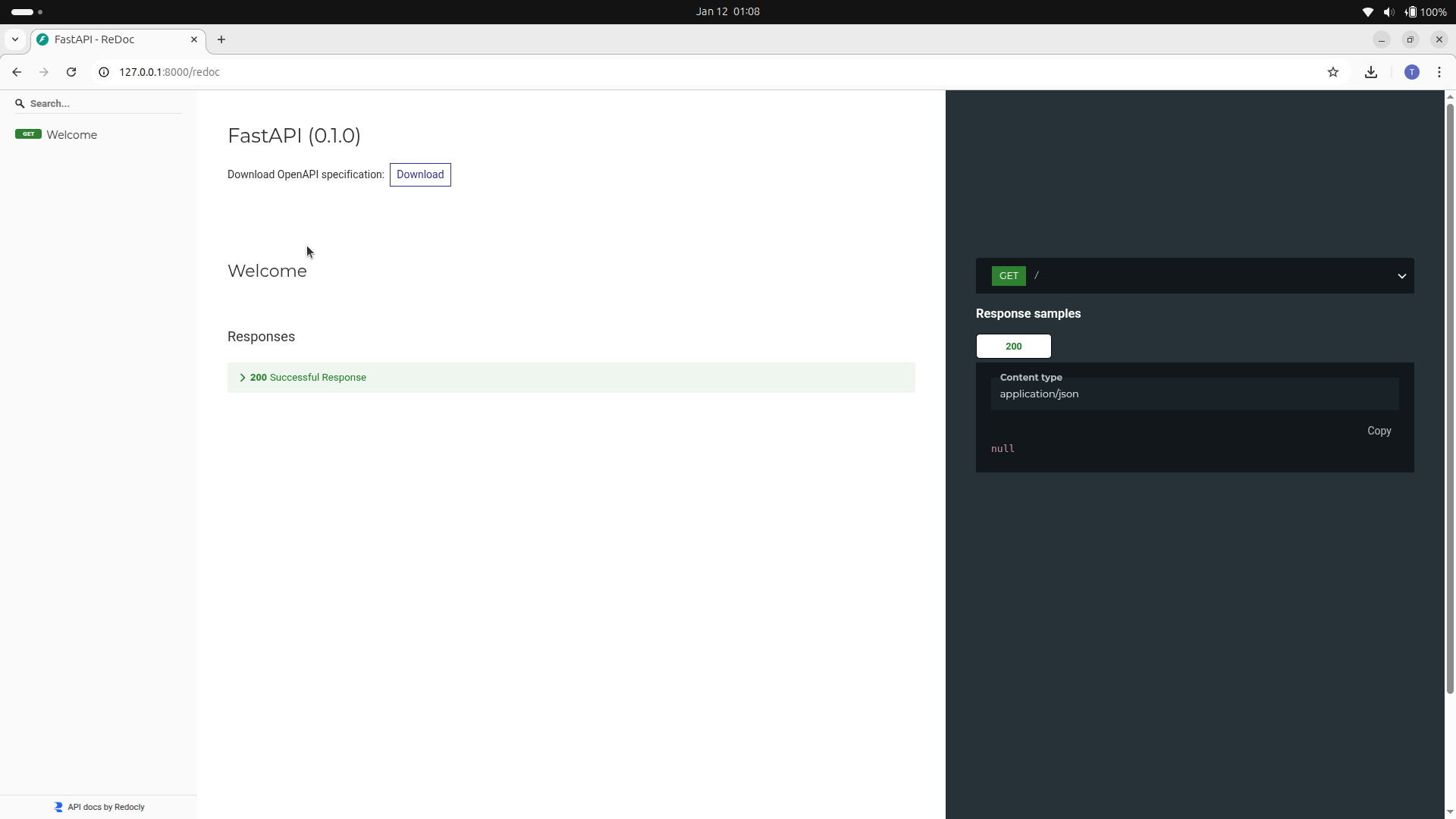
ReDoc (alternative UI):