
Every TikTok Downloader Quirk I Hit Building dltkk.to (And How I Fixed Them)
Source: Dev.to
Problem 1: TikTok Blocks All Non‑Browser Requests
TikTok checks request signatures against known browser fingerprints. A plain yt-dlp request receives a 403 response.
Fix
yt-dlp --impersonate chrome-131 https://www.tiktok.com/@user/video/123The --impersonate flag spoofs a full Chrome 131 browser signature (headers, TLS fingerprint, HTTP/2 settings). Update the impersonation profile as TikTok evolves (chrome‑131 is current as of early 2026).
Problem 2: Format Selection Returns Wrong File
TikTok provides multiple quality streams. Using --format best can select a format that requires merging video and audio, which may fail silently.
Fix
yt-dlp --impersonate chrome-131 --format b -o output.mp4 b selects the best single file (no merging), delivering a ready‑to‑play video.
Problem 3: Audio Extraction Fails
Extracting MP3 with -x --audio-format mp3 sometimes yields a corrupted file.
Fix
yt-dlp --impersonate chrome-131 --no-playlist -x \
       --audio-format mp3 --audio-quality 0 -o output.mp3
--audio-quality 0 forces the highest available bitrate, preventing low‑quality fallbacks.
Problem 4: Watermark on Downloaded Video
Choosing certain format selectors returns the watermarked version. The watermark‑free version is available with the correct format.
Fix
Use format b (best single stream) as shown in Problem 2. Selecting other formats may inadvertently pull the watermarked stream.
Problem 5: Private Videos Give Unhelpful Errors
When a video is private, yt-dlp returns a generic error that isn’t user‑friendly.
Fix
function parseYtdlpError(errorOutput) {
  if (errorOutput.includes('Private video')) return 'This video is private and cannot be downloaded.';
  if (errorOutput.includes('not available')) return 'This video is not available in your region or has been deleted.';
  if (errorOutput.includes('Login required')) return 'This content requires login and cannot be downloaded.';
  return 'Download failed. Check the URL and try again.';
}
Parse stderr and map specific strings to clearer messages.
Problem 6: Rate Limiting Under Load
TikTok rate‑limits requests from the same IP. Excessive traffic quickly triggers failures.
Fix
const rateLimitMap = new Map();

function rateLimit(ip) {
  const now = Date.now();
  const timestamps = (rateLimitMap.get(ip) || []).filter(t => now - t  3; // allow max 3 requests per minute per IP
}
Enforce a maximum of 3 requests per minute per IP to stay below TikTok’s detection threshold while remaining usable.
What I Built With This
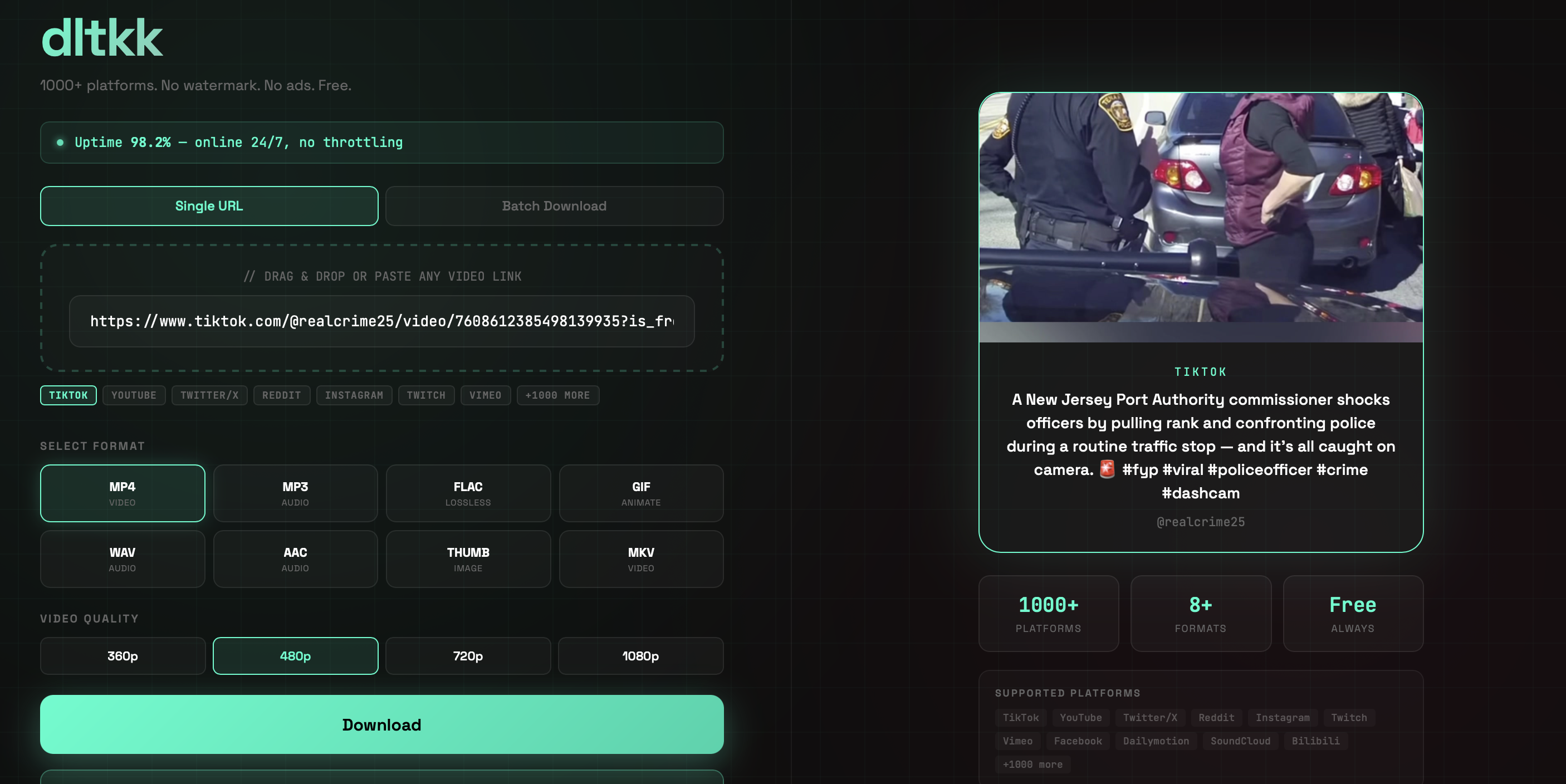
dltkk.to – a free yt-dlp web frontend that supports TikTok, YouTube, Instagram, Twitter, and thousands of other platforms. All the fixes above are in production on the service.
Relevant Guides
- Why TikTok downloaders stop working and how to fix them
- TikTok to MP3 extraction
- Batch TikTok downloading
Feel free to ask questions in the comments.