
Enthusiast fries 14TB HDD due to SATA power slipup — bemoans lack of SATA power safety and modular PSU cable standardization
Source: Tom’s Hardware
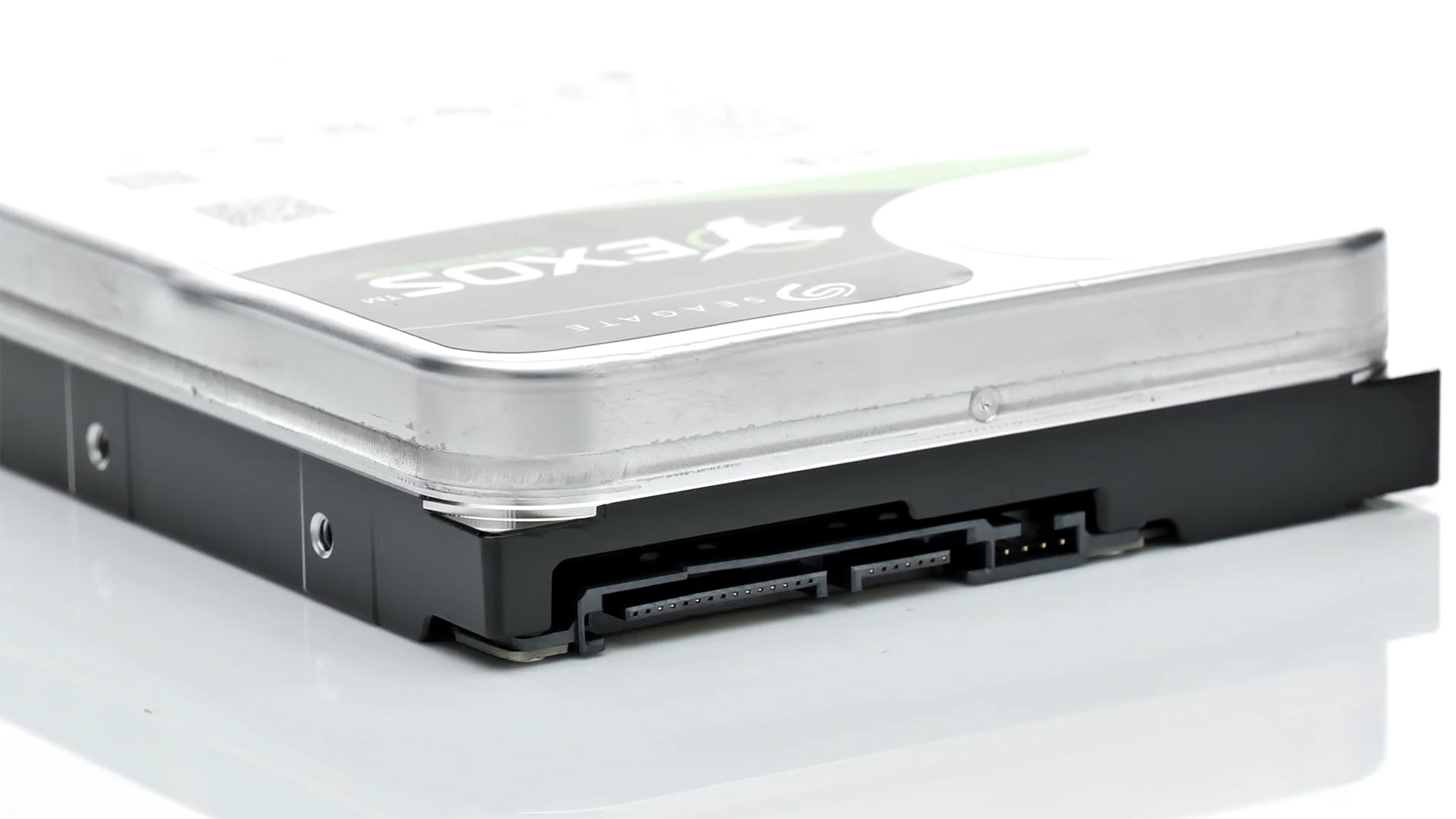
Image credit: Seagate
Losing all the data stored on a 14 TB HDD in an instant—especially data accumulated over 14+ years—must be a very painful experience. This recently happened to Redditor HellBlade64, who told fellow members of the PC‑building community that they were “not angry, just disappointed with myself.”
Why?
Despite knowing about the dangers of non‑standardized cabling between modular PSUs, they “threw caution to the wind” and ended up frying their 14 TB Seagate Exos X16. The drive died with an unceremonious “click” and is now completely unresponsive, with many unbacked‑up videos lost.
Underlying issue
The root cause is the lack of standardization between PSU makers—and even between models from the same brand. In this case, HellBlade64 plugged a modular SATA power cable into a Seasonic Focus PSU, but the cable was not one of the bundled cables that came with that specific PSU.
SATA drives receive both 12 V (drive motor) and 5 V (logic) on the same cable. Using a modular cable that didn’t originate from the PSU can swap these lines, delivering 12 V to circuitry that expects 5 V. Because HDD controllers lack protection against such a mismatch, the electronics are fried in a millisecond. The “click” HellBlade64 heard was likely the PSU tripping to protect itself from the shorted drive electronics, preventing further reboots until the drive was unplugged.
PSA: Don’t mix modular cables between modular PSUs—even from the same brand—unless the manufacturer explicitly guarantees compatibility.
What to do if you fry your drive
Fellow Redditors suggested that the terabytes of lost data could be recovered by swapping the drive’s electronics. Since the platters themselves are likely intact, a professional data‑recovery service can often retrieve the data. You don’t have to attempt the repair yourself; there are reputable data recovery outfits available.
To avoid scrambling for data recovery in the future, implement and maintain a solid backup plan. Regular backups to an external drive or cloud storage can protect you from similar catastrophes.