
Crafting Effective Prompts for GenAI in Software Testing
Source: Dev.to
Why Prompt Engineering Matters in Testing
A well‑structured prompt can mean the difference between getting generic, unusable output and receiving precisely targeted test cases, automation scripts, or analysis that you can immediately put to work.
The 6 Components of an Effective Prompt
1. 🎭 Role
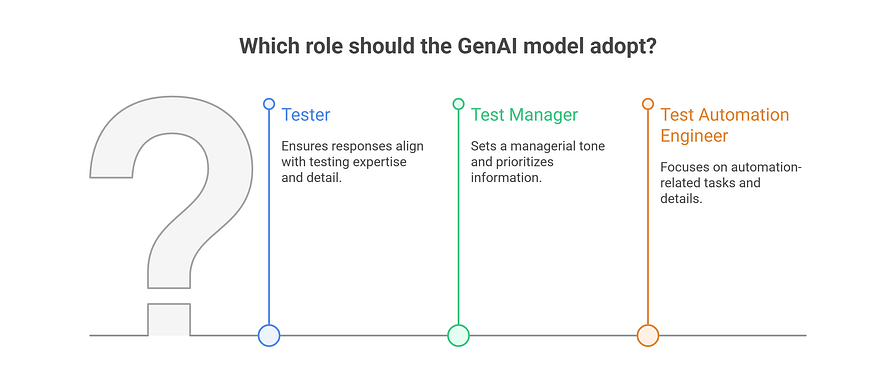
Define the persona or perspective the GenAI model should adopt.
Purpose: Guide the AI to adopt a specific professional stance
Examples
- “Act as a Tester…”
- “Assume the role of a Test Manager…”
- “You are a Test Automation Engineer…”
Benefits
- Ensures responses align with intended expertise
- Sets appropriate tone and detail level
- Helps prioritize relevant information
Example in action
Instead of: “Generate test cases”
Try: “Act as a Senior Tester with 5 years of experience in e‑commerce applications and generate test cases…”
2. 📋 Context
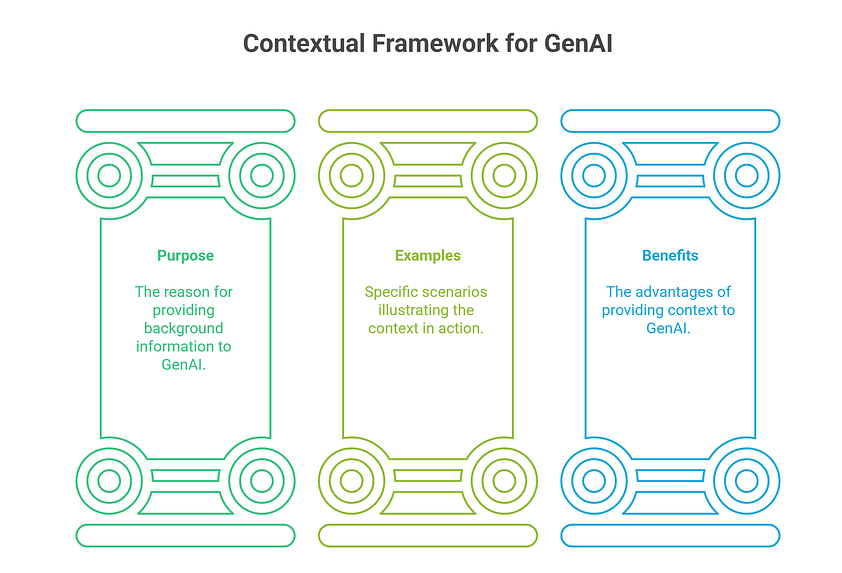
Provide background information about the testing scenario.
Purpose: Give the AI necessary background to understand the task
Examples
- “We are testing the login functionality of an e‑commerce website.”
- “The application is a mobile banking app running on Android 12.”
- “The system is a REST API for managing user accounts.”
Benefits
- AI understands scope and purpose
- Generates more relevant results
- Reduces ambiguity
Pro tip: The more specific your context, the more targeted your results will be.
3. ⚡ Instruction
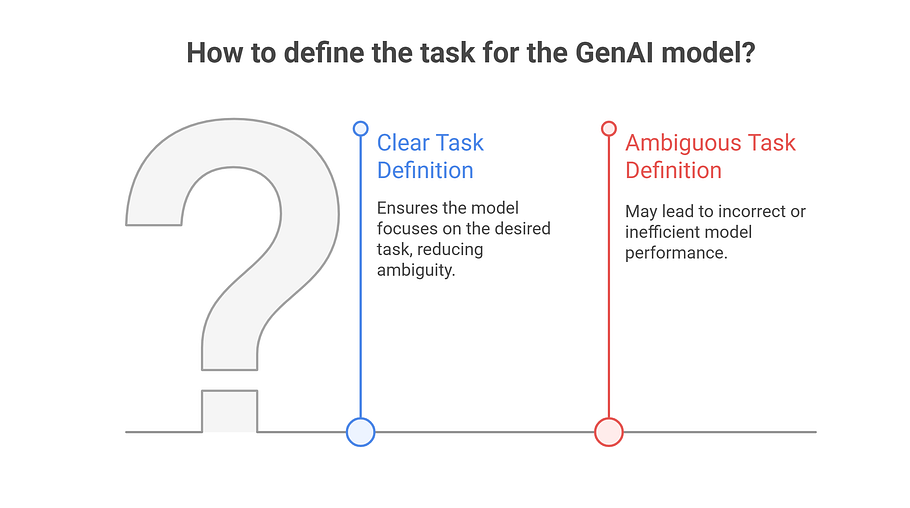
Clear, concise directives outlining the specific task.
Purpose: Clearly define what the AI should do
Examples
- “Generate test cases for the login functionality.”
- “Analyze the following code for potential security vulnerabilities.”
- “Create a test automation script for verifying the payment process.”
Benefits
- Provides clear direction
- Reduces ambiguity
- Ensures focus on desired task
Better instruction example
- ❌ “What are some tests I can do?”
- ✅ “Generate 10 test cases, including positive and negative scenarios, for the user registration form, focusing on data validation and error handling.”
4. 📥 Input Data
Information needed to perform the task.
Purpose: Provide the AI with necessary working materials
What to include
- User stories
- Acceptance criteria
- Screenshots
- Code snippets
- Existing test cases
- Output examples
Benefits
- Enables more accurate, context‑aware results
- Provides a basis for the AI to work from
- Allows learning from existing data

Example
User Story: "As a customer, I want to be able to add items to my shopping cart"
Acceptance Criteria: "The cart should display the correct number of items and the total price"
5. ⚠️ Constraints
Restrictions or special considerations the AI should follow.
Purpose: Guide the AI to adhere to specific requirements
Examples
- “The test cases should be prioritized based on risk.”
- “The code analysis should focus on OWASP Top 10 vulnerabilities.”
- “The test automation script should use Selenium WebDriver with Python.”
Benefits
- Ensures adherence to requirements
- Focuses efforts on important aspects
- Reduces irrelevant results
Practical constraints
- “Compatible with JUnit 5”
- “Simulate 100 concurrent users”
- “Use Page Object Model pattern”

6. 📤 Output Format
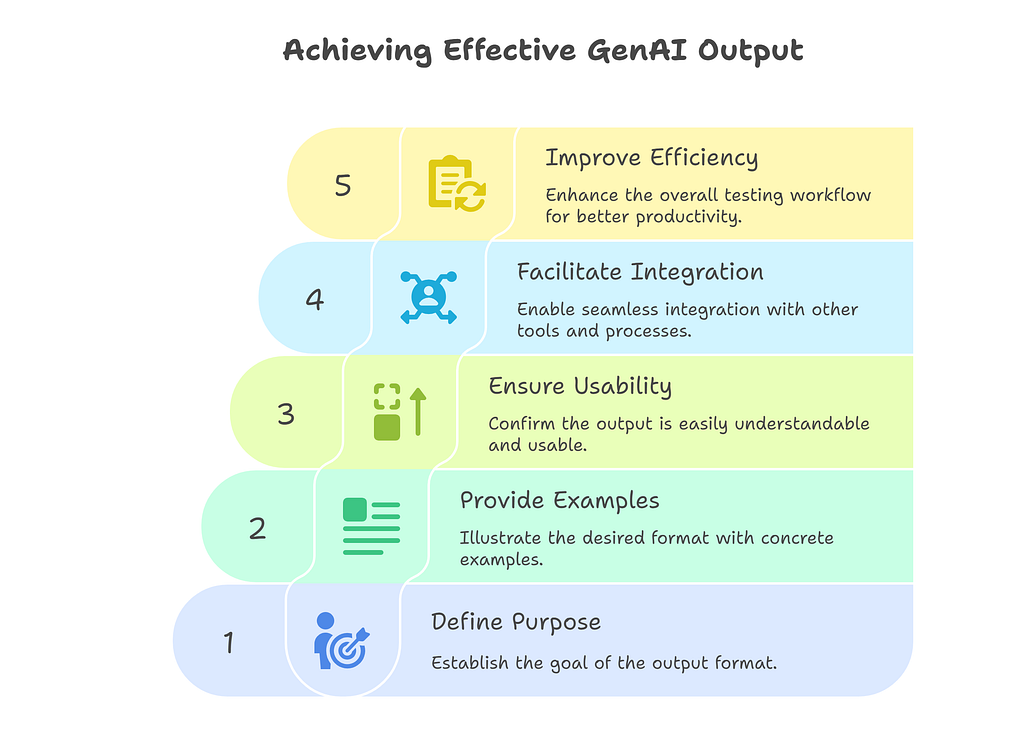
Specify the expected format and structure of the response.
Purpose: Define how the AI should present results
Examples
- “Output the test cases in a table format with columns for Test Case ID, Description, Steps, and Expected Result.”
- “Provide the code analysis results in a JSON format.”
- “Generate the test automation script in Python.”
Benefits
- Output is usable and understandable
- Easy integration with other tools
- Improves workflow efficiency
🎯 Complete Prompt Example
Here’s how all components work together:
Role: Act as a Test Automation Engineer with 3 years of experience.

Context: We are testing the user registration functionality of a new social media application.

Instruction: Generate a Selenium WebDriver test script in Python to automate the user registration process.

Input Data:
- User Story: "As a new user, I want to be able to register for an account with a valid email address and password."
- Acceptance Criteria: "The system should validate the email address format and password strength."

Constraints:
- The script should use the Page Object Model
- Use Selenium WebDriver with Python 3.9
- Generate test data using the Faker library

Output Format:
- Provide the script in a single .py file
- Include comments for each step
- List any required dependencies in a requirements.txt block