
Chrome is leveling up AI Mode with split-screen view and local tab search
Source: Android Authority
TL;DR
- Chrome’s AI Mode now opens links in a split‑screen view to keep you engaged.
- You can attach recent browser tabs to AI Mode just like you’d share a file.
- Creative tools such as Canvas and Nano Banana are getting a more prominent spot.
Google has already made big strides with AI across Search, and the AI Mode button in the Chrome browser has become a handy shortcut. This week Google is adding two powerful upgrades to AI Mode in Chrome: a split‑screen view and the ability to search across your open tabs.
Split‑Screen View for AI Mode
Previously, AI Mode displayed its response in a single Chrome tab, and clicking a source link opened a new tab, forcing you to switch back and forth.
Now Chrome introduces a split‑screen interface for AI Mode, allowing you to explore reference links side‑by‑side with the original AI response. You can continue interacting with the AI while reviewing additional context, making it easier to dive deeper into a topic without losing your place.
Attaching Recent Tabs
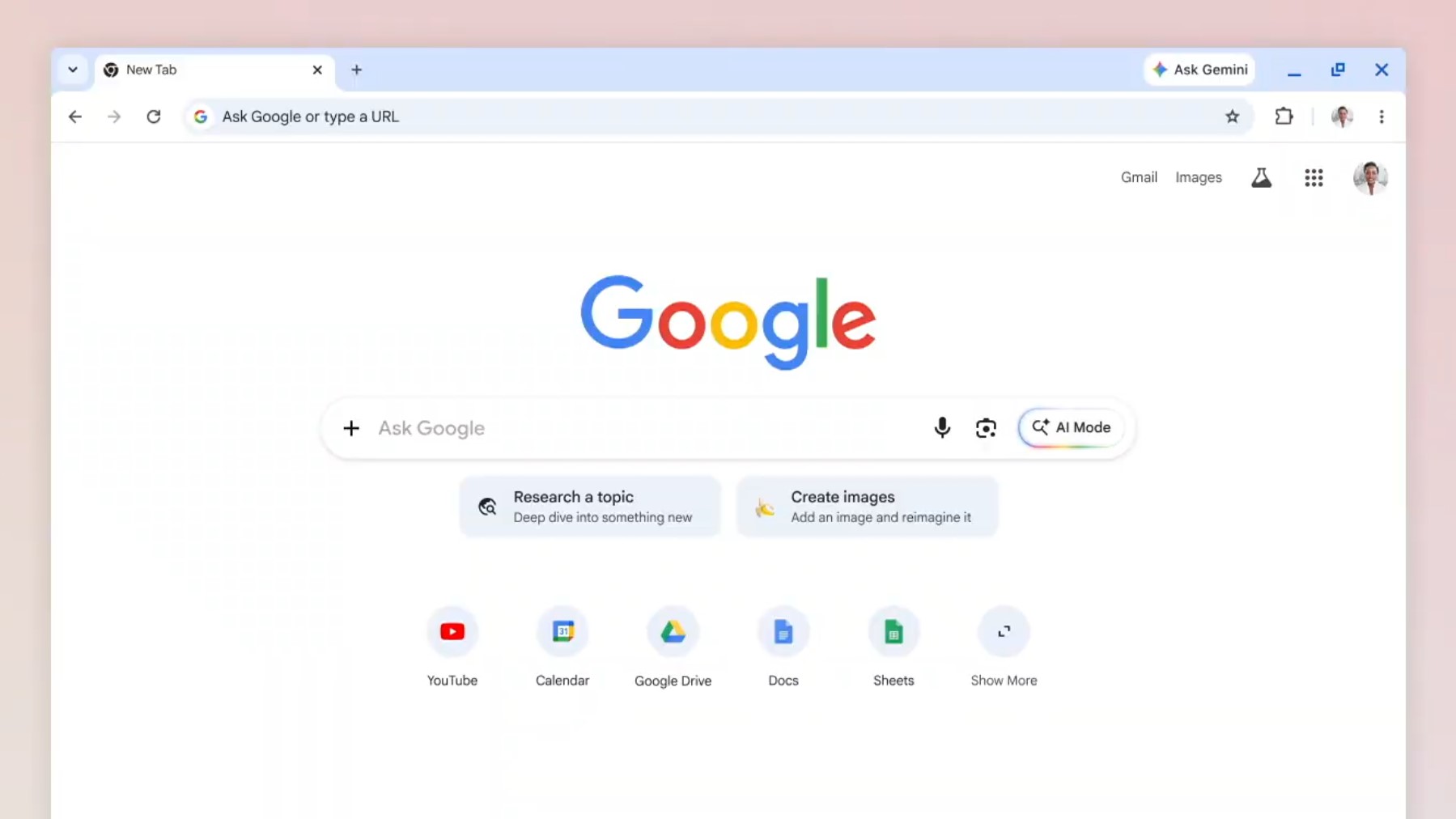
AI Mode can already accept files or images via the “plus” button in the input bar. The new update lets you also select recent Chrome tabs to attach. This gives the AI immediate context about a topic you’re already investigating, helping it provide more relevant answers or continue a line of inquiry you started in another tab.
UI Refinements and Creative Tools
- The “plus” button has been moved to the main Search bar for quicker access.
- You can now jump straight into creative tools such as Canvas or the Nano Banana image‑generation feature from the same interface.
- Learn more about Nano Banana: Gemini Nano Banana personal intelligence.
These new Chrome AI Mode capabilities are rolling out today across all platforms for users in the United States.