
Chrome is getting a little more aggressive about being your default browser
Source: Android Authority
TL;DR
- Browsers like Chrome regularly employ tactics to reduce user turnover, including setting the browser as your default.
- Chrome Canary has recently started testing a new onboarding screen that not only offers to set your default browser, but also pins Chrome to the taskbar.
Browser‑default tactics
While AI integration (e.g., Chrome’s Gemini sidebar or Microsoft Edge’s Copilot) dominates headlines, browser vendors are equally focused on user retention. By encouraging users to make their browser the system default, they increase familiarity and reduce the likelihood of switching.
Chrome has long used this approach, and developers are now testing an even more aggressive onboarding flow, as reported by WindowsReport.
The traditional first‑run screen
When Chrome is installed and launched for the first time, users typically see a screen like this:
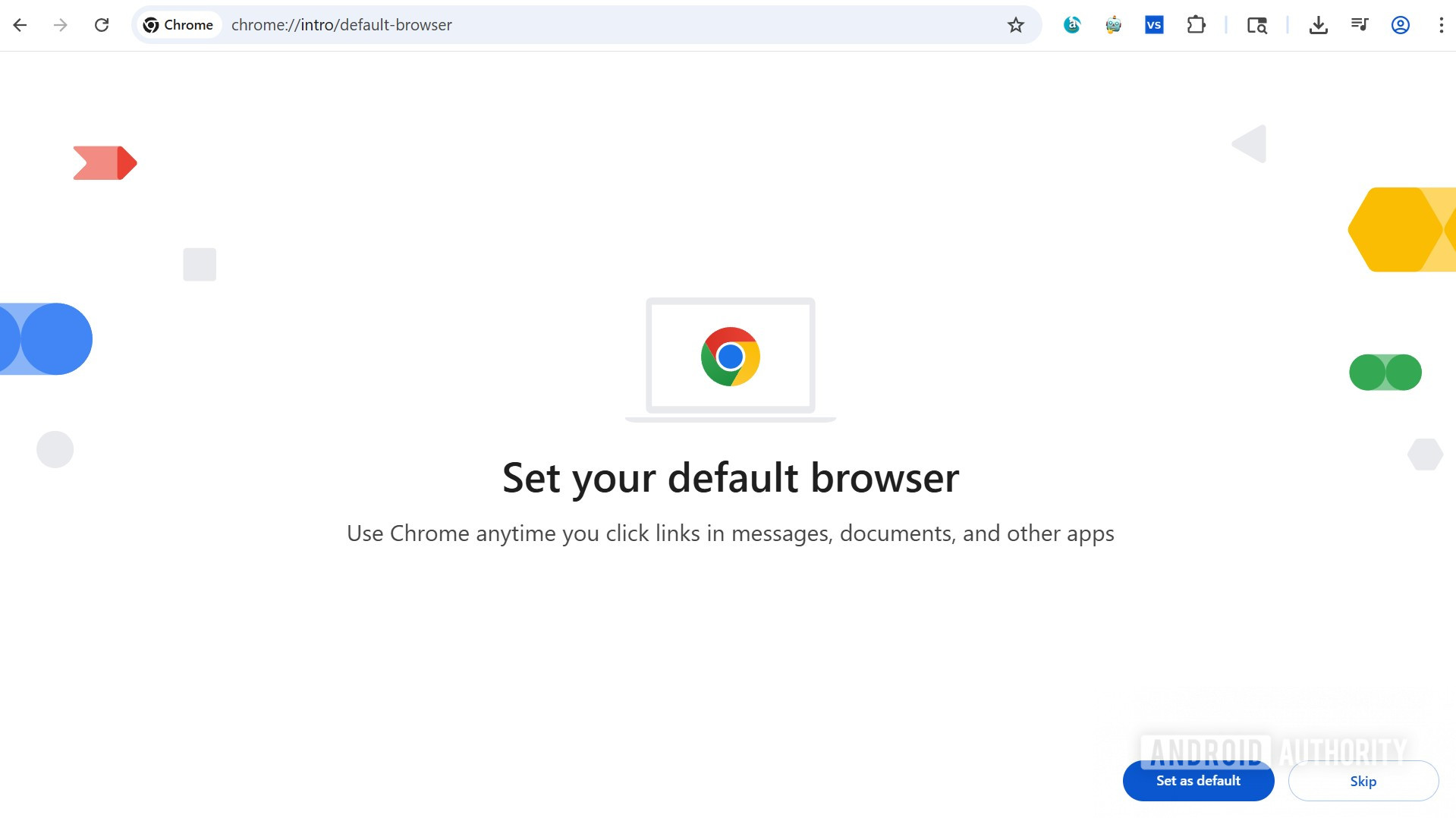
The request to set Chrome as the default browser is prominent, but the actual button is tucked away in the corner.
New onboarding screen in Chrome Canary
Chrome Canary users may encounter a different screen that emphasizes the default‑browser prompt and adds an option to pin Chrome to the Windows taskbar. This can be triggered by enabling the #first-run-desktop-refresh flag at chrome://flags/.
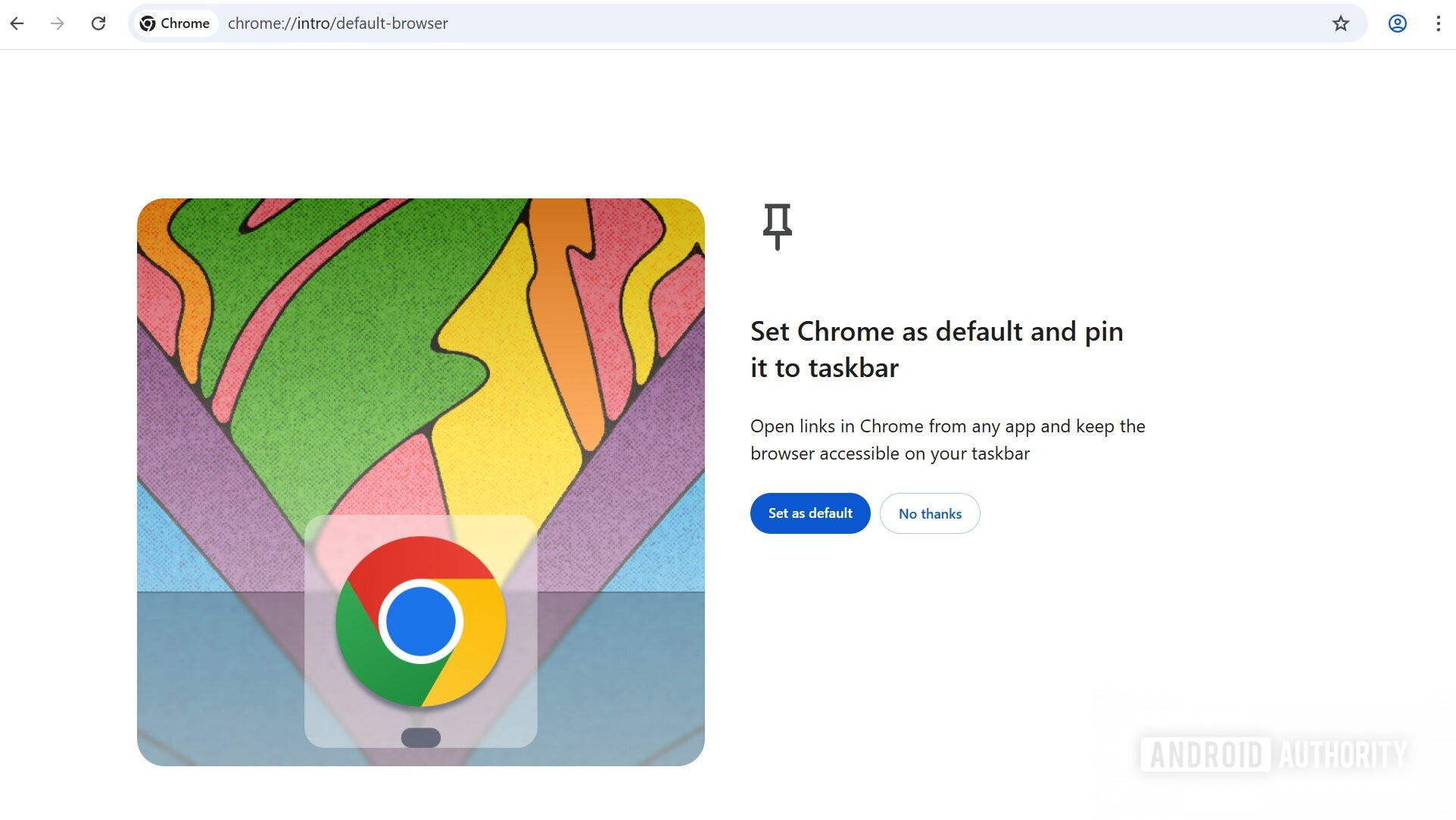
Key changes:
- The “Set as default” button is larger and more visible.
- An additional prompt offers to pin Chrome to the taskbar for quick access.
- A new illustration highlights the pinning feature.
Potential impact
Given Chrome’s massive daily installation rate, even small nudges that increase default‑browser adoption can have significant effects at scale. If this onboarding flow becomes the default for all Chrome releases, it could further cement Chrome’s dominance in the browser market.