
Building an Audio Analyzer Through Conversation with GitHub Copilot CLI
Source: Dev.to


This is a submission for the GitHub Copilot CLI Challenge.
What I Built
mixref is a CLI audio analyzer for music producers. It analyzes audio files and provides:
- Loudness metrics
- BPM detection
- Musical key identification
- Spectral analysis
The Problem
When producing music, I often need to:
- Check loudness levels (LUFS) for different streaming platforms
- Detect BPM and musical key quickly
- Compare my mix against reference tracks
- See frequency distribution
I wanted a fast command‑line tool instead of opening a DAW or multiple plugins.
What It Does
Loudness Analysis
- Measures LUFS (EBU R128 standard)
- Shows true peak and loudness range
- Compares against platform targets (e.g., Spotify: –14 LUFS, YouTube: –14 LUFS, etc.)
Musical Analysis
- Detects BPM using librosa
- Includes basic correction for half‑time detection (doubles BPM if within a 3 % threshold)
Demo
Command‑Line Interface
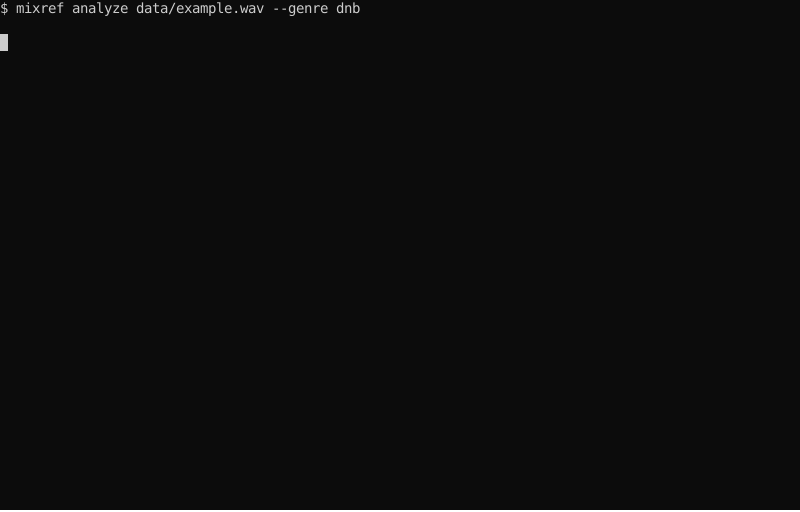
Analyze Command
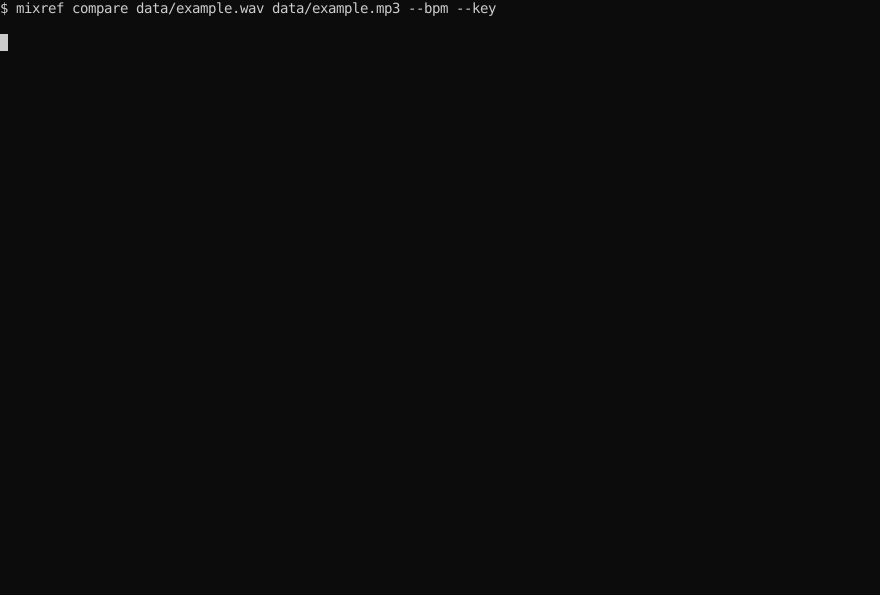
Compare Command
Example Output
$ mixref analyze track.wav

             Analysis: track.wav
┏━━━━━━━━━━━━━━━━━━━━━┳━━━━━━━━━━━━━━┳━━━━━━━━┓
┃ Metric              ┃        Value ┃ Status ┃
┡━━━━━━━━━━━━━━━━━━━━━╇━━━━━━━━━━━━━━╇━━━━━━━━┩
│ Integrated Loudness │    -6.2 LUFS │   🔴   │
│ True Peak           │    -0.8 dBTP │   ⚠️   │
│ Loudness Range      │       5.2 LU │   ℹ    │
├─────────────────────┼──────────────┼────────┤
│ Tempo               │    174.0 BPM │   ❓   │
│ Key                 │ F minor (4A) │   ❓   │
├─────────────────────┼──────────────┼────────┤
│ Sub                 │   ■■■■■■■□□□ │ 35.2%  │
│ Low                 │   ■■■■■■■■■□ │ 28.4%  │
│ Mid                 │   ■■■■□□□□□□ │ 18.1%  │
│ High                │   ■■■■■■□□□□ │ 14.2%  │
│ Air                 │   ■□□□□□□□□□ │  4.1%  │
└─────────────────────┴──────────────┴────────┘
Try It Yourself
# Install from PyPI
pip install mixref

# Analyze a track
mixref analyze my_track.wav

# Compare against a reference
mixref compare my_mix.wav pro_reference.wav --bpm --key
My Experience with GitHub Copilot CLI
This project was built entirely through conversation with GitHub Copilot CLI. I didn’t type code—I described what I wanted in plain language.
The Development Process
1. Describing Instead of Coding
Instead of writing Python code, I asked:
Create a function that calculates EBU R128 loudness using pyloudnorm.
Return integrated LUFS, true peak, and loudness range.
Include type hints and error handling.
Copilot generated:
- A working implementation with pyloudnorm
- Complete type hints
- Error handling for edge cases
- Docstrings with examples
2. Debugging Through Conversation
When BPM detection returned 0.0, I described the problem:
"BPM detection returns 0.0. Librosa warning says:
'n_fft=2048 too large for input signal of length=2'
The stereo-to-mono conversion might be wrong."
Copilot:
- Identified the bug (
np.mean(audio, axis=0)was wrong for the array shape) - Fixed it with proper format detection
- Updated tests (all still passed)
3. Building Development Tools
I asked for a pre‑commit quality‑check script. Copilot created ./scripts/pre-commit-check.sh:
#!/usr/bin/env bash
echo "🔍 Running pre-commit quality checks..."
echo "1️⃣ Formatting with ruff"
echo "2️⃣ Linting"
echo "3️⃣ Type checking"
echo "4️⃣ Tests"
echo "🎉 All checks passed!"
This catches issues before pushing to GitHub Actions.
4. Testing and Documentation
I asked for tests using synthetic audio (no real files). Copilot produced:
- 154 tests with ~90 % coverage
- Fixtures generating sine waves and pink noise
- No real audio files committed
For documentation, Copilot set up:
- Sphinx with API docs
- Example gallery
- Terminal recordings using termtosvg
Worked Well
- Speed – Building features was much faster. What might take hours was done in focused conversations.
- Code Quality – The generated code follows conventions I might have skipped:
- Type hints throughout
- Consistent error handling
- Complete docstrings
- Good test coverage (≈ 90 %)
- Learning – I learned audio‑processing concepts (EBU R128, Camelot wheel) by implementing them, not just reading documentation.
- Context – Copilot remembered decisions across sessions:
- “Use Rich for output” → all commands used Rich tables
- “Only synthetic audio in tests” → no real files in the repo
- Consistent coding style throughout
Challenges
- Not Magic – I still needed to:
- Understand what I was asking for
- Review and test the generated code
- Fix edge cases
- Make architectural decisions
- Iteration – Sometimes the first solution wasn’t quite right. I learned to describe problems clearly and iterate.
- Testing Real Audio – Synthetic test signals don’t catch all edge cases. Testing with real audio files revealed bugs (e.g., the BPM‑detection issue).
The Real Shift
Before: Think → Code → Debug → Test → Fix
With Copilot CLI: Think → Describe → Review → Test
I spent more time on what to build and how it should work, and less time on syntax and boilerplate.
Metrics
- 750 lines of source code
- 154 tests (≈ 90 % coverage)
- 19 modules (all type‑checked)
- 3 CI/CD workflows (tests, docs, quality checks)
- Complete documentation with Sphinx
All built through conversations, not manual coding.
Lessons Learned
- Clear descriptions matter – The better I described what I wanted, the better the results.
- Review everything – Generated code needs testing and validation.
- Iterate naturally – “Actually, what if …” works well with Copilot.
- Tests are essential – Good tests catch issues in generated code.
Conclusion
GitHub Copilot CLI changed how I approach development. Instead of typing code, I focus on describing problems and reviewing solutions.
mixref is a functional audio‑analysis tool. It does exactly what I need; the interesting part is how it was built—entirely through conversation.
Try it
pip install mixref
mixref analyze your_track.wav
Source code
Built with GitHub Copilot CLI and curiosity about AI‑assisted development.