
Building a GPU-Accelerated File Explorer in 48 Hours with Kiro IDE
Source: Dev.to
The Challenge
When I decided to build Nexus Explorer—a GPU‑accelerated file explorer in Rust—I knew I was setting an ambitious goal. File explorers are deceptively complex: they need to handle millions of files, provide instant feedback, manage async I/O without freezing the UI, and deliver a polished user experience across multiple platforms.
Traditional development would take weeks, maybe months. I had 4 hours.

The Most Important Lesson: Know What You’re Building
AI‑assisted development amplifies your expertise—it doesn’t replace it.
If you don’t understand:
- Why async I/O matters for file operations
- How GPU rendering differs from CPU rendering
- What makes a good UI architecture
- When to use caching vs. fresh data
…then AI will generate plausible‑looking code that falls apart under real use. The AI doesn’t know your constraints, your users, or your performance requirements. You do.
Research Phase
Before writing a single line of code, I spent time understanding:
- GPUI’s architecture – reading Zed’s source code to grasp Entity/View separation
- Async patterns in Rust – how Tokio, channels, and background executors interact
- File‑system performance – why
jwalkis faster thanwalkdir, and how batching prevents UI thrashing - Search algorithms – why
nucleo(from Helix) outperforms traditional fuzzy finders
This research informed every decision. When the AI suggested something that didn’t fit the architecture, I could recognize it and steer toward the right solution.
Enter Kiro IDE: A Game Changer
This was my first time using Kiro IDE, and I’m now a convert. After this hackathon, Kiro is my go‑to development environment.
Kiro’s structured approach to AI‑assisted development isn’t just “chat with an AI”—it’s a complete system for directing AI work through well‑defined structures:
Requirements → Design → Tasks
Instead of ad‑hoc prompts, I had:
- Requirements – what the feature needs to accomplish
- Design – how it should be architected
- Tasks – specific implementation steps
When I pointed Kiro at these specs, it was like having a colleague I could direct with precision. The AI had a plan to follow, understood context, and knew what we were building and why.
It was a breeze.
Seriously. Other AI coding tools feel like shouting into the void hoping something useful comes back. Kiro felt like pair programming with someone who actually read the project documentation.
What Is “Vibe Coding”?
Vibe coding is a development philosophy where you:
- Describe intent rather than dictate implementation.
- Iterate conversationally with AI to refine solutions.
- Focus on architecture while AI handles boilerplate.
- Review and guide rather than type everything.
- Catch mistakes because you understand the domain.
It’s like pair programming with an infinitely patient partner—but you remain the senior engineer making the calls. With Kiro’s spec system, that partner actually understands the bigger picture.
Day 1: Architecture and Foundation
Planning with Specs
Kiro’s spec system was invaluable. I created structured requirement documents that served as both documentation and AI context:
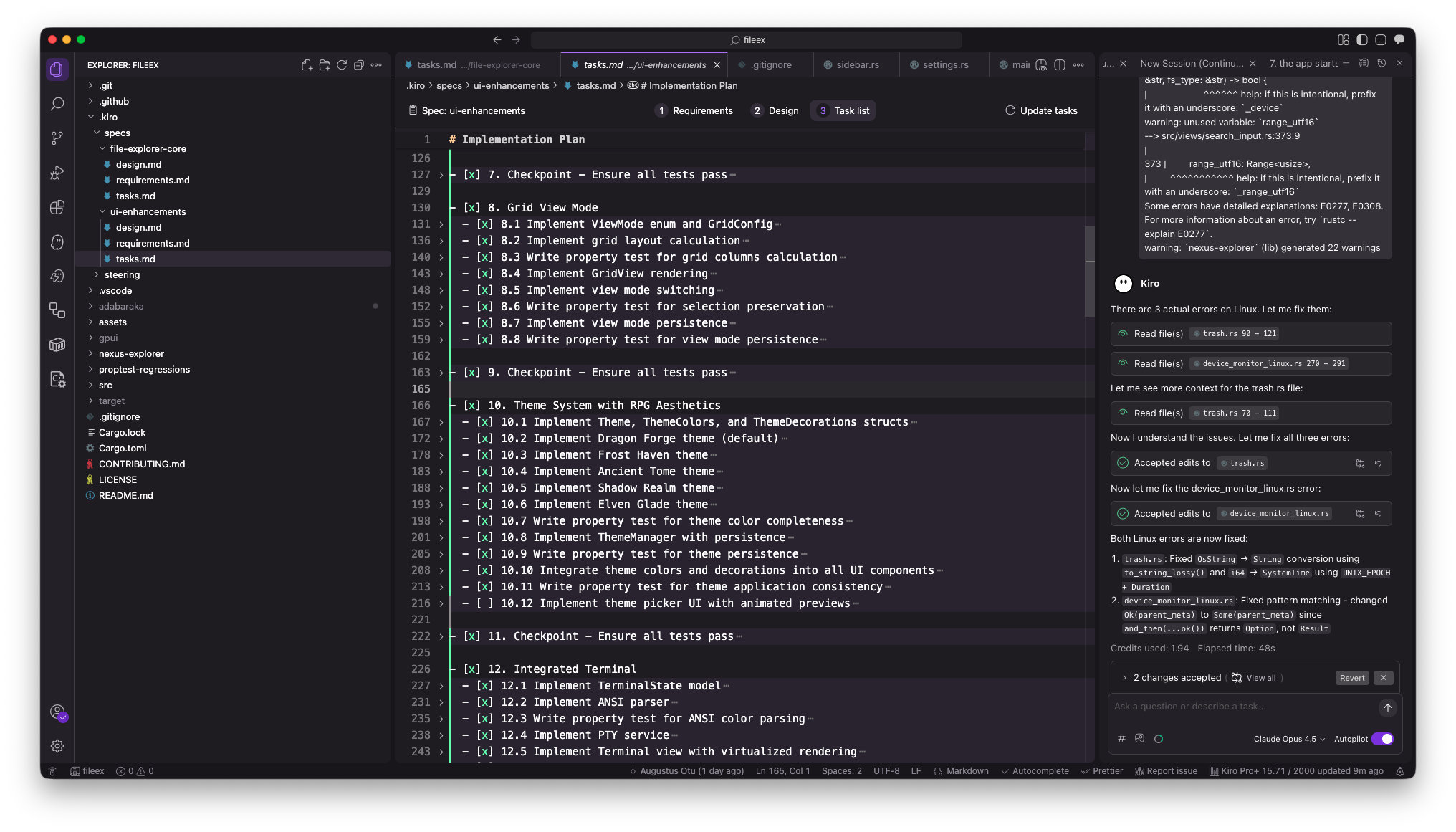
.kiro/specs/
├── file-explorer-core/
│   ├── requirements.md    # What we're building
│   ├── design.md          # How we're building it
│   └── tasks.md           # Implementation checklist
└── ui-enhancements/
    ├── requirements.md
    ├── design.md
    └── tasks.md
This wasn’t just documentation—it was a contract between me and the AI. When I referenced these specs, Kiro understood the full context of what we were building.
Key point: I wrote the requirements. The AI didn’t decide we needed generational request IDs to prevent stale async results—I did, based on my understanding of the problem. The AI helped implement it correctly.
Key Architectural Decisions (Made by Me, Implemented with AI)
Decision 1: GPUI Framework
I chose GPUI (from the Zed editor) for GPU‑accelerated rendering. This was a calculated risk—GPUI is powerful but has limited documentation. My research showed it could deliver smooth scrolling through large directories, which was essential for the user experience I wanted.
Kiro helped by:
- Reading the GPUI source code to understand patterns.
- Suggesting Entity/View separation based on GPUI’s ownership model.
- Generating boilerplate that matched GPUI’s conventions.
When the AI suggested patterns that didn’t fit GPUI’s model, I recognized it and corrected course.
Decision 2: Async‑First Architecture
Core philosophy: The UI must never wait for the file system.
I knew we needed:
- Background threads for I/O.
- Channels for communication.
- Batched updates to prevent render thrashing.
- Generational IDs to discard stale results.
┌─────────────────────────────────────────────────────────┐
│                    Main Thread (UI)                    │
│  ┌─────────┐  ┌──────────┐  ┌─────────┐  ┌──────────┐   │
│  │Workspace│  │ FileList │  │ Sidebar │  │ Preview  │   │
│  └────┬────┘  └────┬─────┘  └────┬────┘  └────┬─────┘   │
└───────┼────────────┼─────────────┼────────────┼─────────┘
        │            │             │            │
        └────────────┴─────────────┴────────────┘
                          │ async channels
┌─────────────────────────┼───────────────────────────────┐
│              Background Executor (GPUI)                │
└─────────────────────────┼───────────────────────────────┘
                          │ spawn_blocking
┌─────────────────────────┼───────────────────────────────┐
│                 Tokio Thread Pool                      │
│  ┌─────────┐  ┌──────────┐  ┌─────────┐  ┌──────────┐   │
│  │ jwalk   │  │  notify  │  │  icons  │  │  search  │   │
│  └─────────┘  └──────────┘  └─────────┘  └──────────┘   │
└─────────────────────────────────────────────────────────┘
Decision 3: Steering Files for Consistency
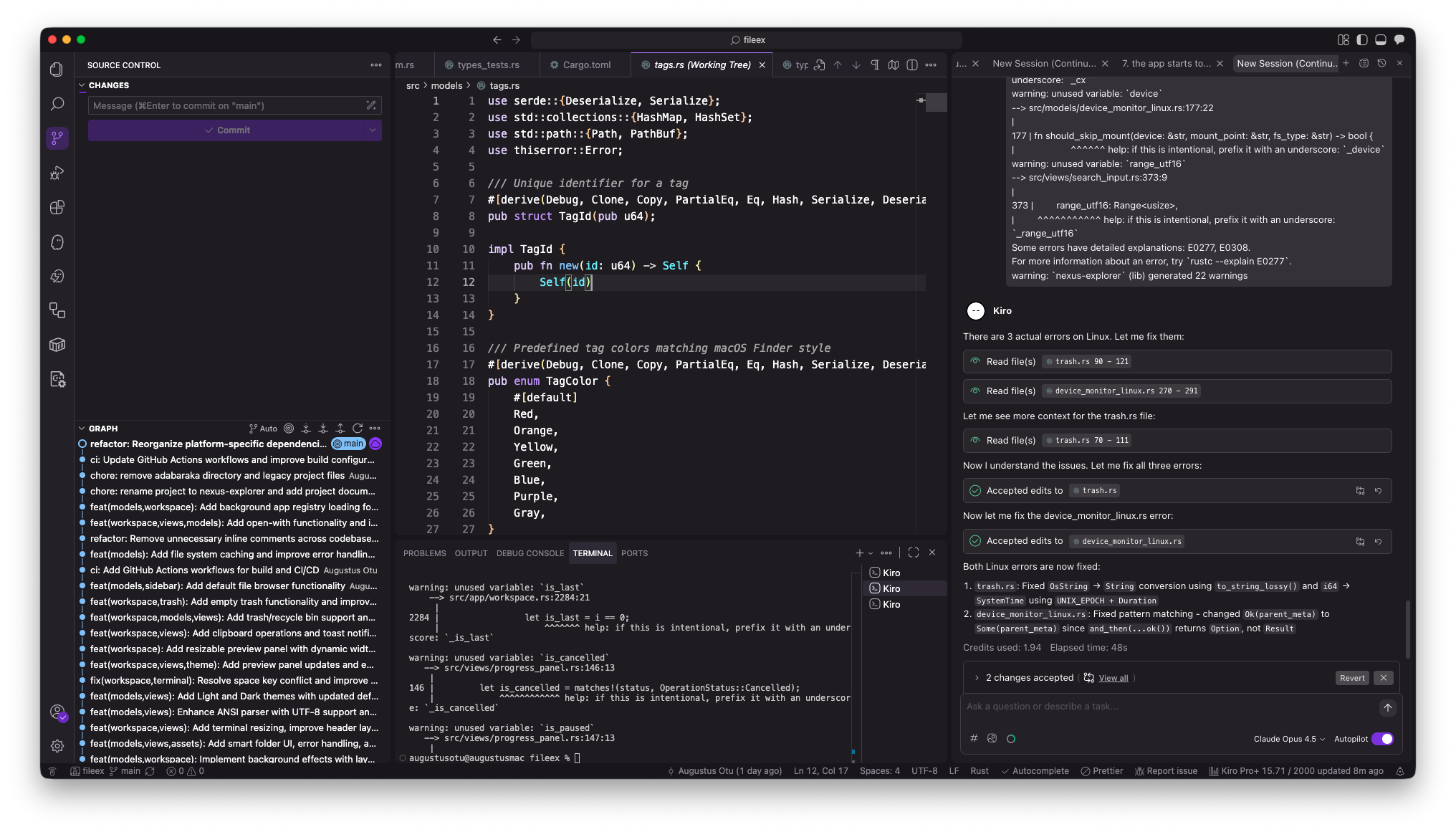
I set up steering rules in .kiro/steering/ to maintain consistency across generated code.
# attention.md
- No unnecessary linter warnings
- Enforce consistent naming (snake_case for variables, PascalCase for types)
- Keep UI modules separate from core logic