
Building a Deterministic Batch Icon Pack Generator for Multi-Platform Apps
Source: Dev.to
Platform‑specific requirements
- Windows –
.icocontainers with multiple embedded sizes - Android – density‑based folders (mdpi, hdpi, xhdpi, …)
- Apple – strict size requirements for each device
- General – multiple PNG resolutions for various use cases
Even after the design is finished, you still need to:
- Export multiple resolutions
- Generate ICO files
- Organize folder structures
- Double‑check required sizes
- Repeat the entire process for the next project
For a single app this is manageable, but for multiple apps or client work it quickly becomes repetitive overhead.
The goal: deterministic output
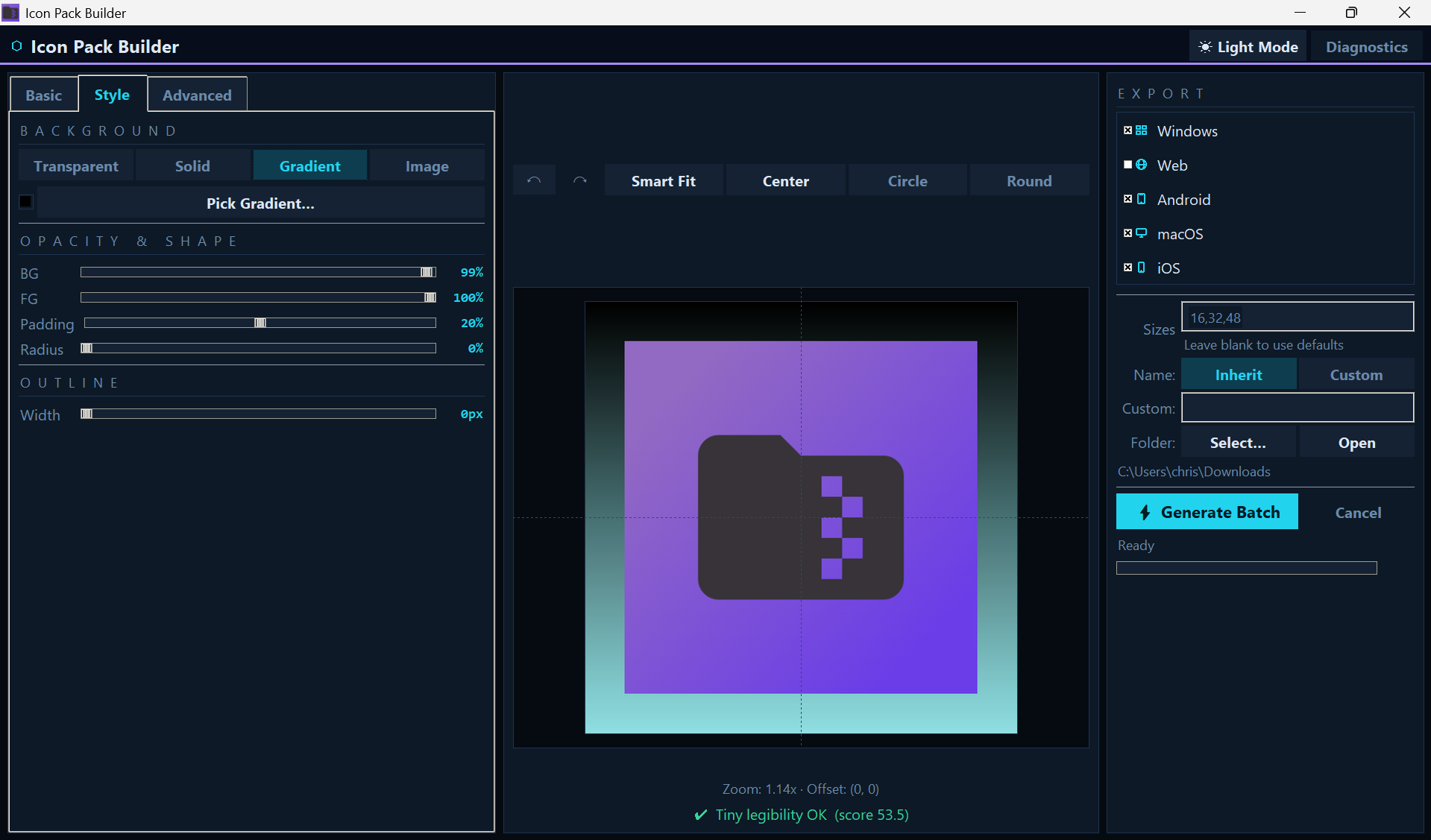
I built a small Windows utility called Icon Pack Builder to reduce that friction.
The goal isn’t to replace design tools; it’s to package existing icon assets cleanly and predictably.
Core principles
- Deterministic folder structure
- Consistent naming conventions
- Multi‑platform output
- Batch processing
- Fully offline
You select one image — or multiple images — and generate complete platform‑ready icon packs in a single run.
Batch processing matters more than it sounds
Most online generators handle one image at a time. When you’re:
- Updating branding across multiple apps
- Preparing portfolio builds
- Managing client assets
- Shipping frequently
you don’t want to manually repeat the same export process.
Batch mode lets you generate structured icon packs for multiple source images in one execution, dramatically cutting repetitive workflow steps.
Offline by design
Many icon generators are web‑based, which means:
- Uploading assets
- Internet dependency
- Server‑side processing
- Potential privacy concerns
Running locally removes those constraints. Everything happens on your machine—no uploads, no subscriptions, no cloud dependency.
Who it’s for
- Indie developers
- Small studios
- Agencies shipping multiple builds
- Developers who prefer predictable tooling
It’s a focused utility solving a specific packaging problem. Sometimes that’s enough.
If you’re interested, you can check it out here:
Icon Pack Builder on Microsoft Store