
Apple Watch sleep score became more useful for me with these settings
Source: 9to5Mac
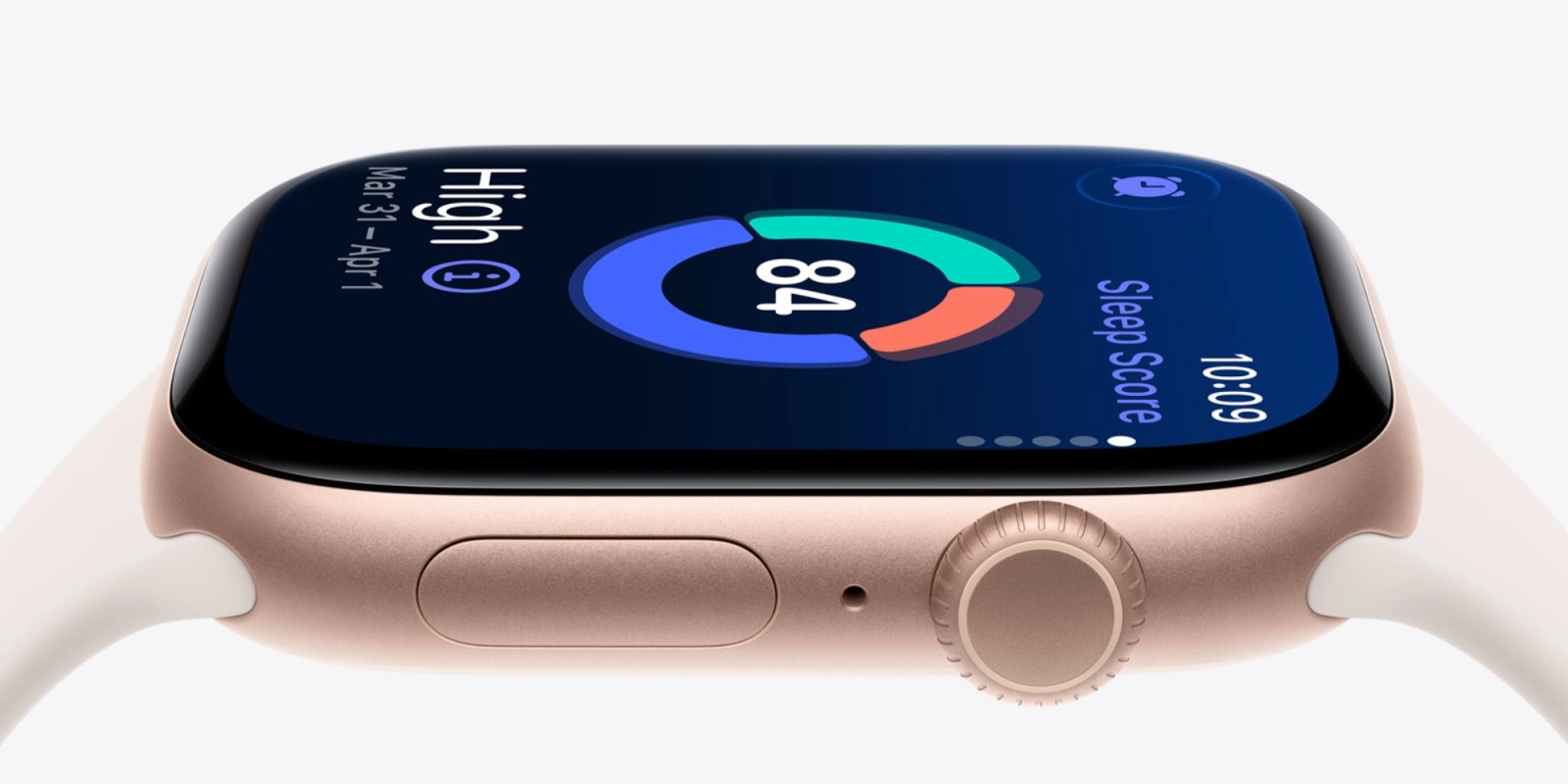
Apple Watch includes a built‑in sleep tracking feature. Just wear your Apple Watch to bed, and it works automatically—no extra apps or special mode needed.
watchOS 26 takes sleep tracking further with Apple’s sleep score feature, a handy way to visualize nightly sleep quality. One setting in particular has made the score especially useful for me.
You can receive sleep score notifications for specific ranges
Sleep score has been a useful Apple Watch feature for me since it arrived in watchOS 26. Shortly after launch, Apple refined its grading approach based on user feedback — see the update details.
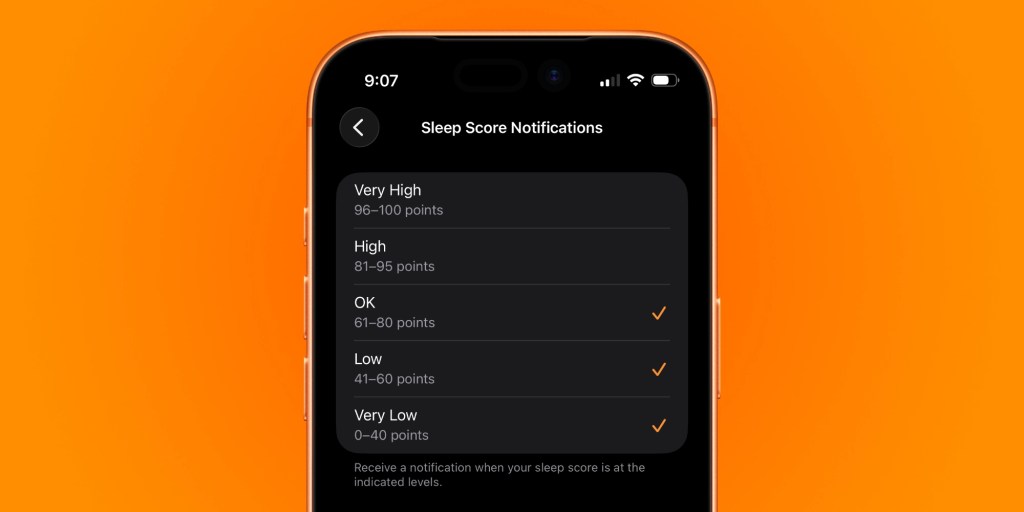
Apple Watch can notify you each morning with a notification that shows your sleep score. I initially liked receiving daily alerts for every new score to understand how the feature measured my sleep. More recently, I’ve found the granular notification controls more helpful.
Sleep score includes five classifications:
- Very Low: 0‑40
- Low: 41‑60
- OK: 61‑80
- High: 81‑95
- Very High: 96+
I’ve chosen to receive notifications only for OK, Low, and Very Low scores. Good nights (High/Very High) should be the norm and don’t need a reminder.
You can toggle specific sleep‑score range notifications from your iPhone or Apple Watch:
- iPhone: Open the Watch app → Sleep section → Sleep Score Notifications → toggle desired ranges.
- Apple Watch: Open Settings → Sleep → Sleep Score Notifications → toggle desired ranges.
How sleep score works on Apple Watch
Apple Watch calculates your sleep score from three components:
- Sleep duration – up to 50 points
- Bedtime consistency – up to 30 points
- Interruptions – up to 20 points
Sleep score requires watchOS 26, which runs on Apple Watch Series 6 and later, Apple Watch Ultra and later, and Apple Watch SE 2 and later.
Apple Watch Series 11 is currently priced from $299 on Amazon (down from $399).
Learn more about sleep tracking with Apple Watch here.
FTC: We use income‑earning auto affiliate links. More.