
Apple Wallet’s new Digital ID feature just added more ways to use it
Source: 9to5Mac
Last fall, Apple launched a new Digital ID feature in the Wallet app. Now, that feature can officially be used as an age verification method in several cases on iPhone. Here’s what that means.
Apple’s Digital ID launched with TSA checkpoint acceptance, and the promise of more to come
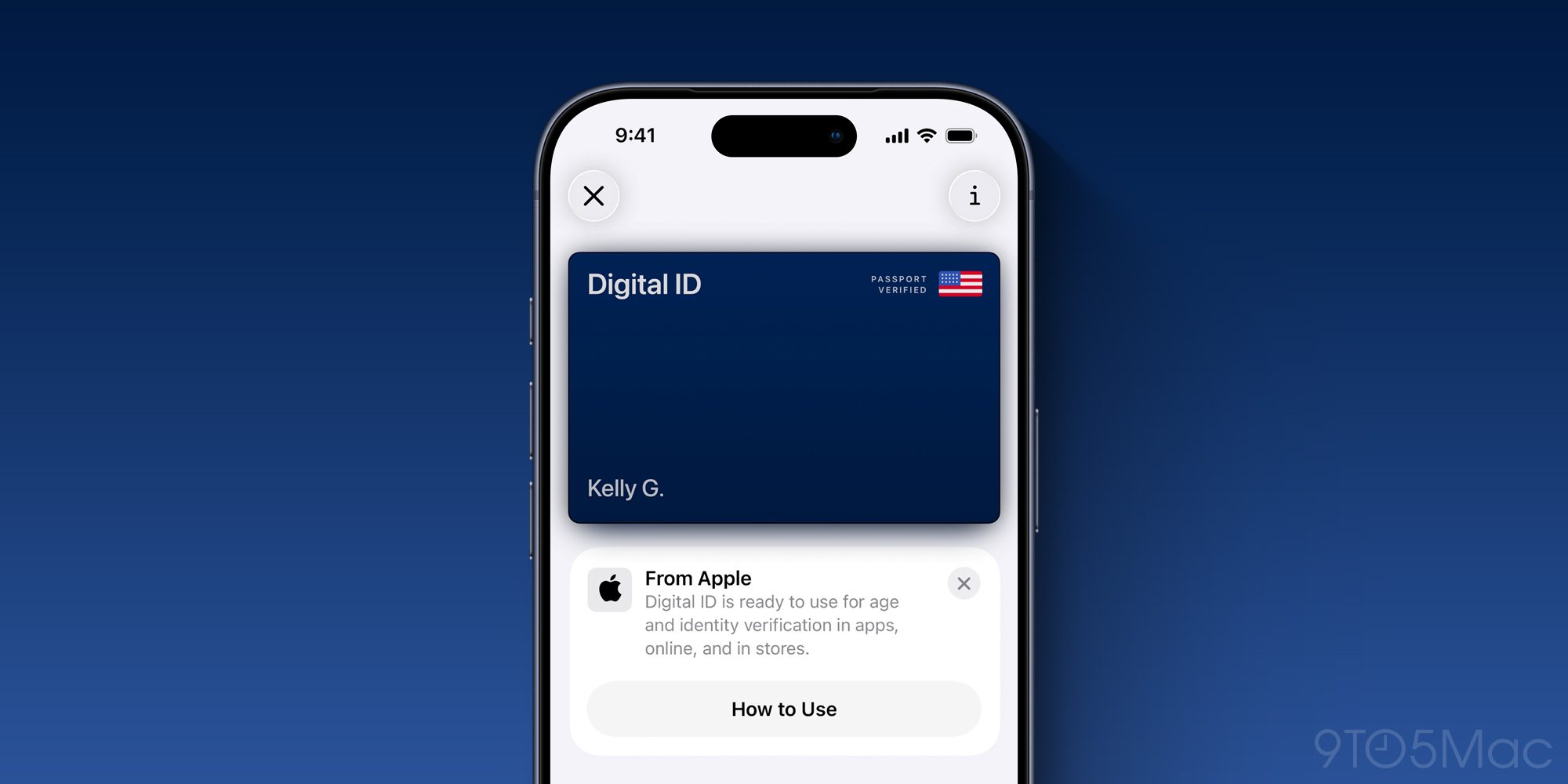
Apple Wallet has offered support for IDs and driver’s licenses for years, but U.S. states have been slow to partner on the feature.
In iOS 26, Apple introduced an alternative solution called Digital ID.
Apple’s description:
Digital ID offers a secure and private way for users to create an ID in Apple Wallet using information from their U.S. passport, and present their ID with iPhone or Apple Watch.
While states are still rolling out digital driver’s licenses, any iPhone user can create a Digital ID with a U.S. passport.
At launch, Digital ID was accepted at TSA security checkpoints in over 250 U.S. airports for domestic travel.
Apple promised more use cases to come. As the company said, “In the future, users will be able to present their Digital ID at additional select businesses and organizations for identity and age verification in person, in apps, and online.” The first part of that promised expansion has now arrived.
Digital ID can now be used for Apple Account and Apple services age verification
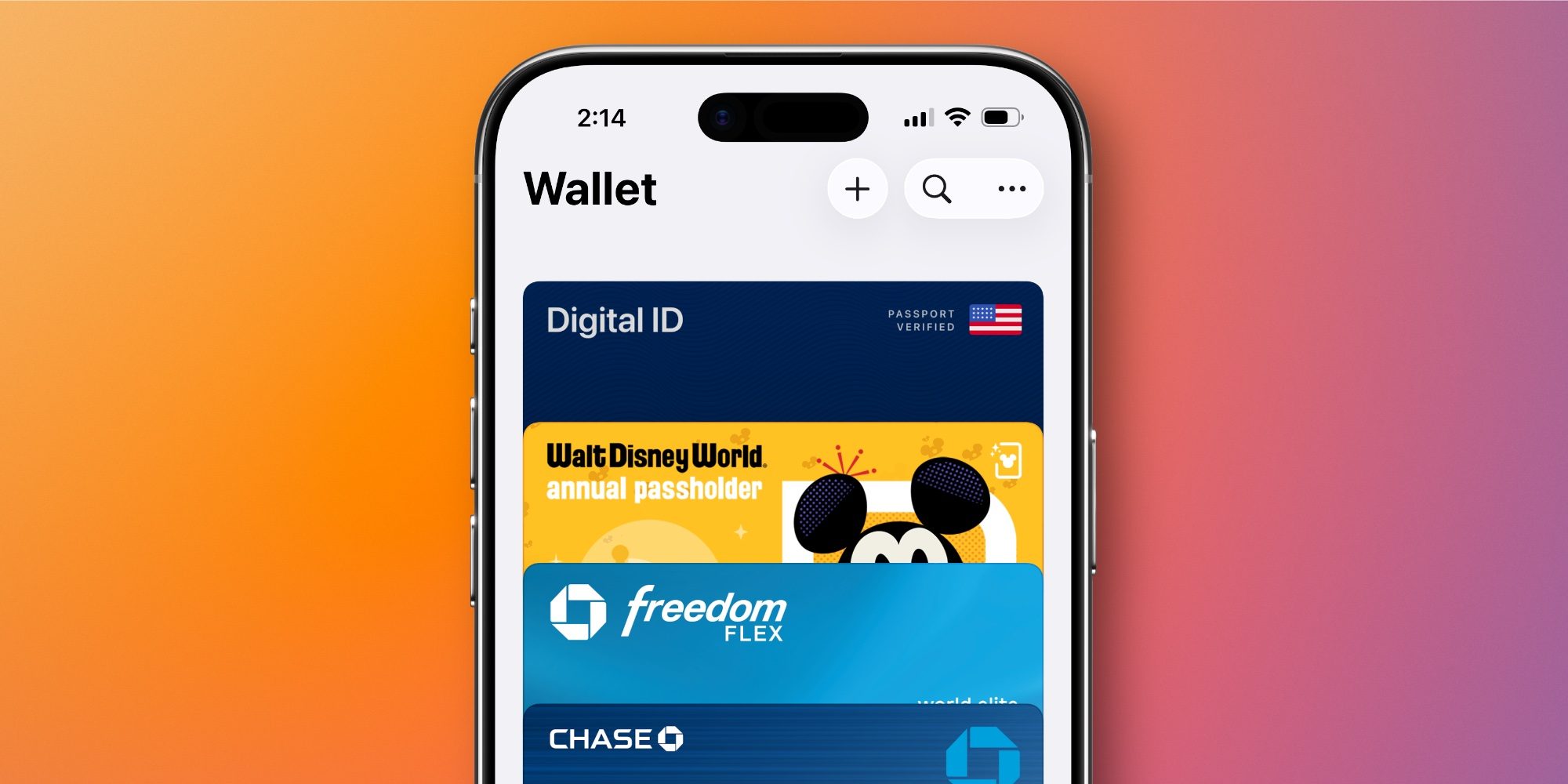
Age verification for apps and online services is a hot topic in legislation and public debate. Recent examples include the UK’s Online Safety Act and Discord’s controversial age‑verification rollout.
In the U.S., state and federal activity around age verification is also increasing.
According to a recent Apple support document, Digital ID is now ready for select age‑verification purposes. The document, titled “If you’re asked to confirm that you’re an adult,” explains what to do when you encounter an age‑verification prompt while creating a new Apple Account or using Apple services.
Apple says you might be asked to confirm you’re an adult when:
- creating a new Apple Account
- updating your device’s software
- changing certain safety settings
- downloading or purchasing apps with an 18+ rating
Supported verification methods include:
- Approved methods: driver’s license or other government‑issued ID, or a credit card. (Passports, debit cards, and gift cards are not supported.)
- Digital ID: a Digital ID in Apple Wallet created using a U.S. passport can be used to confirm that you’re an adult.
Thus, Digital ID is officially accepted as an approved age‑verification method for Apple Accounts and Apple services, allowing users to avoid sharing other, potentially more sensitive forms of ID.
While adoption may still be limited—most early policy changes have occurred overseas rather than in the U.S.—the trend suggests broader use is on the horizon.
Have you used Apple Wallet’s Digital ID yet at an airport or for age verification? Let us know in the comments.