
Android’s Advanced Protection Mode may soon disable a key Chrome feature to boost security
Source: Android Authority
Mishaal Rahman / Android Authority
TL;DR
- Google is testing a new option within Android’s Advanced Protection Mode to disable the WebGPU API in Chrome to prevent security exploits.
- While WebGPU allows for high‑performance rendering, it is susceptible to vulnerabilities that can lead to remote code execution.
- This change follows other recent restrictions discovered in the one‑click security mode, such as limits on the AccessibilityService API.
Advanced Protection Mode
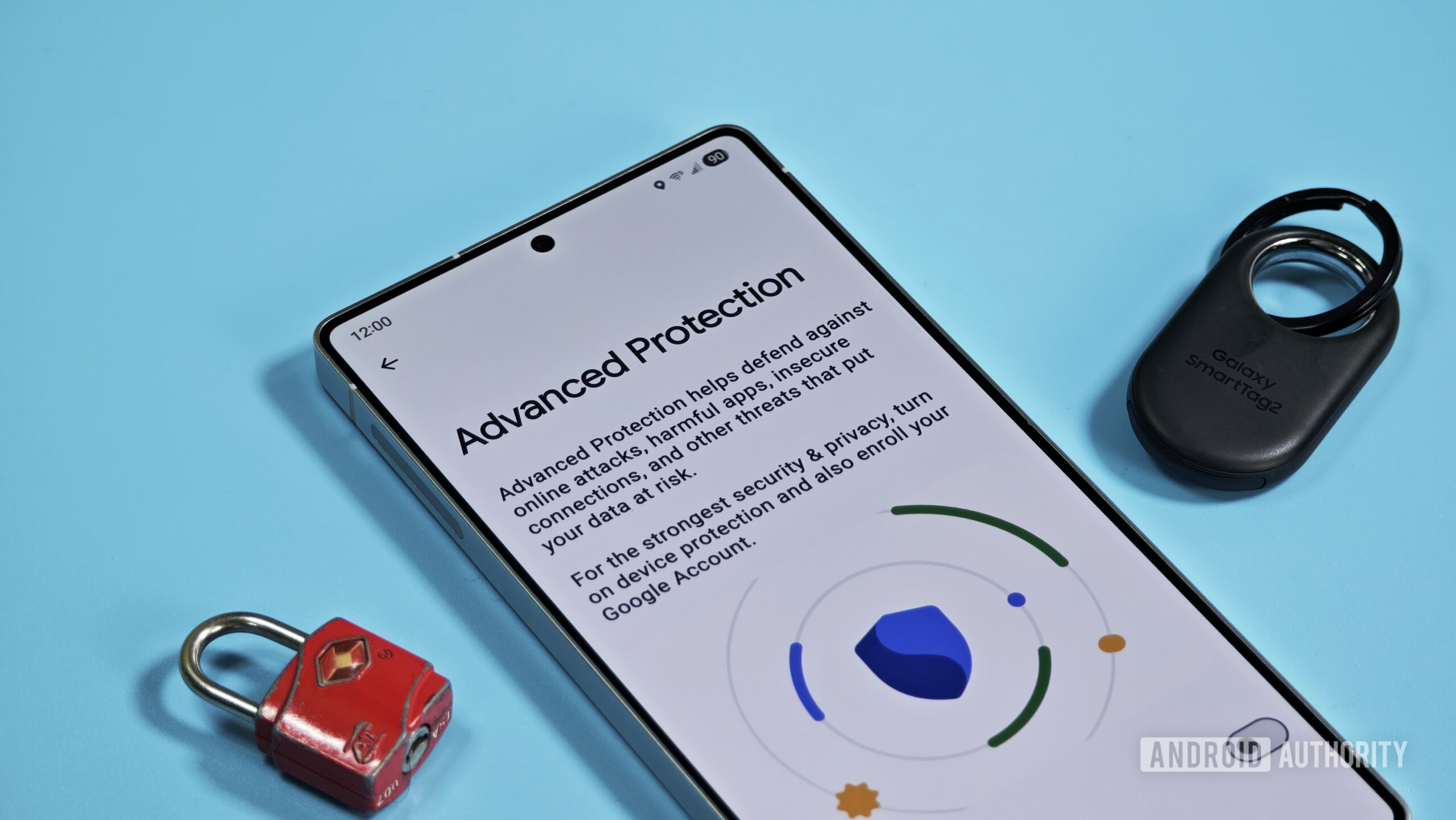
With the launch of Android 16, Google introduced Advanced Protection Mode—a one‑click security mode that enables Android’s highest‑security features to safeguard high‑risk users against online attacks, malicious apps, and data risks.
Recent investigations have shown Google testing restrictions on the AccessibilityService API unless the service is classified as an accessibility tool under Advanced Protection Mode. The latest finding indicates a similar approach for Chrome’s WebGPU API.
What is WebGPU?
The WebGPU API allows web developers to tap into the device’s GPU for high‑performance computations and complex image rendering directly in the browser. It succeeds WebGL, offering:
- Better compatibility with modern GPUs
- Support for general‑purpose GPU (GPGPU) computations
- Faster operations and access to advanced GPU features
WebGPU is enabled by default in Chrome 121+ on Android 12+ devices equipped with Qualcomm or ARM GPUs, meaning it is widely available across many popular phones.
Security Concerns
Despite its performance benefits, WebGPU is susceptible to attacks. Vulnerabilities have been leveraged for remote code execution in the past. While such flaws are eventually patched, there is a window of exposure during which malicious actors can target high‑risk individuals and compromise their security and privacy.
Google’s Planned Change
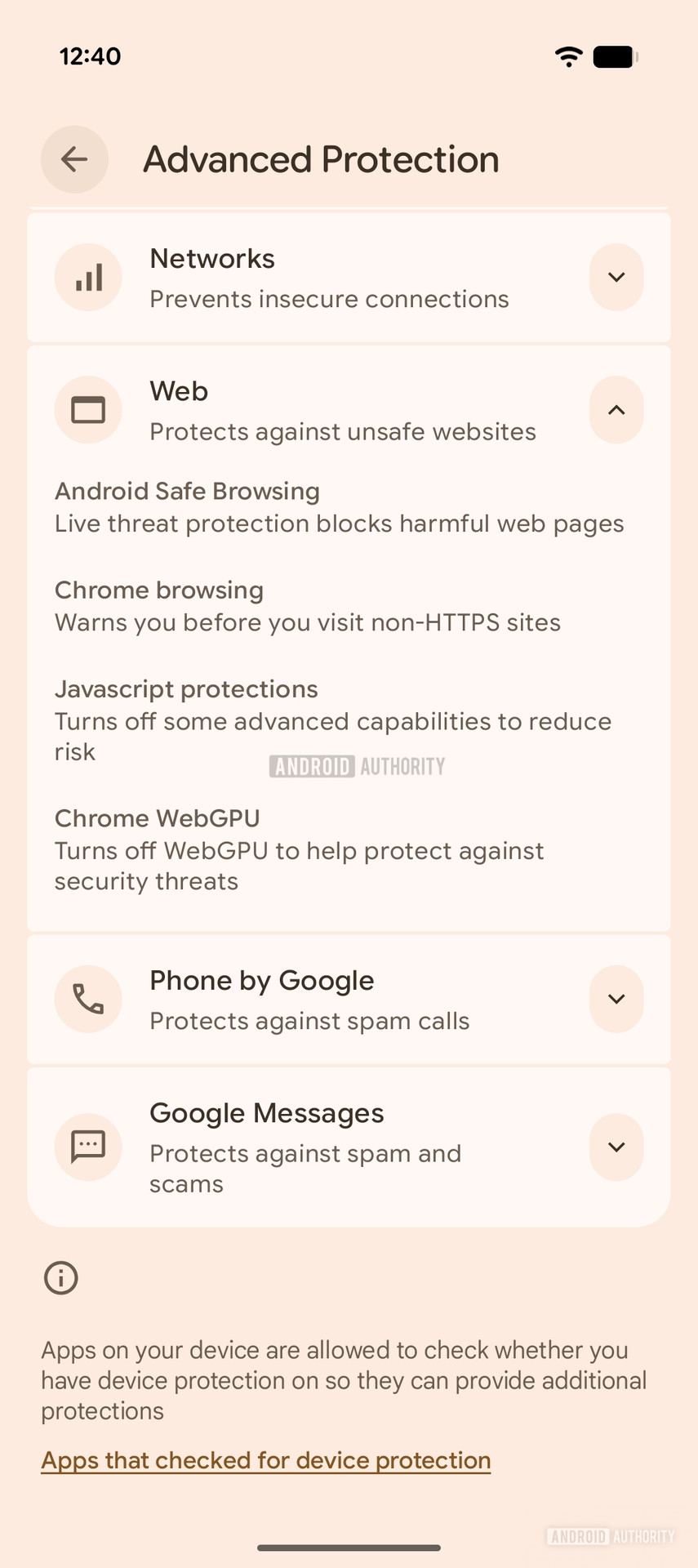
Evidence from Google Play Services v26.10.31 shows a new toggle:
Turn off WebGPU to help protect against security threats
When enabled, this option disables WebGPU in Chrome for users who have Advanced Protection Mode turned on.
AssembleDebug / Android Authority
This upcoming toggle will join other Chrome protection features such as Android Safe Browsing, HTTPS‑only browsing, and JavaScript protections.
⚠️ An APK teardown can predict future service features based on work‑in‑progress code, but predicted features may not always reach a public release.
Outlook
We will continue to monitor the rollout of this WebGPU‑blocking option and provide updates as more information becomes available.