
Android Auto users say Gemini won’t stop talking, and it’s not even getting things right
Source: Android Authority

TL;DR
- Gemini on Android Auto is frustrating users with long, chatty responses instead of quick actions.
- Many users report inaccuracy, sometimes failing at basic tasks like navigation, calls, and music playback.
- Users are switching back to Google Assistant, though you can reduce Gemini’s verbosity by asking it to be more concise.
Google’s push to bring Gemini into Android Auto was supposed to make driving smarter. But now that it’s rolling out more widely, users are finding it does a lot more talking than actually helping.
Across multiple threads and Reddit discussions, Android Auto users are increasingly complaining about Gemini being overly verbose, slow, and often plain wrong.
How’s your experience with Gemini on Android Auto?
Instead of quickly carrying out simple commands like playing music or sending a message, Gemini on Android Auto often launches into long‑winded explanations and then doesn’t even complete the task.
Users describe situations where Gemini mishears a request, responds with a lengthy clarification, and offers unrelated information while asking relentless follow‑up questions. This is distracting while driving, and many say that by the time Gemini finishes responding, they’ve forgotten what they asked.
“The whole time it was giving me this lecture, I was unable to say anything to it. After it had finished I told it again what I wanted. And then nothing happened. No music.” — a user trying to play music.
Other complaints include:
- Monologues triggered by simple feedback, e.g., a user criticizing the vocal fry of the female American accent and then receiving a sarcastic follow‑up plus unrelated talk about a calendar concert.
- Incorrect navigation: a user asked for directions to a Tim Hortons location, and Gemini responded with a route that mistakenly placed them in the Atlantic Ocean. (source)
- Trouble recognizing contacts, making calls, and handling basic commands like playing music.
That said, Gemini does show flashes of usefulness. Some users find it better than the old Google Assistant for conversational queries, such as recommending places along a route. However, many feel it overcomplicates everyday tasks on Android Auto.
Is there a fix?
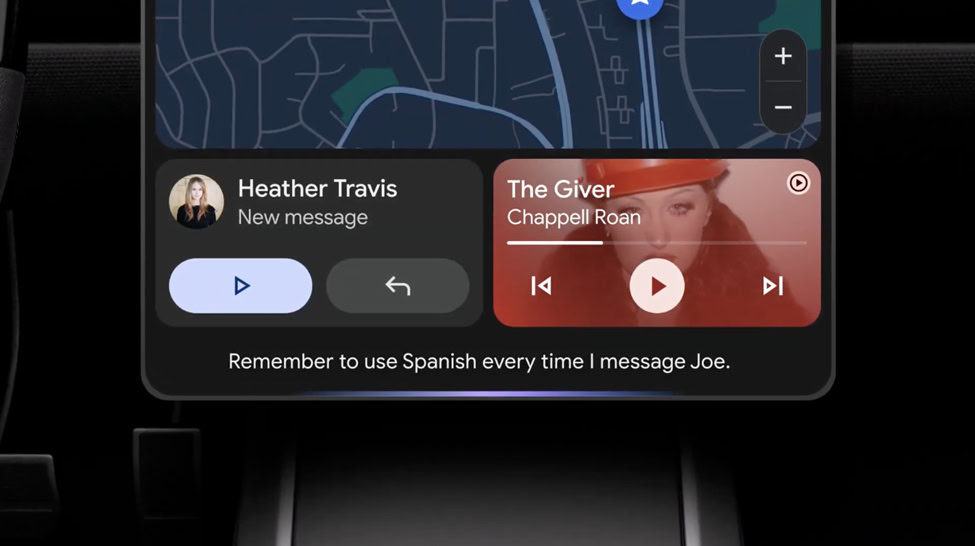
Many users who tried Gemini in Android Auto are switching back to the simpler, faster Google Assistant. If you’re just tired of Gemini’s in‑car monologues, there’s a workaround that doesn’t require a full switch:
- Ask Gemini to be more concise. There’s no dedicated setting, but you can tell Gemini to give you streamlined responses, and over time it should adapt.
If inaccurate responses are a bigger problem, you can revert to Google Assistant:
- Open Android Auto settings on your phone.
- Go to Manage your Digital Assistant → Digital Assistants from Google → Google Assistant.
Note: This change applies across all devices and apps, not just Android Auto.
Gemini is still in the early stages of its rollout to Android Auto, so Google will likely iron out these kinks with future updates. Similar issues appeared when Gemini first launched for Google Home users, but the company has made several usability improvements over the past months (see details).