
6 ways I use Google Maps even when not navigating
Source: Android Authority

While most people associate Google Maps with real‑time navigation, the app has packed in plenty of features over the years. In addition to offline maps, there’s a lot of helpful info you can find in the app that makes it useful even when you’re not driving.
1. Refreshing my memory
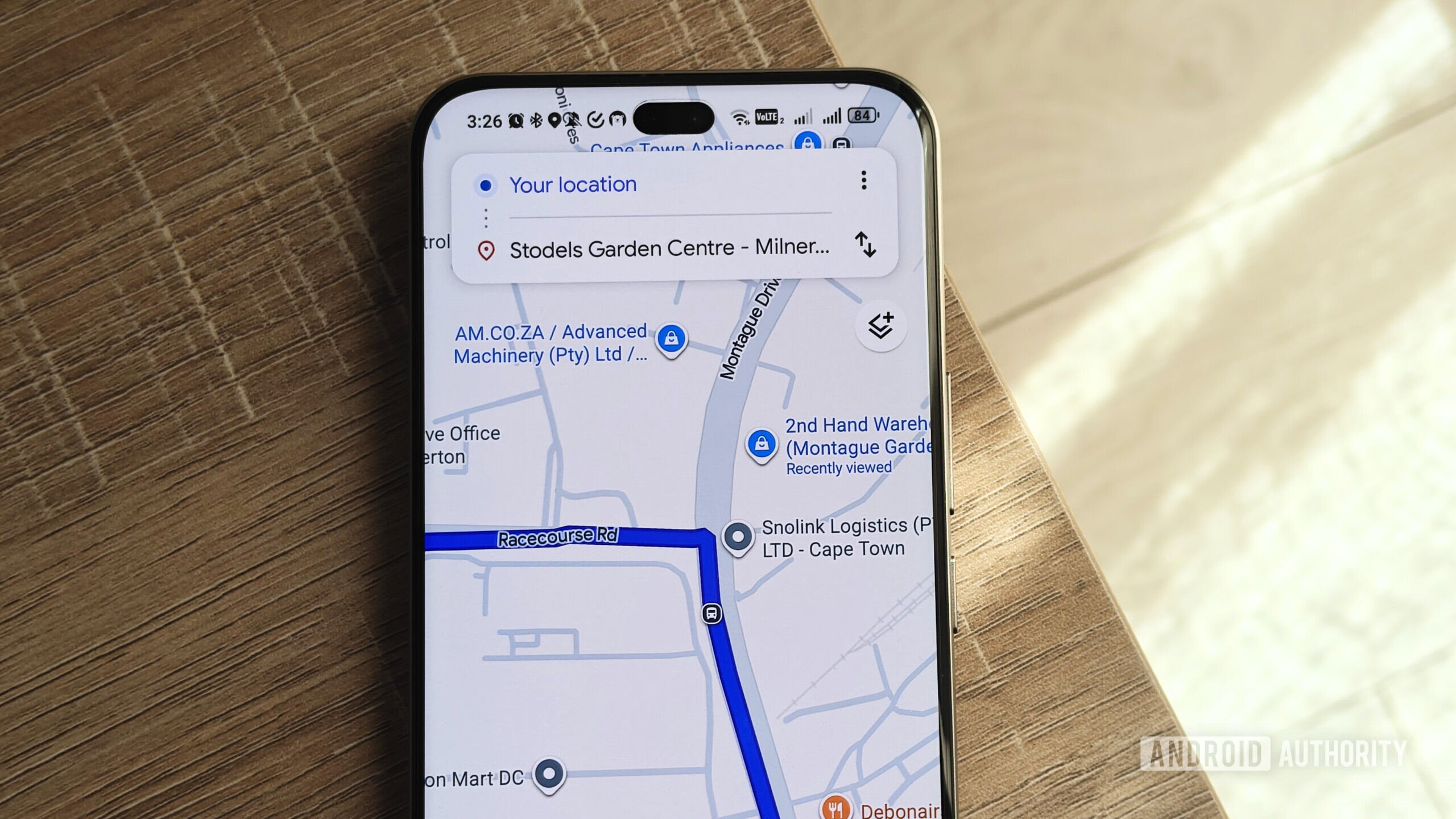
If I haven’t driven a route in a while, I like to open Google Maps to refresh my memory about the turns and road names. A quick glance helps me confirm the correct route before I set off, especially for trips to places I haven’t visited recently.
2. Checking out the parking situation for locations
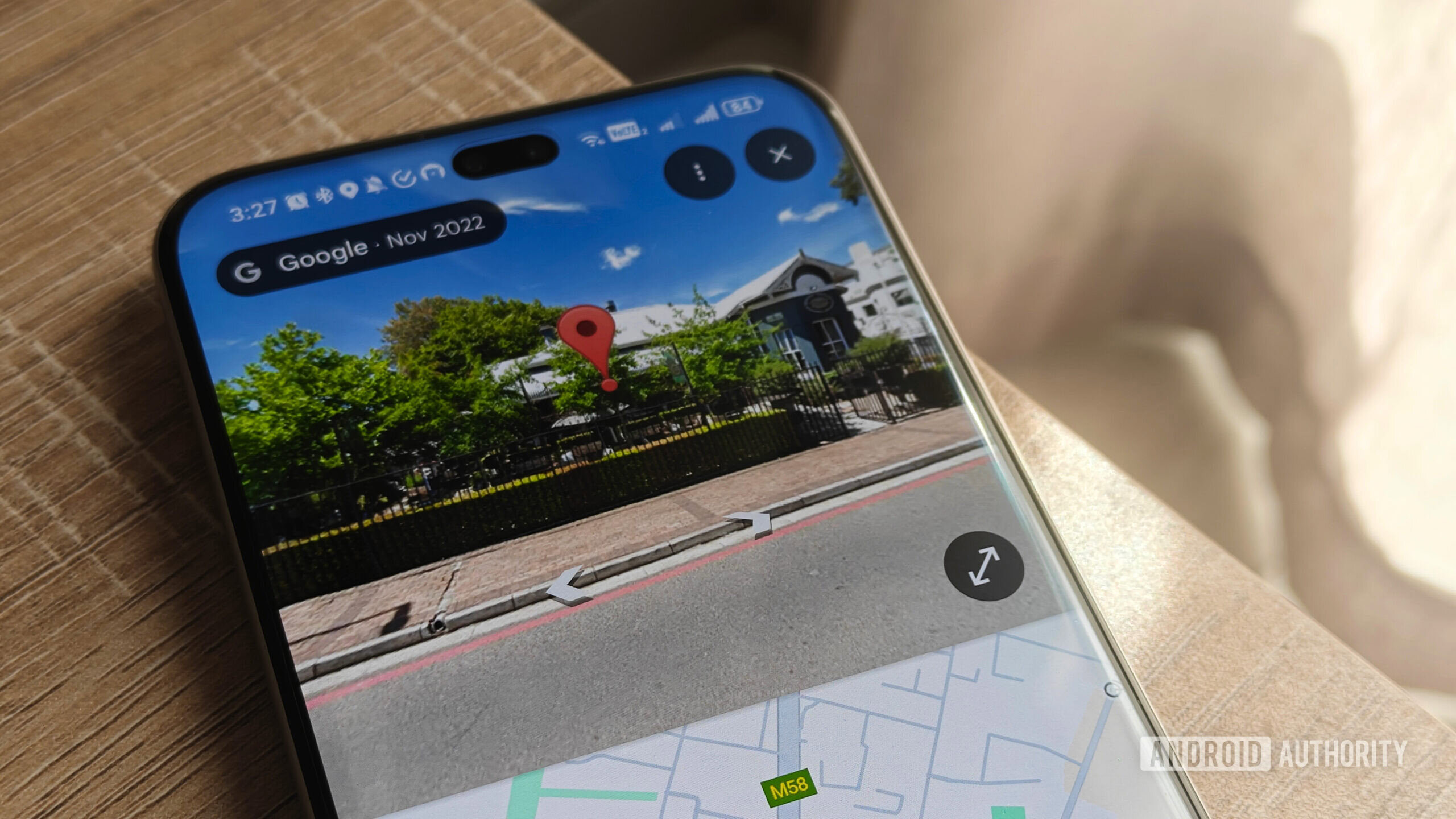
Using Street View, I can scout the area around a destination to see if there’s dedicated parking, nearby side streets, or a parking garage. If the on‑street parking looks scarce, I can decide to take an Uber instead of risking a stressful search for a spot.
3. Seeing traffic at different times
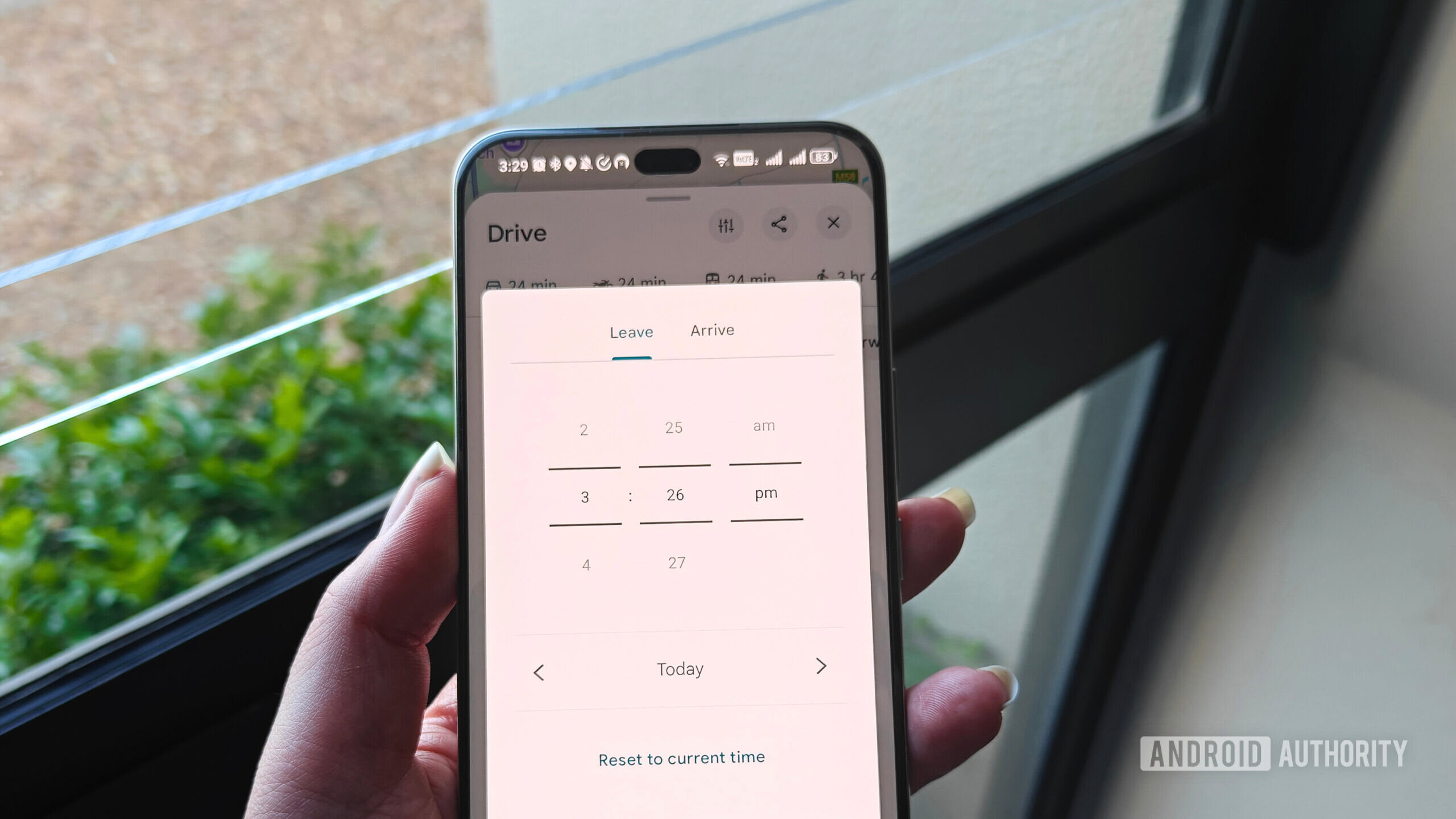
Google Maps lets you adjust the departure time for a route, showing the expected travel duration based on historical traffic patterns. This helps me plan the best time to leave for appointments, the airport, or any trip where I need to account for congestion.
4. Finding shops and restaurants nearby
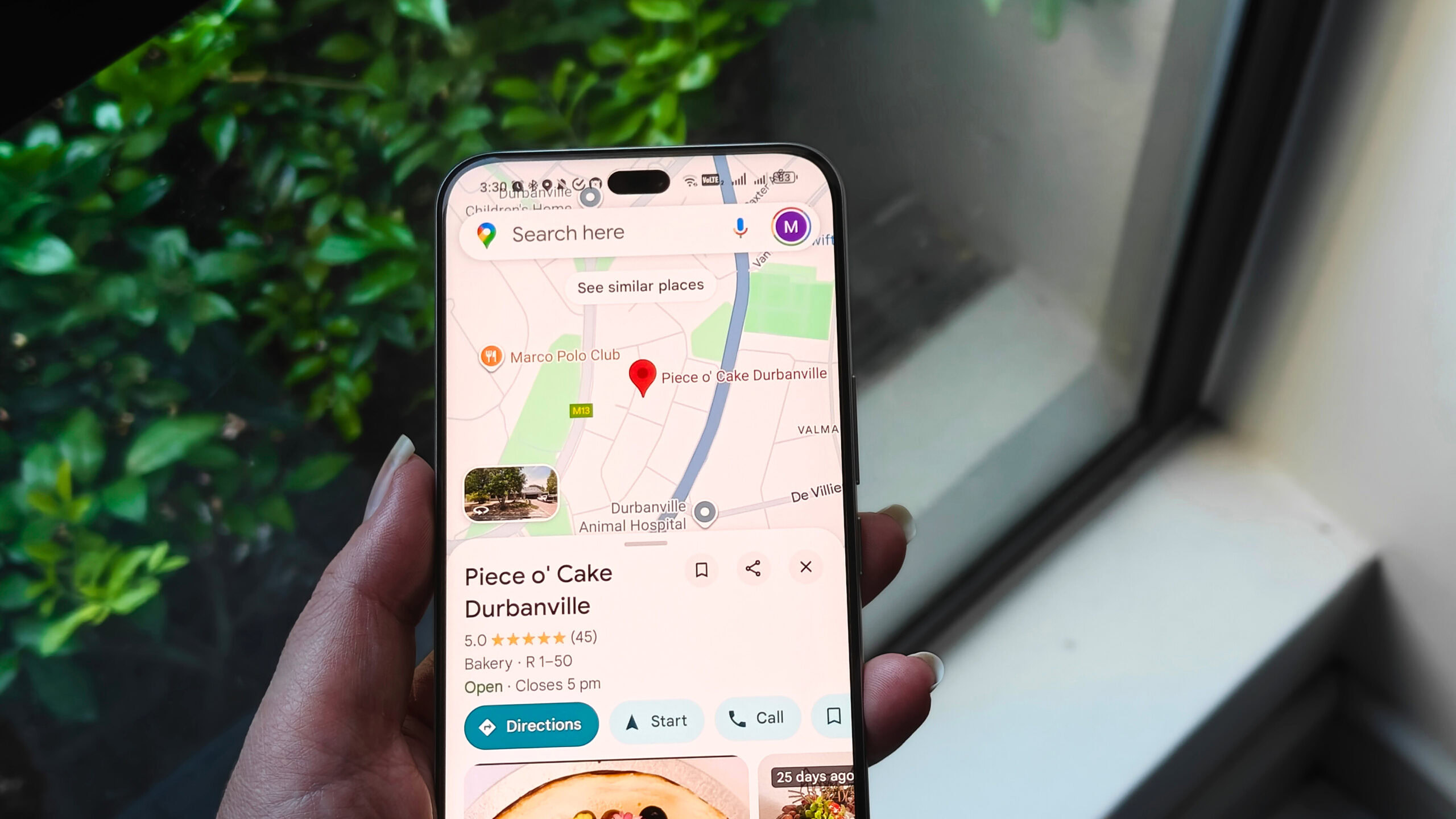
The app’s local search shows nearby eateries and stores, even those without a dedicated website. It’s handy for discovering lesser‑known spots, especially in areas I want to avoid the usual tourist crowds.
5. Exploring places you’ve never been to
Google Maps’ “Explore” tab highlights attractions, parks, and points of interest around a location. I use it to get ideas for weekend outings or to learn about hidden gems in a new neighborhood.
6. Saving places for later
You can star locations, add them to custom lists, and even download offline versions of maps. This makes it easy to keep a personal catalog of favorite coffee shops, gyms, or hiking trails without needing an internet connection.